📰 Newspapers

Google now lets people connect Gemini to their bank accounts

Google now lets people connect Gemini to their bank accounts

This is for spending analysis and not for making purchases.

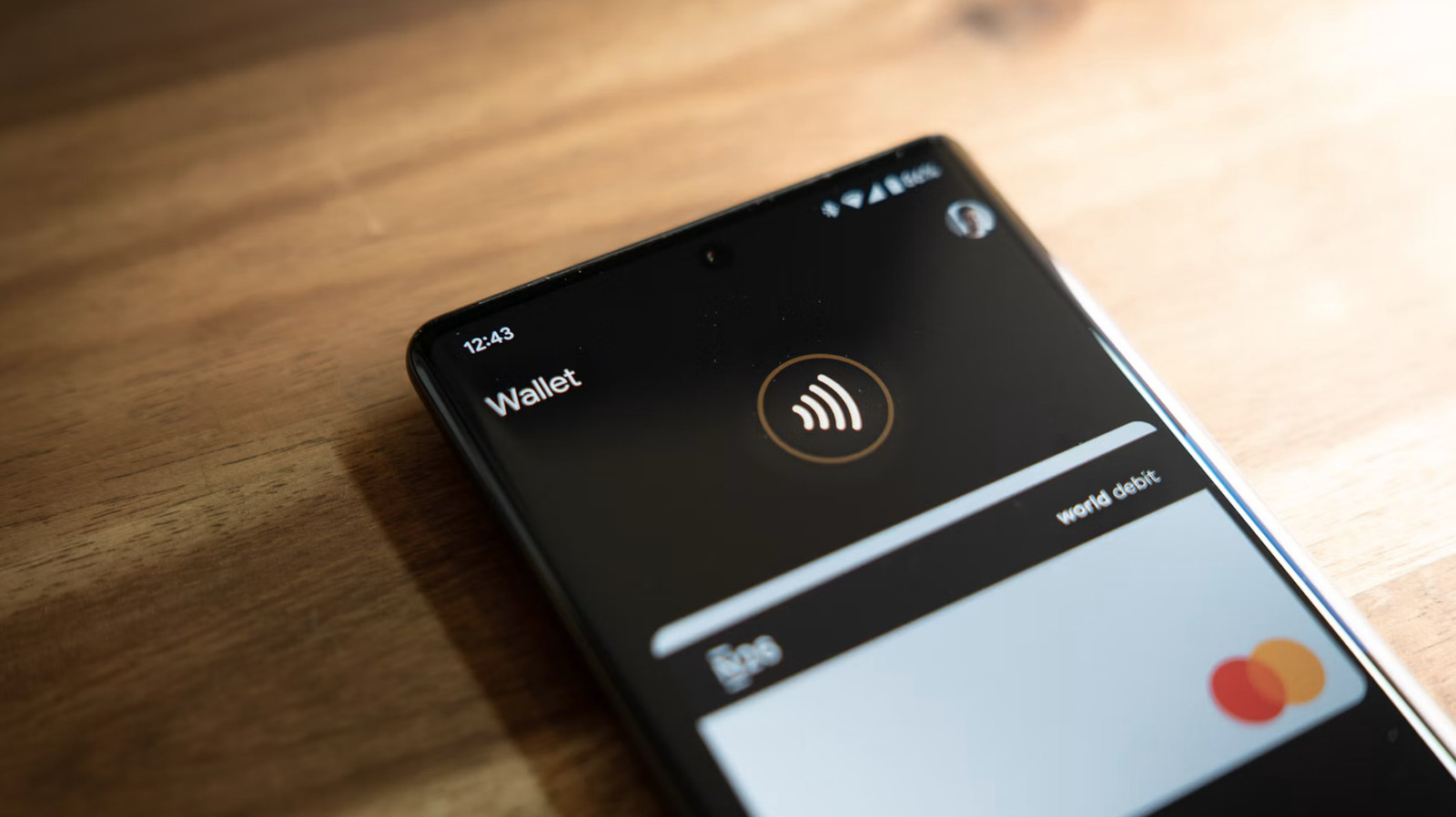
Google just announced that Gemini users can now connect the chatbot to their bank accounts via integration with Google Wallet. This is not a shopping platform in which chatbots buy stuff on command, like Meta Muse. Rather, it's being pitched as a way for users to "get more tailored responses around personal finance."

Once connected, folks can ask the chatbot questions about their accounts. This could, in theory, help save money by finding unnecessary subscriptions and the like. Google gives an example of the chatbot sussing out a price increase for a particular subscription. This information could already be gleaned by just looking at a bank statement or two, but where would be the fun in that?

Personal Intelligence in Gemini securely connects information from apps you already use to make your experience more personalized and helpful. Today, we're adding Google Wallet to the list of connected apps so you can get more tailored responses in the @GeminiApp around personal...

The company does give a couple of examples that go above and beyond what one would find by staring at a banking app. Users can ask Gemini to come up with specific budgets for predetermined time periods, complete with "dynamic charts tracking cash flow, asset allocation" and more.


In brief

This is for spending analysis and not for making purchases. Google just announced that Gemini users can now connect the chatbot to their bank accounts via integration with Google Wallet. Once connected, folks can ask the chatbot questions about their accounts. Personal Intelligence in Gemini securely connects information from apps you already use to make your experience more personalized and helpful.

This is the opening of the story, shared with credit to Engadget. The rest of the report — with every detail — continues on the publisher’s website.

Continue reading at Engadget ↗

Cookie settings

Choose which cookies we may use. You can change this at any time from Cookie settings in the footer. Details of each cookie are in the Cookie Policy.

Strictly necessary

Needed for sign-in, security, payments and remembering these choices. Always on.

Preferences

Remember settings such as dark mode.

Analytics & performance

Help us count visits, understand which pages, devices and countries our readers use, and measure how well the site performs – anonymous and aggregated.

Advertising & marketing

Lets advertising partners show and personalise adverts, measure impressions, clicks and visits, prevent ad fraud and pay us – this is how the free site is funded.

🔔 News notifications

Get headlines from NewsHub on this device — even when the site is closed.

You can switch this off at any time. Works on Android, Windows, Mac and Linux browsers; on iPhone/iPad add the site to your Home Screen first.