📰 Newspapers

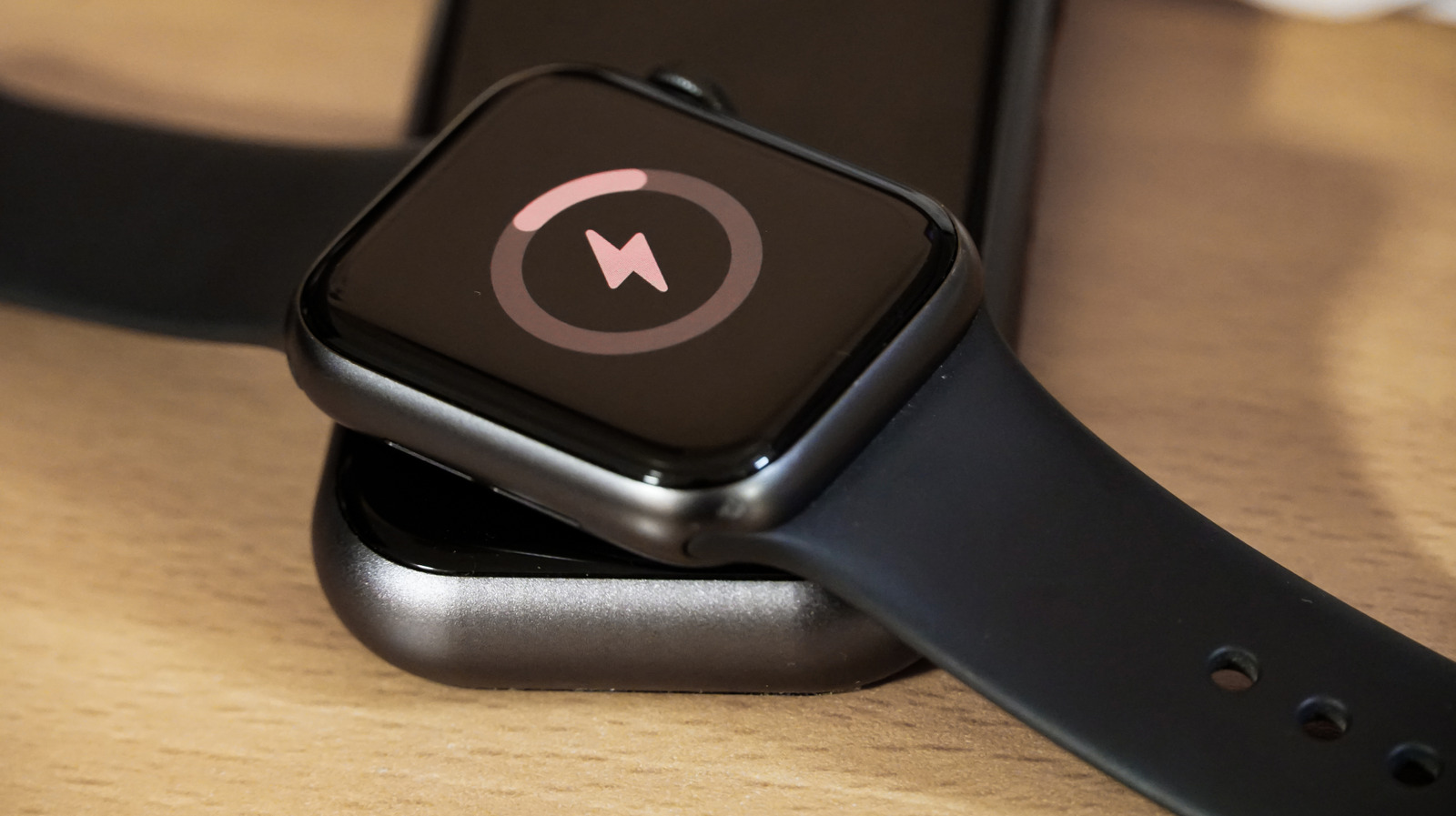
Checking your Apple Watch's battery health is easier than you think

Checking your Apple Watch's battery health is easier than you think

The Apple Watch's battery life is undoubtedly impressive but you'll need to keep an eye on the health of the battery to keep it working at its best.

At 50 hours of normal use on a single charge and 84 hours in low power mode, the new Apple Watch Ultra 4's battery life is eye-popping, but nothing lasts forever.

Whether it's an iPhone, iPad or Apple Watch, any device's lithium-ion batteries get weaker as they age. This leads to less time between charging sessions, less overall battery capacity and generally worse performance.

Although Apple says every model starting from the Series 5, SE and Ultra has software that reduces the risk of poor performance in these cases, you should still keep an eye on your battery health. So whether you ultimately decide to replace it or buy a whole new watch, these are the steps you need to take to check the health of your battery.

Checking your Apple Watch's battery status is simple. Go to Settings > Battery > Battery Health. Here, you can activate optimized battery charging and learn about your maximum battery capacity. A lower capacity will likely lead to fewer hours of use before you need to charge it. Similar to an iPhone, making a trip to the Genius Bar might be needed once the Apple Watch battery's max capacity dips below 80%.

Luckily, if you don't keep a close eye on it in the settings menu, you will still get an alert letting…

In brief

At 50 hours of normal use on a single charge and 84 hours in low power mode, the new Apple Watch Ultra 4's battery life is eye-popping, but nothing lasts forever. Checking your Apple Watch's battery status is simple. Go to Settings > Battery > Battery Health. Here, you can activate optimized battery charging and learn about your maximum battery capacity.

This is the opening of the story, shared with credit to Engadget. The rest of the report — with every detail — continues on the publisher’s website.

Continue reading at Engadget ↗

Cookie settings

Choose which cookies we may use. You can change this at any time from Cookie settings in the footer. Details of each cookie are in the Cookie Policy.

Strictly necessary

Needed for sign-in, security, payments and remembering these choices. Always on.

Preferences

Remember settings such as dark mode.

Analytics & performance

Help us count visits, understand which pages, devices and countries our readers use, and measure how well the site performs – anonymous and aggregated.

Advertising & marketing

Lets advertising partners show and personalise adverts, measure impressions, clicks and visits, prevent ad fraud and pay us – this is how the free site is funded.

🔔 News notifications

Get headlines from NewsHub on this device — even when the site is closed.

You can switch this off at any time. Works on Android, Windows, Mac and Linux browsers; on iPhone/iPad add the site to your Home Screen first.