📰 Newspapers

How to make your Nintendo Switch 2 battery last longer

How to make your Nintendo Switch 2 battery last longer

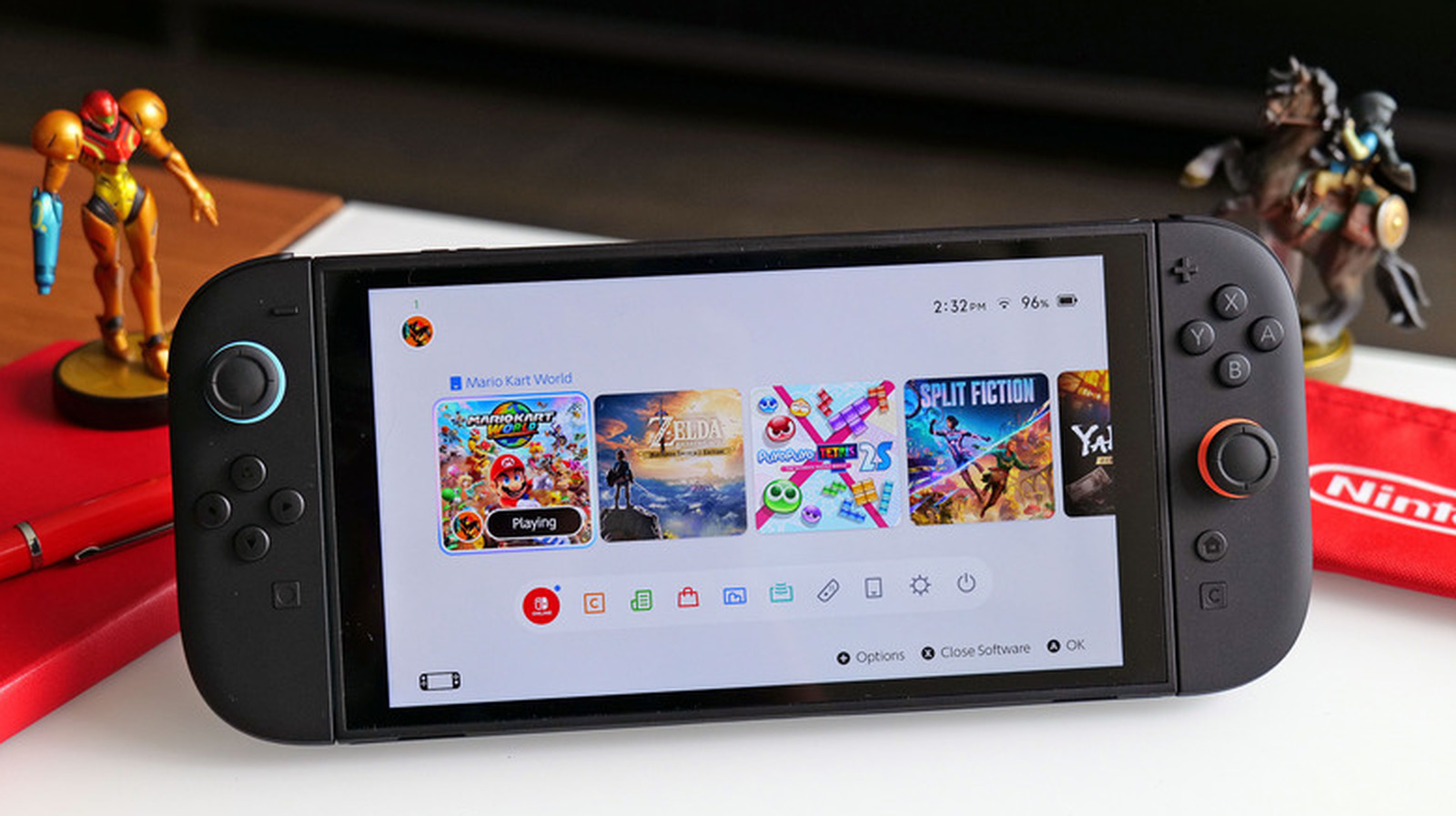
The Switch 2's battery life varies depending on what game you're playing, but changing some settings can also help you maximize how long it lasts.

Try these tweaks if your Switch 2 won't run your favorite games away from the dock for long.

By the time the Nintendo Switch 2 finally arrived last year, its forebear was lagging behind many mid-range smartphones in the chipset department. This time, Nintendo really delivered on a console that handles modern games comfortably.

But with great power comes tradeoffs, and the biggest one for the Switch 2 is battery life. Like with most gaming handhelds, the Nintendo Switch 2's battery life is given as a range rather than a specific number of hours. According to Nintendo, you can expect 2 to 6.5 hours on a full charge in handheld or tabletop mode (the console is always plugged into power when docked). But this can vary significantly depending on what games you play and your console settings.

If you play a lot of processor-intensive 3D games, which the Switch 2 is much better equipped to handle than the first Switch, you're going to have to charge the console a lot. If you're planning to make it your portable Cyberpunk 2077 machine, expect the battery life to fall close to the lower end of Nintendo's quoted range. In most cases, it will be difficult to find a game and setup that'll last you the full 6.5 hours.


In brief

Try these tweaks if your Switch 2 won't run your favorite games away from the dock for long. By the time the Nintendo Switch 2 finally arrived last year, its forebear was lagging behind many mid-range smartphones in the chipset department. This time, Nintendo really delivered on a console that handles modern games comfortably. Like with most gaming handhelds, the Nintendo Switch 2's battery life is given as a range rather than a specific number of hours.

This is the opening of the story, shared with credit to Engadget. The rest of the report — with every detail — continues on the publisher’s website.

Continue reading at Engadget ↗

Cookie settings

Choose which cookies we may use. You can change this at any time from Cookie settings in the footer. Details of each cookie are in the Cookie Policy.

Strictly necessary

Needed for sign-in, security, payments and remembering these choices. Always on.

Preferences

Remember settings such as dark mode.

Analytics & performance

Help us count visits, understand which pages, devices and countries our readers use, and measure how well the site performs – anonymous and aggregated.

Advertising & marketing

Lets advertising partners show and personalise adverts, measure impressions, clicks and visits, prevent ad fraud and pay us – this is how the free site is funded.

🔔 News notifications

Get headlines from NewsHub on this device — even when the site is closed.

You can switch this off at any time. Works on Android, Windows, Mac and Linux browsers; on iPhone/iPad add the site to your Home Screen first.