📰 Newspapers

Is your car tracking your location? Here's how to check and opt out

Is your car tracking your location? Here's how to check and opt out

Modern cars are great for farming user data, and big tech companies know it. It's important to know how this information is collected and how to opt out.

Where you drive is your business. Your car may disagree.

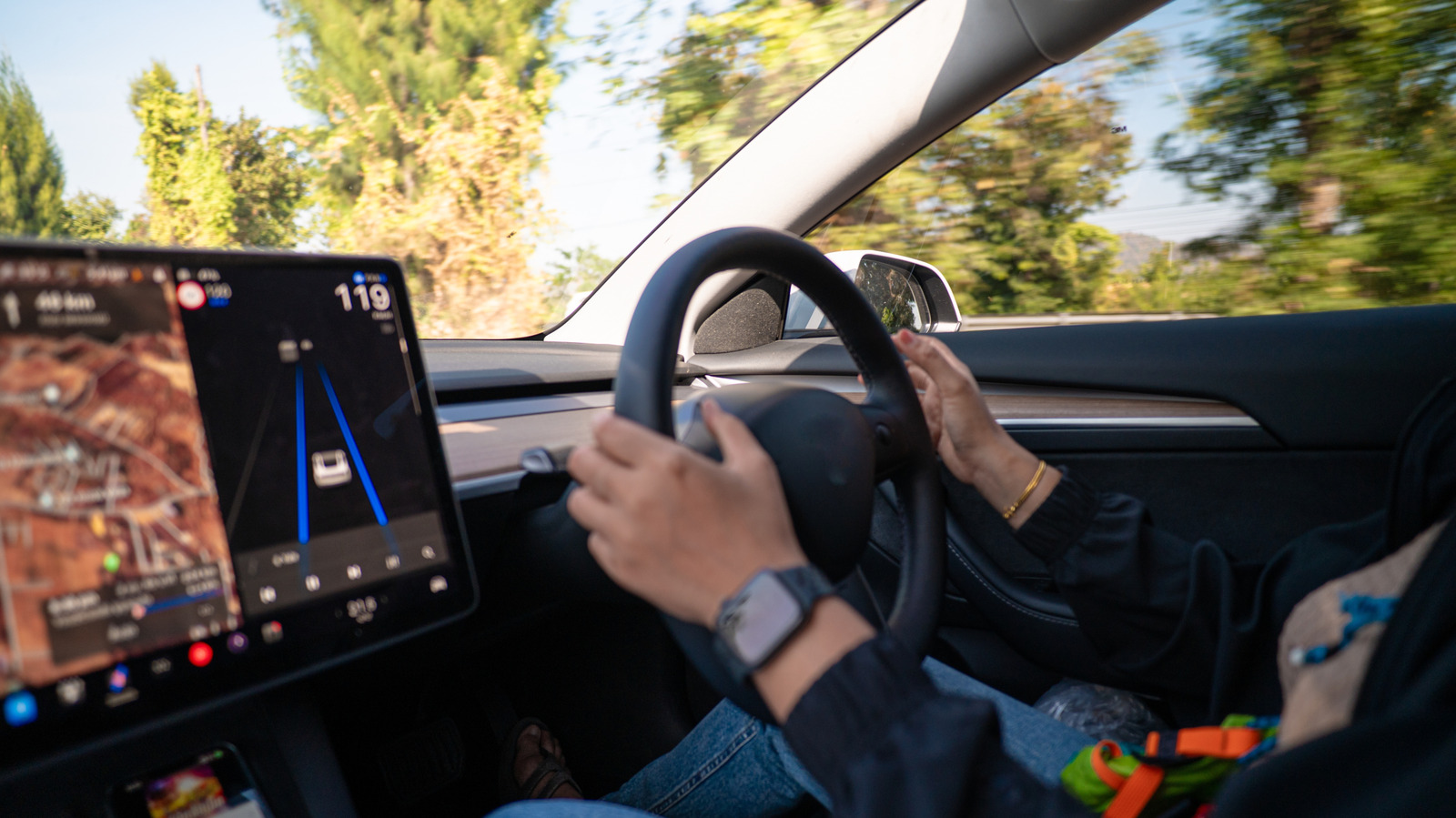
If you drive a car built sometime in the past few years, it's almost certainly tracking your location. Modern vehicles function less like cars and more like computers on wheels these days, collecting data through GPS navigation, connected services, telematics systems and manufacturer apps.

While it all started innocently enough, with manufacturers using the collected data to understand how the cars were being driven, reasons behind crashes and so on and so forth, that data has become a source of income for them. The data can be shared with insurers, marketing companies and data brokers, sometimes without explicit driver consent.

As you'd expect, it all depends on what car make, model and year you are driving. Each will collect certain information based on what sensors are available, and you'll have to dig through the menus to even be able to cancel anything. Another way to ensure your car has less info on you is to avoid pairing your phone to it, as that gives it access to your contacts, call logs, music, location and more.

That means all those useful Android Auto and CarPlay features won't be available. But at least your car will spy less on you.


In brief

Where you drive is your business. If you drive a car built sometime in the past few years, it's almost certainly tracking your location. Another way to ensure your car has less info on you is to avoid pairing your phone to it, as that gives it access to your contacts, call logs, music, location and more. But at least your car will spy less on you.

This is the opening of the story, shared with credit to Engadget. The rest of the report — with every detail — continues on the publisher’s website.

Continue reading at Engadget ↗

Cookie settings

Choose which cookies we may use. You can change this at any time from Cookie settings in the footer. Details of each cookie are in the Cookie Policy.

Strictly necessary

Needed for sign-in, security, payments and remembering these choices. Always on.

Preferences

Remember settings such as dark mode.

Analytics & performance

Help us count visits, understand which pages, devices and countries our readers use, and measure how well the site performs – anonymous and aggregated.

Advertising & marketing

Lets advertising partners show and personalise adverts, measure impressions, clicks and visits, prevent ad fraud and pay us – this is how the free site is funded.

🔔 News notifications

Get headlines from NewsHub on this device — even when the site is closed.

You can switch this off at any time. Works on Android, Windows, Mac and Linux browsers; on iPhone/iPad add the site to your Home Screen first.