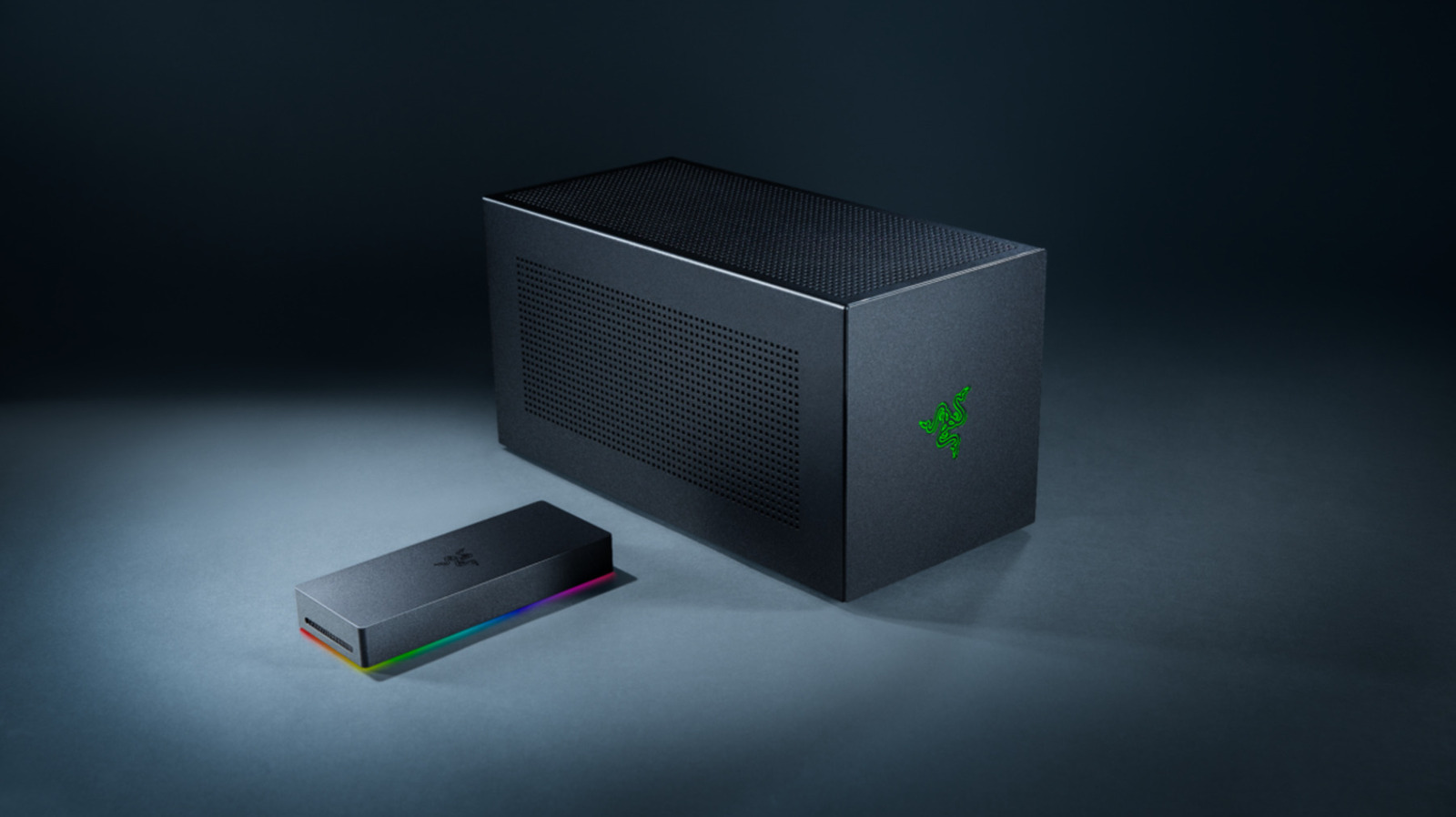
An eGPU can bring desktop-class graphics to a laptop, but cables, bandwidth limits and extra costs can eat into the advantage.
Connecting a desktop graphics card to your laptop seems like a neat solution to one of the oldest problems in portable computing. Use the thin machine for work and travel, and connect to a much more powerful GPU when you get home. An external GPU (eGPU) can do just that, but all that extra graphics power still has to travel through Thunderbolt or USB4 instead of the direct internal connection used by a built-in laptop GPU. That bandwidth bottleneck can eat into the desktop card's advantage, and the cable it's connected to holds sway as well.
In this comparison, "onboard" primarily refers to a dedicated GPU built into the laptop, not the integrated graphics in the laptop's processor. Even when a laptop GPU shares its name with a desktop GPU, the hardware can be vastly different. The RTX 5090 Laptop GPU features 10,496 CUDA cores, 24GB of GDDR7 memory, and a GPU subsystem power range of 95W to 150W. Meanwhile, you'll find 21,760 CUDA cores and 32GB of GDDR7 memory on NVIDIA's desktop RTX 5090. That's a significant gap before even considering bottlenecks, like Thunderbolt.