📰 Newspapers

The charging mistakes that could ruin your Nintendo Switch's battery

The charging mistakes that could ruin your Nintendo Switch's battery

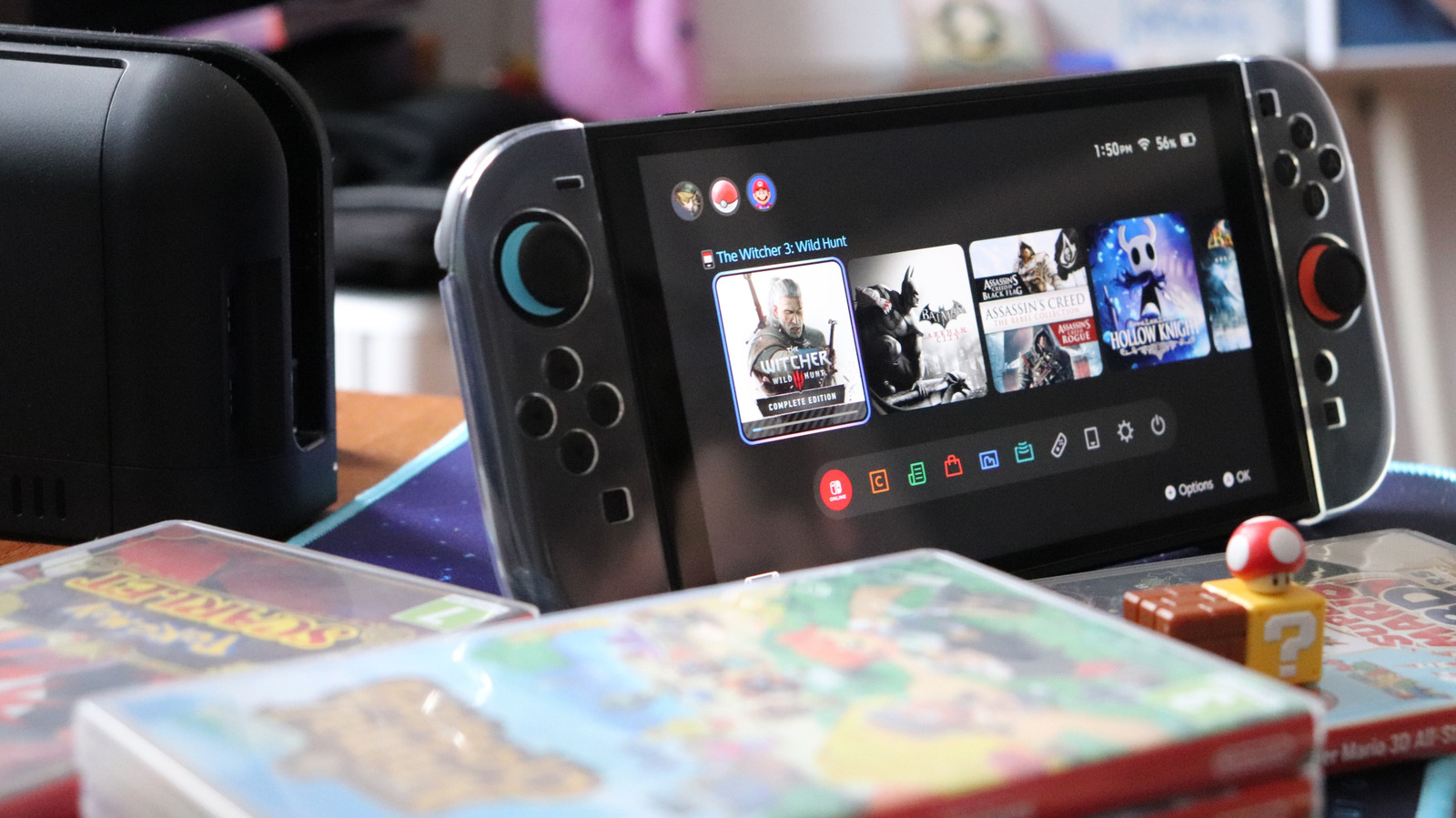
To avoid turning your Nintendo Switch into just another stationary console, there are a few common and easy-to-overlook charging mistakes you'll want to avoid

Don't let bad charging habits turn your battery from Super to Super Smashed.

As great as handheld consoles can be, from the familiar-feeling Switch 2 to the Steam Deck OLED that still holds up against other PC handhelds, their batteries really are their Achilles' heel. There's only so much playtime you can squeeze out of any portable device, and the more powerful the console, the shorter that tends to be. Moreover, most recent handhelds aren't designed for quick battery replacement. It's doable — Nintendo even provides instructions — but it's not like slapping a few AAs into a flashlight.

On a long enough timeline, all Switch batteries are bound to degrade until your console is only usable when docked. It's just a fact of lithium-ion technology. But if you're careful about how you charge, you can prolong this fate. If you're lucky, you might push things off until Nintendo's next-gen console arrives, whether that's the Switch 3 or another innovation.

Mostly, this is a matter of how often you charge your Switch, and to what percentage. There are some additional factors to consider, though, and we'll touch on those so you can put the free Mario Kart 8 Deluxe Switch 2 update through its paces.

Never let your Switch drain to zero. Lithium-ion batteries have a finite number of charge…

In brief

Don't let bad charging habits turn your battery from Super to Super Smashed. On a long enough timeline, all Switch batteries are bound to degrade until your console is only usable when docked. Mostly, this is a matter of how often you charge your Switch, and to what percentage. Never let your Switch drain to zero.

This is the opening of the story, shared with credit to Engadget. The rest of the report — with every detail — continues on the publisher’s website.

Continue reading at Engadget ↗

Cookie settings

Choose which cookies we may use. You can change this at any time from Cookie settings in the footer. Details of each cookie are in the Cookie Policy.

Strictly necessary

Needed for sign-in, security, payments and remembering these choices. Always on.

Preferences

Remember settings such as dark mode.

Analytics & performance

Help us count visits, understand which pages, devices and countries our readers use, and measure how well the site performs – anonymous and aggregated.

Advertising & marketing

Lets advertising partners show and personalise adverts, measure impressions, clicks and visits, prevent ad fraud and pay us – this is how the free site is funded.

🔔 News notifications

Get headlines from NewsHub on this device — even when the site is closed.

You can switch this off at any time. Works on Android, Windows, Mac and Linux browsers; on iPhone/iPad add the site to your Home Screen first.