📰 Newspapers

Router VPN vs. VPN app: How are these setups different?

Router VPN vs. VPN app: How are these setups different?

Check out how using a router VPN compares with installing VPN apps on each device, and know when to choose one setup over the other for your home.

Should you install a VPN on your router or your devices?

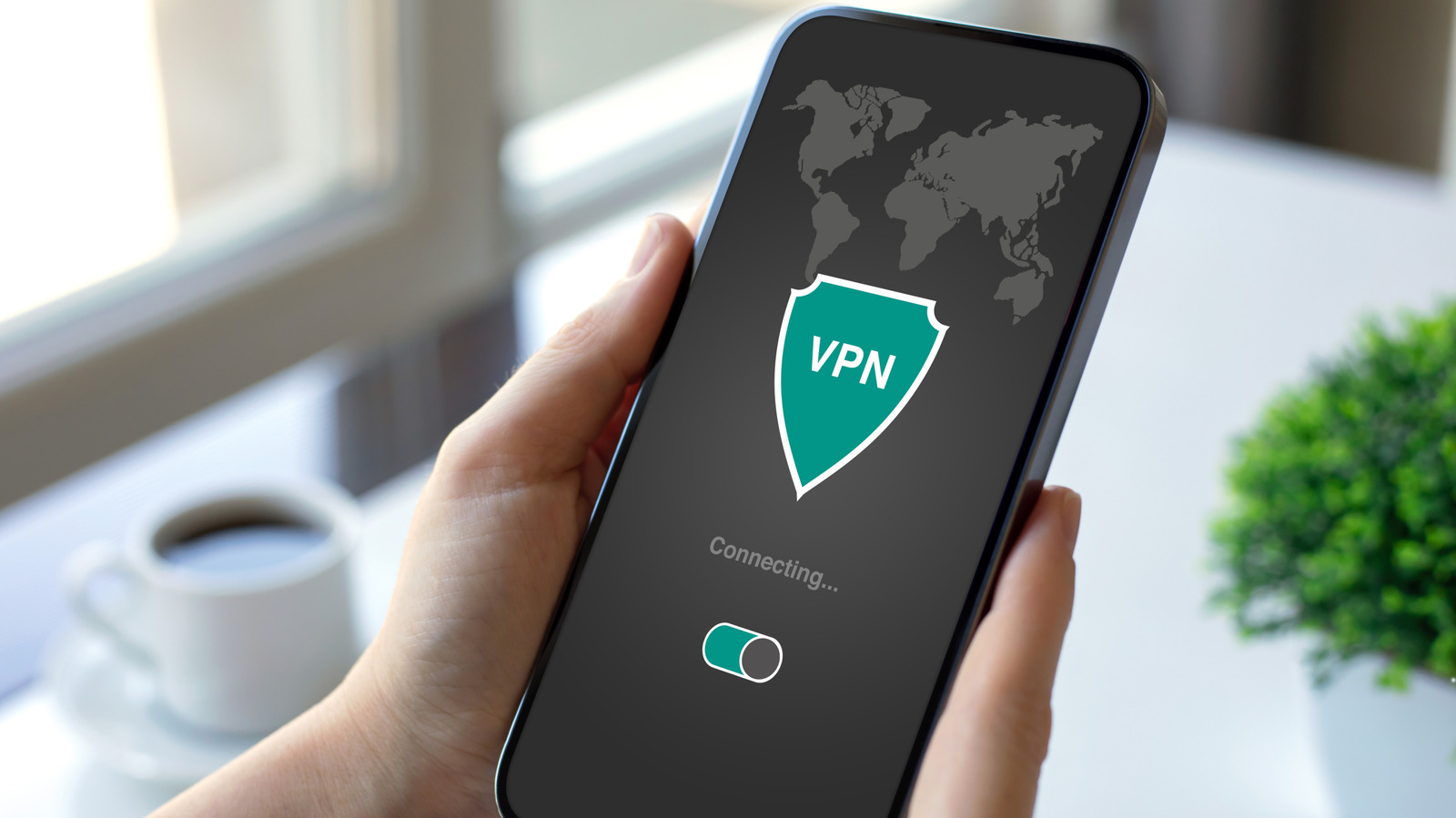
If you're a frequent VPN user, you may have an app installed on each one of your devices. But many routers these days have built-in support for VPN connections too. In theory, this means you can simply connect your router to the VPN and route internet traffic from every connected device on your network through the encrypted tunnel.

But even though a router-level VPN connection sounds like a good idea, it has its own set of drawbacks. While it can save you from managing individual connections, routing your household's internet traffic through a VPN on your router can lead to slower speeds.

Having said that, not every device supports VPN connections, so tunneling your router is often your only option. That raises an important question: When does it make sense to use a VPN on your router, and when are individual apps the better option?

There are good reasons to connect your router directly to a VPN instead of configuring each individual device. The first one is that you don't have to install apps on different devices, sign in to your account and remember to enable the tunnel every single time. Many of the best VPN services also restrict how many devices can connect at once.

In brief

Should you install a VPN on your router or your devices? While it can save you from managing individual connections, routing your household's internet traffic through a VPN on your router can lead to slower speeds. Having said that, not every device supports VPN connections, so tunneling your router is often your only option. There are good reasons to connect your router directly to a VPN instead of configuring each individual device.

This is the opening of the story, shared with credit to Engadget. The rest of the report — with every detail — continues on the publisher’s website.

Continue reading at Engadget ↗

Cookie settings

Choose which cookies we may use. You can change this at any time from Cookie settings in the footer. Details of each cookie are in the Cookie Policy.

Strictly necessary

Needed for sign-in, security, payments and remembering these choices. Always on.

Preferences

Remember settings such as dark mode.

Analytics & performance

Help us count visits, understand which pages, devices and countries our readers use, and measure how well the site performs – anonymous and aggregated.

Advertising & marketing

Lets advertising partners show and personalise adverts, measure impressions, clicks and visits, prevent ad fraud and pay us – this is how the free site is funded.

🔔 News notifications

Get headlines from NewsHub on this device — even when the site is closed.

You can switch this off at any time. Works on Android, Windows, Mac and Linux browsers; on iPhone/iPad add the site to your Home Screen first.