📰 Newspapers

5 important Bose headphone settings that need to be manually turned on

5 important Bose headphone settings that need to be manually turned on

Discover the Bose headphone settings you can manually adjust in the companion app to personalize your sound and get more out of your listening sessions.

Pairing your Bose headphones is just the beginning. A few small tweaks in the companion app's settings can make your headphones feel more like yours.

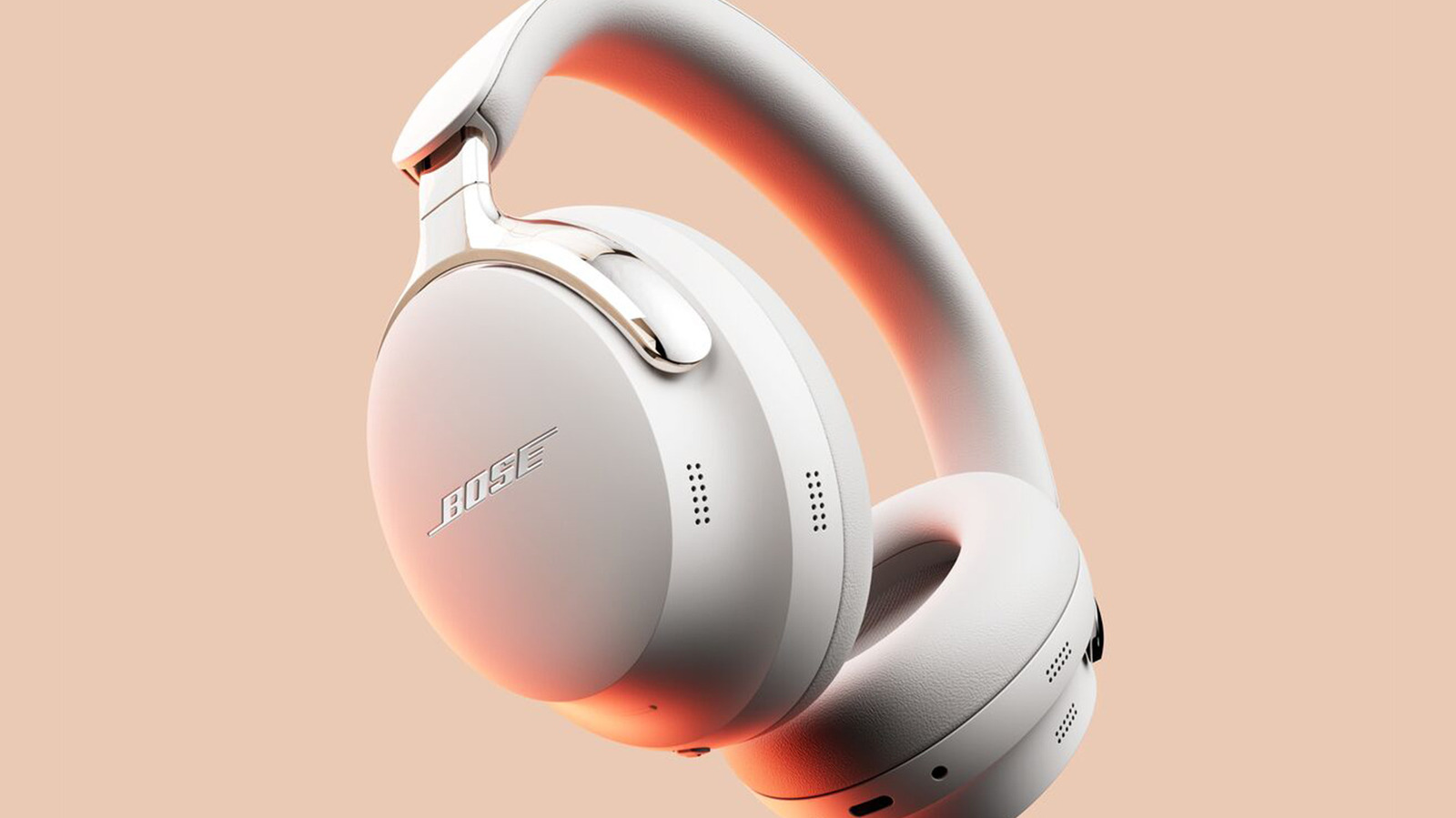
Bose has made some of the most popular headphones around for years, but even if you've been using them for a while, you may not be getting everything you can out of yours. The company's headphones are perfectly capable of producing great sound right out of the box, but some of their best features actually have to be activated manually. Whether there's something you always wished your headphones could do or you just want to see if they can perform even better, it's worth exploring settings like an equalizer, multi-connection support, noise canceling, shortcuts to your favorite features, or sidetone settings.

Keep in mind that not every pair of Bose headphones will have access to all of these settings. Newer QuietComfort models are upgraded in all the right places, offering a few unique features, while first-generation QuietComfort Ultra and QuietComfort headphones lack some of those features. You'll also need to download the Bose app to tweak anything beyond their basic settings, as the controls on the headphones themselves are pretty minimal.

One useful feature on compatible Bose headphones is the equalizer (EQ).

In brief

Pairing your Bose headphones is just the beginning. A few small tweaks in the companion app's settings can make your headphones feel more like yours. Keep in mind that not every pair of Bose headphones will have access to all of these settings. One useful feature on compatible Bose headphones is the equalizer (EQ).

This is the opening of the story, shared with credit to Engadget. The rest of the report — with every detail — continues on the publisher’s website.

Continue reading at Engadget ↗

Cookie settings

Choose which cookies we may use. You can change this at any time from Cookie settings in the footer. Details of each cookie are in the Cookie Policy.

Strictly necessary

Needed for sign-in, security, payments and remembering these choices. Always on.

Preferences

Remember settings such as dark mode.

Analytics & performance

Help us count visits, understand which pages, devices and countries our readers use, and measure how well the site performs – anonymous and aggregated.

Advertising & marketing

Lets advertising partners show and personalise adverts, measure impressions, clicks and visits, prevent ad fraud and pay us – this is how the free site is funded.

🔔 News notifications

Get headlines from NewsHub on this device — even when the site is closed.

You can switch this off at any time. Works on Android, Windows, Mac and Linux browsers; on iPhone/iPad add the site to your Home Screen first.