📰 Newspapers

How to adjust and turn off motion blur in GTA 6 if it makes you feel sick

How to adjust and turn off motion blur in GTA 6 if it makes you feel sick

GTA 6's motion blur effect is thankfully easy to adjust.

If the blur makes you feel a little nauseous, there are settings to mitigate it.

If you've been waiting years to play Grand Theft Auto 6, nothing is more disappointing than booting it up and finding it doesn't look quite as good as you'd hoped—or worse, that it makes you feel sick. There are a number of things that could be causing that, but the good news is that one of the most common culprits is extremely easy to fix. Motion blur is a standard feature in most AAA games these days, but there are good reasons some players want to avoid it.

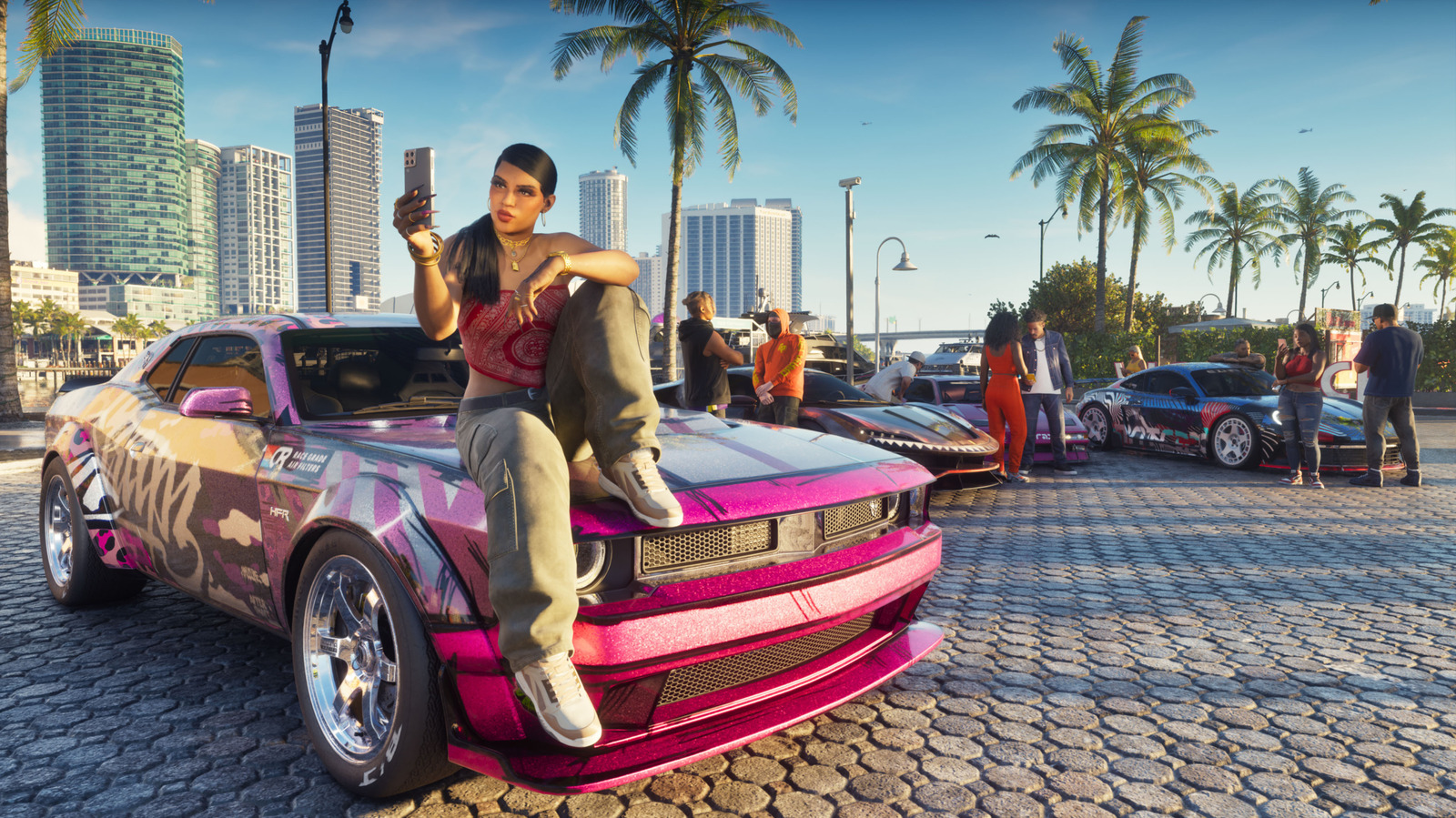
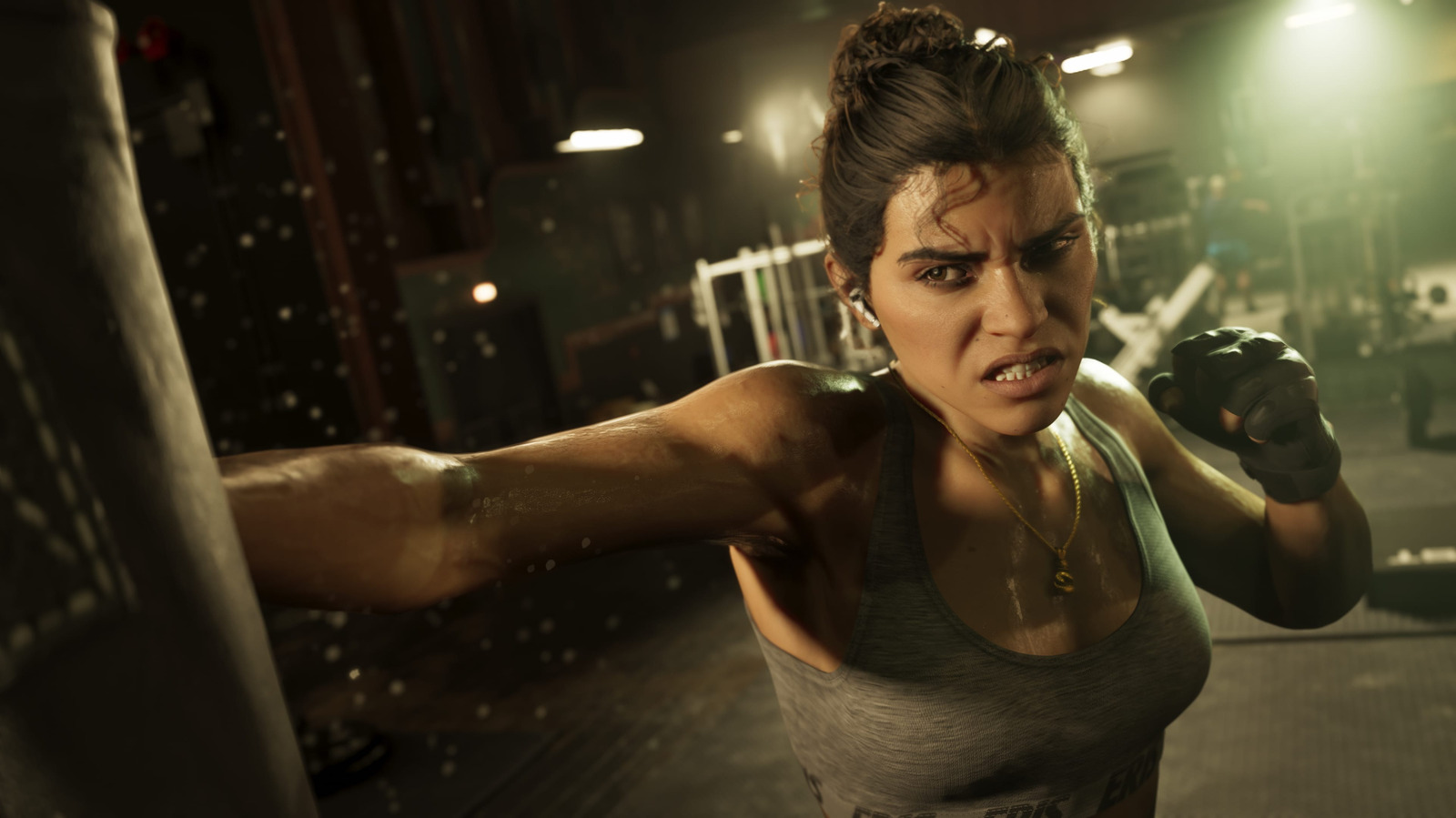
For some people, motion blur just doesn't look good. GTA 6 is the most expensive game ever made, and one reason is its incredibly lifelike graphics. If a layer of motion blur on top of that ruins the illusion, that's enough of a reason to turn it off. Even worse, motion blur commonly contributes to motion sickness, causing dizziness and nausea in some players. Motion blur is nearly ubiquitous in modern games, but fortunately, there are usually settings to tone it down or turn it off completely.

It's easy to adjust or turn off motion blur in GTA 6. Just pause the game and select Settings from the bottom of the main menu.

In brief

If the blur makes you feel a little nauseous, there are settings to mitigate it. For some people, motion blur just doesn't look good. Even worse, motion blur commonly contributes to motion sickness, causing dizziness and nausea in some players. It's easy to adjust or turn off motion blur in GTA 6.

This is the opening of the story, shared with credit to Engadget. The rest of the report — with every detail — continues on the publisher’s website.

Continue reading at Engadget ↗

Cookie settings

Choose which cookies we may use. You can change this at any time from Cookie settings in the footer. Details of each cookie are in the Cookie Policy.

Strictly necessary

Needed for sign-in, security, payments and remembering these choices. Always on.

Preferences

Remember settings such as dark mode.

Analytics & performance

Help us count visits, understand which pages, devices and countries our readers use, and measure how well the site performs – anonymous and aggregated.

Advertising & marketing

Lets advertising partners show and personalise adverts, measure impressions, clicks and visits, prevent ad fraud and pay us – this is how the free site is funded.

🔔 News notifications

Get headlines from NewsHub on this device — even when the site is closed.

You can switch this off at any time. Works on Android, Windows, Mac and Linux browsers; on iPhone/iPad add the site to your Home Screen first.