📰 Newspapers

How to use a solar panel to charge your phone

How to use a solar panel to charge your phone

Can sunlight really charge your phone? Learn how portable solar chargers work and which features to look for before your next camping trip or blackout.

Panel-only chargers, built-in batteries and portable power stations all work differently, so here's how to find the right fit.

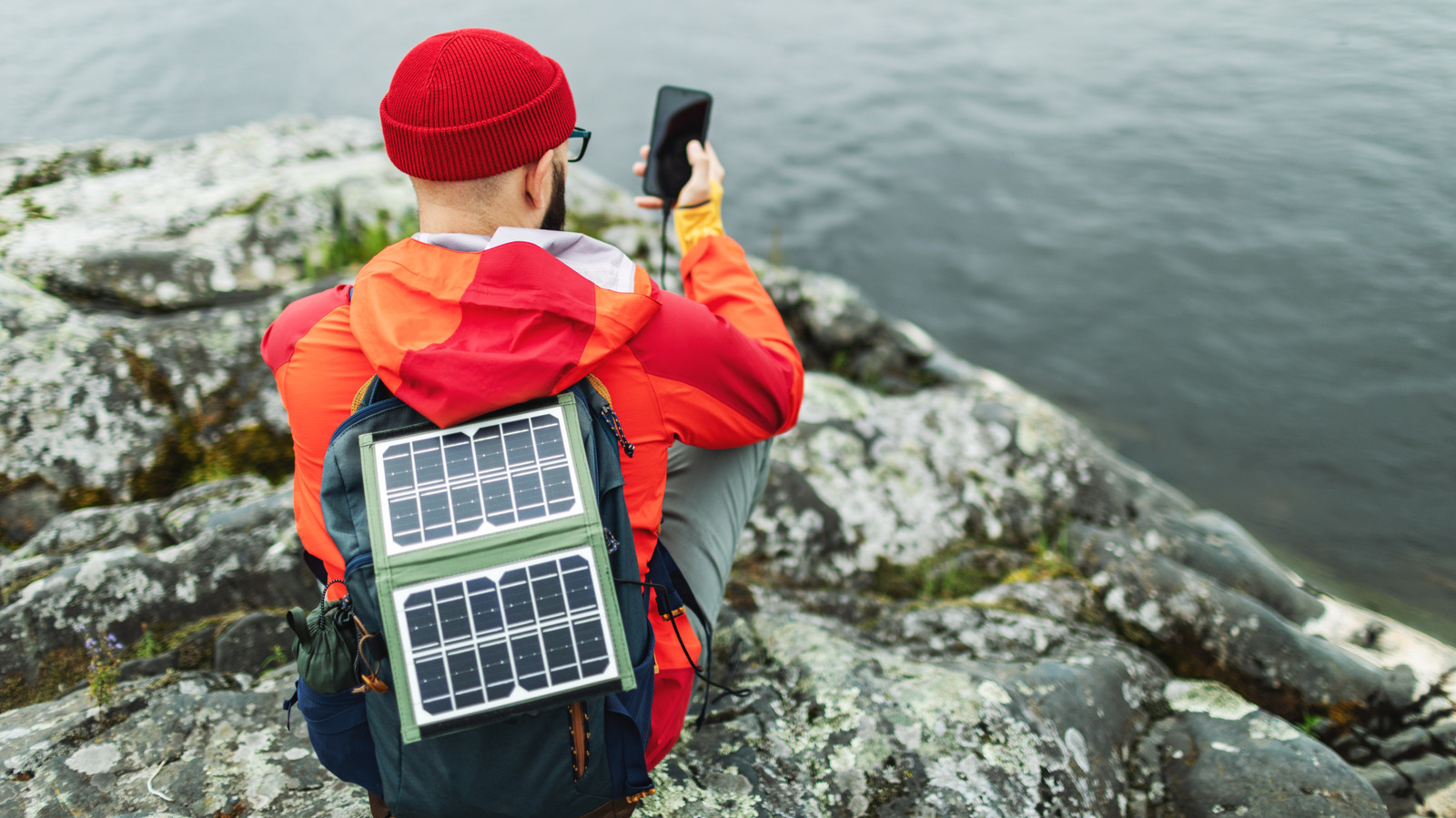
When you're out hiking, far away from an electrical outlet or stuck in a power outage, having a backup power bank for your phone and other devices makes sense. But a power bank will eventually run out, possibly leaving you with a phone battery in the red. If you're looking to prevent the inevitable panic that comes with a dead phone, a solar panel charger might be an option for you.

While there's a whole range of solar-powered chargers on the market, you can find smaller, lighter ones that can recharge devices like phones and laptops. They might be a good fit, particularly if you're on the move. You'll have a few decisions to make about the type of charger that works best for you, as well as the features you'll want, like charging ports and safety protections. Whether you're heading out on a camping trip or just looking to bypass the electrical grid, here's what you need to know about charging your phone with a portable solar charger.

There are several types of solar-powered charging devices to pick from, and the one you get will largely depend on what you're going to use it for.

In brief

Panel-only chargers, built-in batteries and portable power stations all work differently, so here's how to find the right fit. When you're out hiking, far away from an electrical outlet or stuck in a power outage, having a backup power bank for your phone and other devices makes sense. Whether you're heading out on a camping trip or just looking to bypass the electrical grid, here's what you need to know about charging your phone with a portable solar charger.

This is the opening of the story, shared with credit to Engadget. The rest of the report — with every detail — continues on the publisher’s website.

Continue reading at Engadget ↗

Cookie settings

Choose which cookies we may use. You can change this at any time from Cookie settings in the footer. Details of each cookie are in the Cookie Policy.

Strictly necessary

Needed for sign-in, security, payments and remembering these choices. Always on.

Preferences

Remember settings such as dark mode.

Analytics & performance

Help us count visits, understand which pages, devices and countries our readers use, and measure how well the site performs – anonymous and aggregated.

Advertising & marketing

Lets advertising partners show and personalise adverts, measure impressions, clicks and visits, prevent ad fraud and pay us – this is how the free site is funded.

🔔 News notifications

Get headlines from NewsHub on this device — even when the site is closed.

You can switch this off at any time. Works on Android, Windows, Mac and Linux browsers; on iPhone/iPad add the site to your Home Screen first.