📰 Newspapers

Why does your phone say no service even with a SIM card?

Why does your phone say no service even with a SIM card?

Your SIM card controls your phone's connection to your carrier, and if it's not working, standard texts and calls won't go through.

If your calls and texts aren't going through, try these recommendations.

The modern electronic device has made a lot of strides in ensuring that it lets you know when something has gone awry. Things like computers, game consoles and tablets will often find a way to alert you to an issue, which makes it easier to troubleshoot any potential problems that may arise.

On your phone, you may notice one of these alerts in the form of a notification that says, "No SIM card installed." This can be alarming, as it's possible that you may not know what a SIM card even does. Or if you do know what the SIM card does, it can lead to some worrying conclusions as you try to troubleshoot it.

Fixing a SIM card error is a task that requires some diagnostic detective work, or if you're extra unlucky, some actual physical work. Thankfully, there are a lot of tools, both in your phone's settings and in the real world, that can assist with a potential fix.

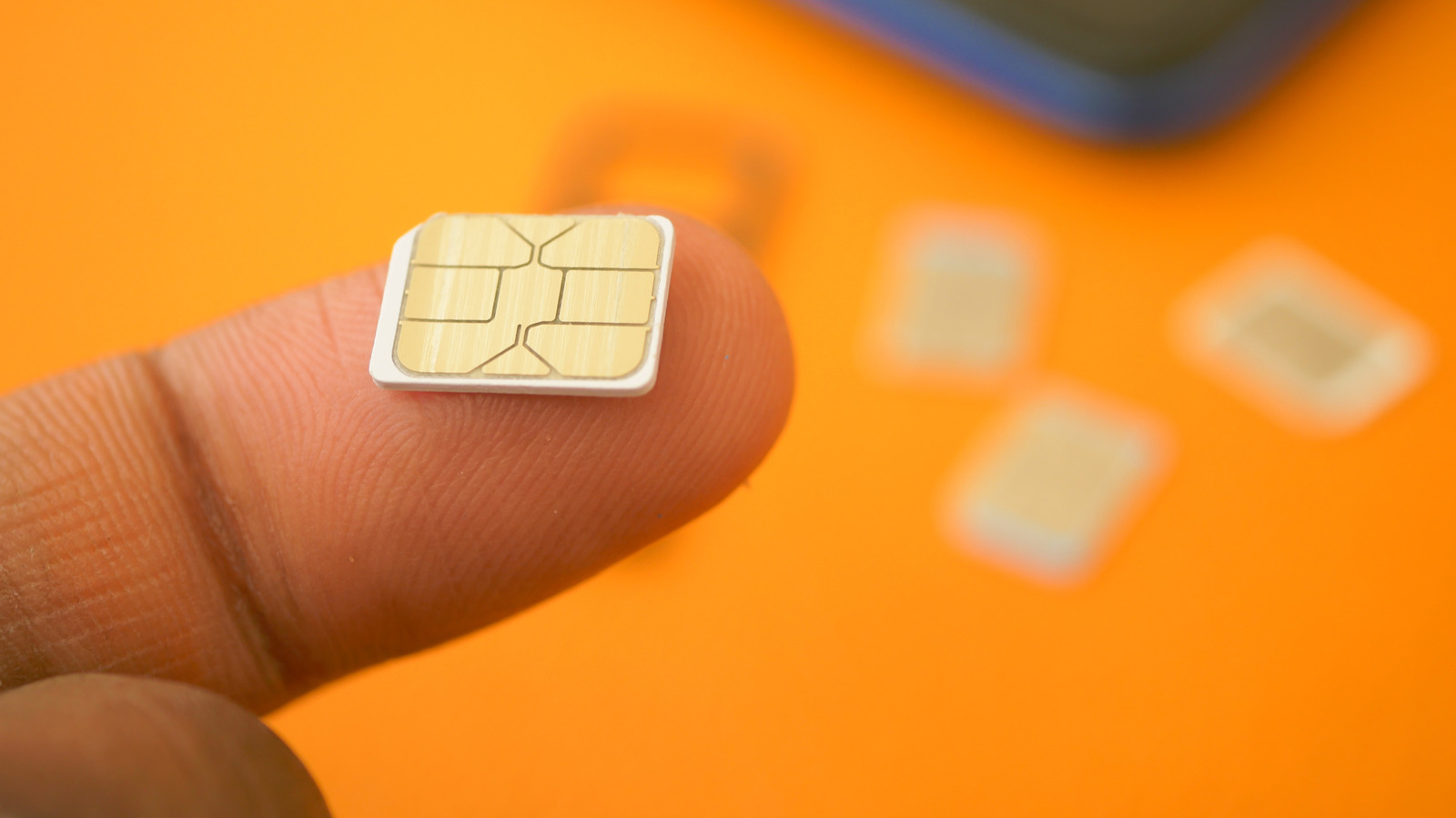
SIM stands for Subscriber Identity Module. Your SIM card's main purpose is to safely and securely authorize the connection between you and your mobile provider, which is also what allows you to send text messages and make phone calls.

In brief

If your calls and texts aren't going through, try these recommendations. This can be alarming, as it's possible that you may not know what a SIM card even does. Your SIM card's main purpose is to safely and securely authorize the connection between you and your mobile provider, which is also what allows you to send text messages and make phone calls.

This is the opening of the story, shared with credit to Engadget. The rest of the report — with every detail — continues on the publisher’s website.

Continue reading at Engadget ↗

Cookie settings

Choose which cookies we may use. You can change this at any time from Cookie settings in the footer. Details of each cookie are in the Cookie Policy.

Strictly necessary

Needed for sign-in, security, payments and remembering these choices. Always on.

Preferences

Remember settings such as dark mode.

Analytics & performance

Help us count visits, understand which pages, devices and countries our readers use, and measure how well the site performs – anonymous and aggregated.

Advertising & marketing

Lets advertising partners show and personalise adverts, measure impressions, clicks and visits, prevent ad fraud and pay us – this is how the free site is funded.

🔔 News notifications

Get headlines from NewsHub on this device — even when the site is closed.

You can switch this off at any time. Works on Android, Windows, Mac and Linux browsers; on iPhone/iPad add the site to your Home Screen first.