📰 Newspapers

5 Apple Watch settings that can help you save its battery life

5 Apple Watch settings that can help you save its battery life

By giving up some of the Apple Watch's slick features, you can use its core functions for much longer before needing a charge.

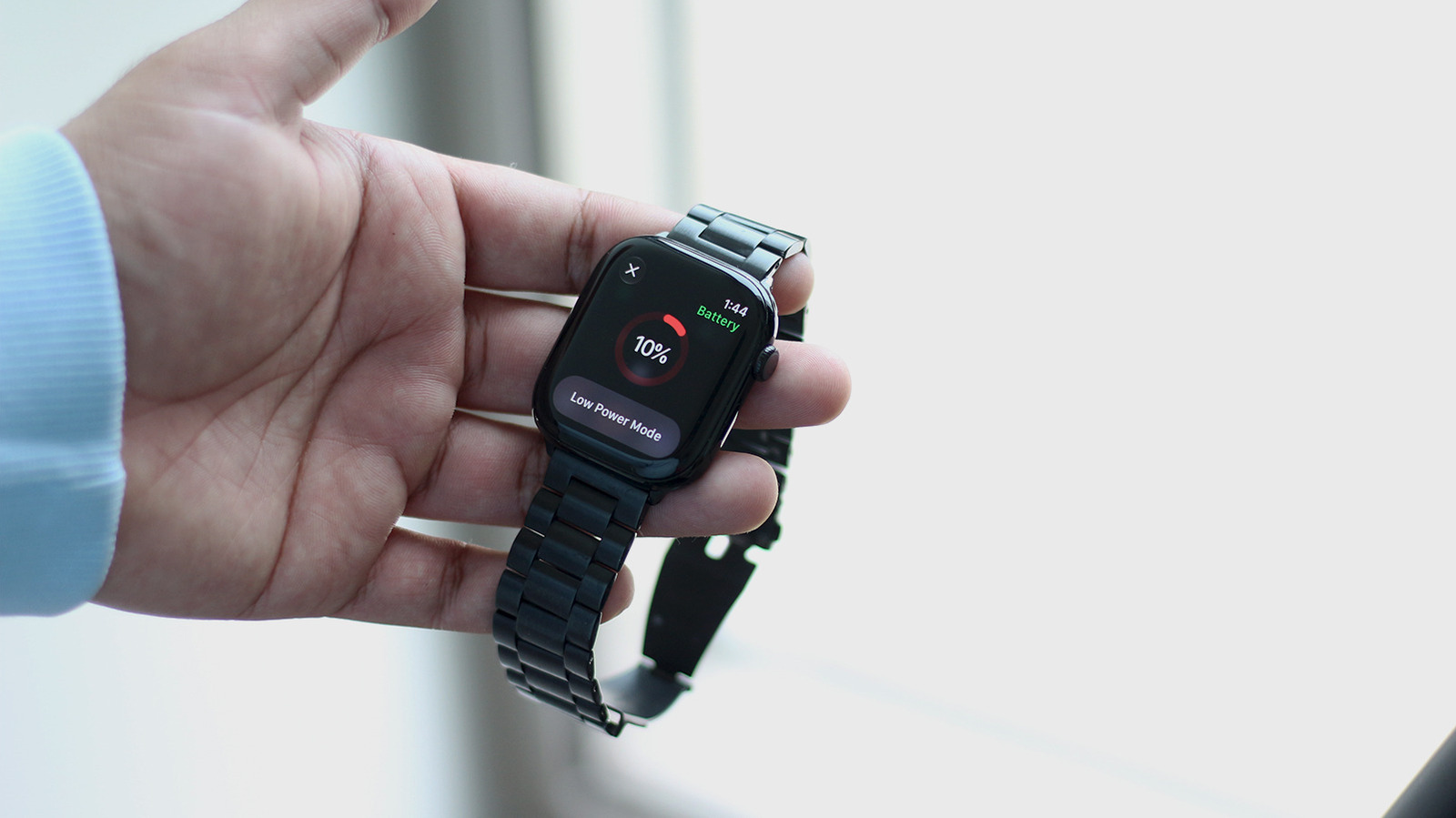
A few changes can help give your Apple Watch extra hours of battery when you need it all day.

Among the improvements the Apple Watch receives with each iteration, battery life is something everyone wants more of. The company touts that the Apple Watch Series 12 lasts for 24 hours on a full charge. Apple measures this using a combination of 300 time checks, 15 minutes of app use, six hours of sleep tracking, 90 notifications and a 60-minute workout alongside music playback. Real-world results will naturally vary depending on how much you use your Apple Watch every day.

If your Apple Watch's battery health has depleted significantly, bringing it in for a battery replacement could help restore its original endurance. You can check battery health status on your watch by navigating to Settings > Battery > Battery Health. Power users might want to look at the Apple Watch Ultra 4 as their next buy since it's better equipped to handle constant, demanding usage with its larger battery.

That said, there are a handful of software tricks you can use to squeeze more battery life out of your existing Apple Watch, especially if it's not yet due for a battery replacement.


In brief

A few changes can help give your Apple Watch extra hours of battery when you need it all day. If your Apple Watch's battery health has depleted significantly, bringing it in for a battery replacement could help restore its original endurance. You can check battery health status on your watch by navigating to Settings > Battery > Battery Health.

This is the opening of the story, shared with credit to Engadget. The rest of the report — with every detail — continues on the publisher’s website.

Continue reading at Engadget ↗

Cookie settings

Choose which cookies we may use. You can change this at any time from Cookie settings in the footer. Details of each cookie are in the Cookie Policy.

Strictly necessary

Needed for sign-in, security, payments and remembering these choices. Always on.

Preferences

Remember settings such as dark mode.

Analytics & performance

Help us count visits, understand which pages, devices and countries our readers use, and measure how well the site performs – anonymous and aggregated.

Advertising & marketing

Lets advertising partners show and personalise adverts, measure impressions, clicks and visits, prevent ad fraud and pay us – this is how the free site is funded.

🔔 News notifications

Get headlines from NewsHub on this device — even when the site is closed.

You can switch this off at any time. Works on Android, Windows, Mac and Linux browsers; on iPhone/iPad add the site to your Home Screen first.