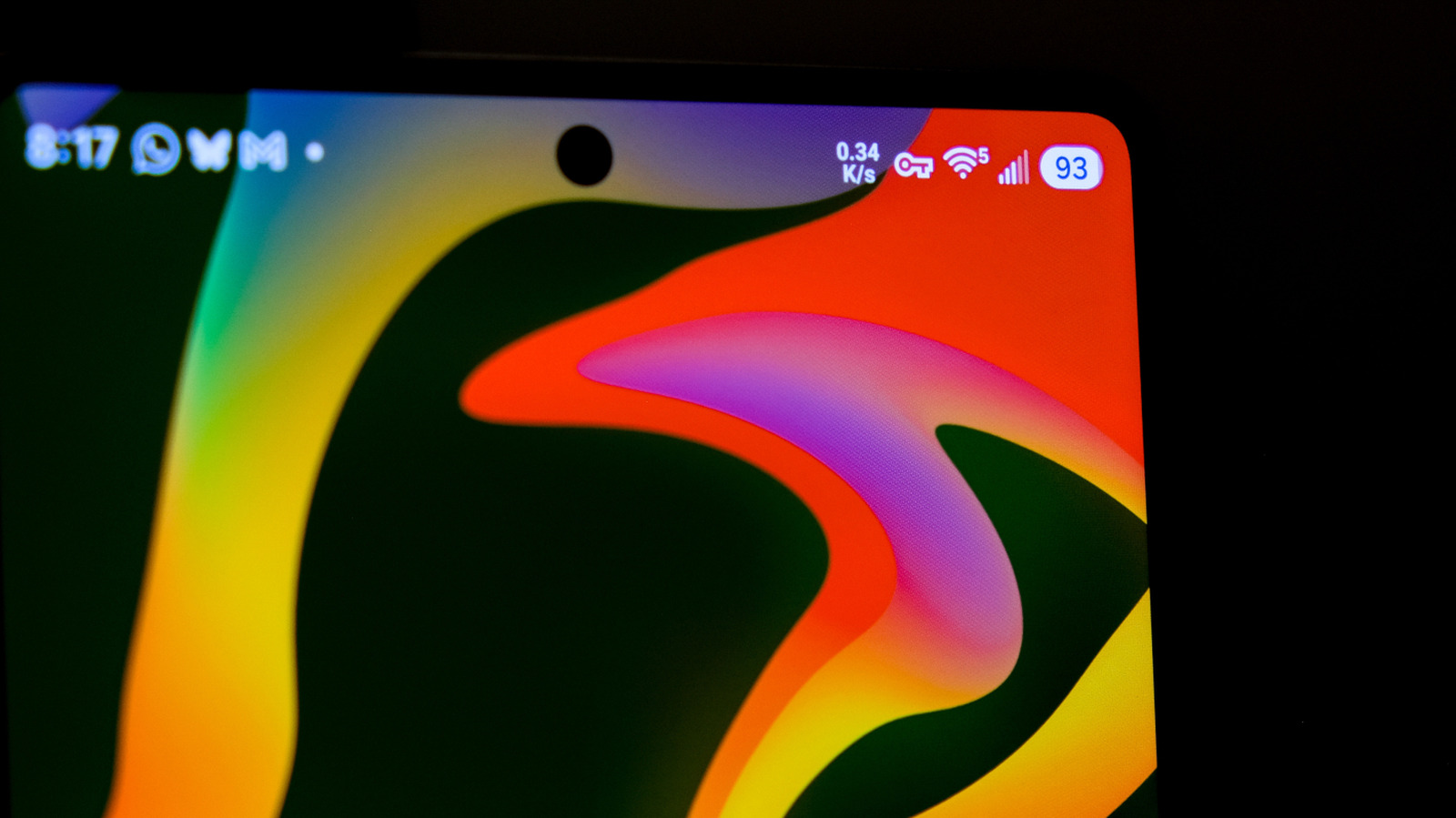
The Android status bar is designed to give users important information at a glance, but all those icons can blur together. One of the most unusual symbols looks like a leftward-facing key with two teeth opposite its circular handle. That icon tells you that your internet connection is encrypted, but there's nothing to worry about.
More specifically, that icon is a visual indicator that you're connected via a VPN that encrypts your web traffic from third parties. Many people consider a VPN crucial for their online security, and modern Android versions support VPNs at the OS level. The key icon, then, lets users know they're safe behind their VPN, while its absence alerts them that their encryption has been broken, giving them a chance to address it.
If you use a VPN but don't want the key icon taking up space in your status bar, you're out of luck. Because it's a security and privacy feature, most Android devices don't have a built-in option to remove the icon. Only Samsung Galaxy owners can do so, and even then, they'll need to download the Good Lock customization suite from the Galaxy Store and go into the QuickStar module to toggle the key indicator and other icons.
The key icon appears only when a VPN is active, so the only way to…