📰 Newspapers

The reasons why you should never ignore your car's software updates

The reasons why you should never ignore your car's software updates

Cars are more digital than ever, and, yes, software updates are a hassle. Here's why you shouldn't skip or delay updating their software, though.

Hitting "remind me later" every time that pop-up appears may be keeping your car less secure.

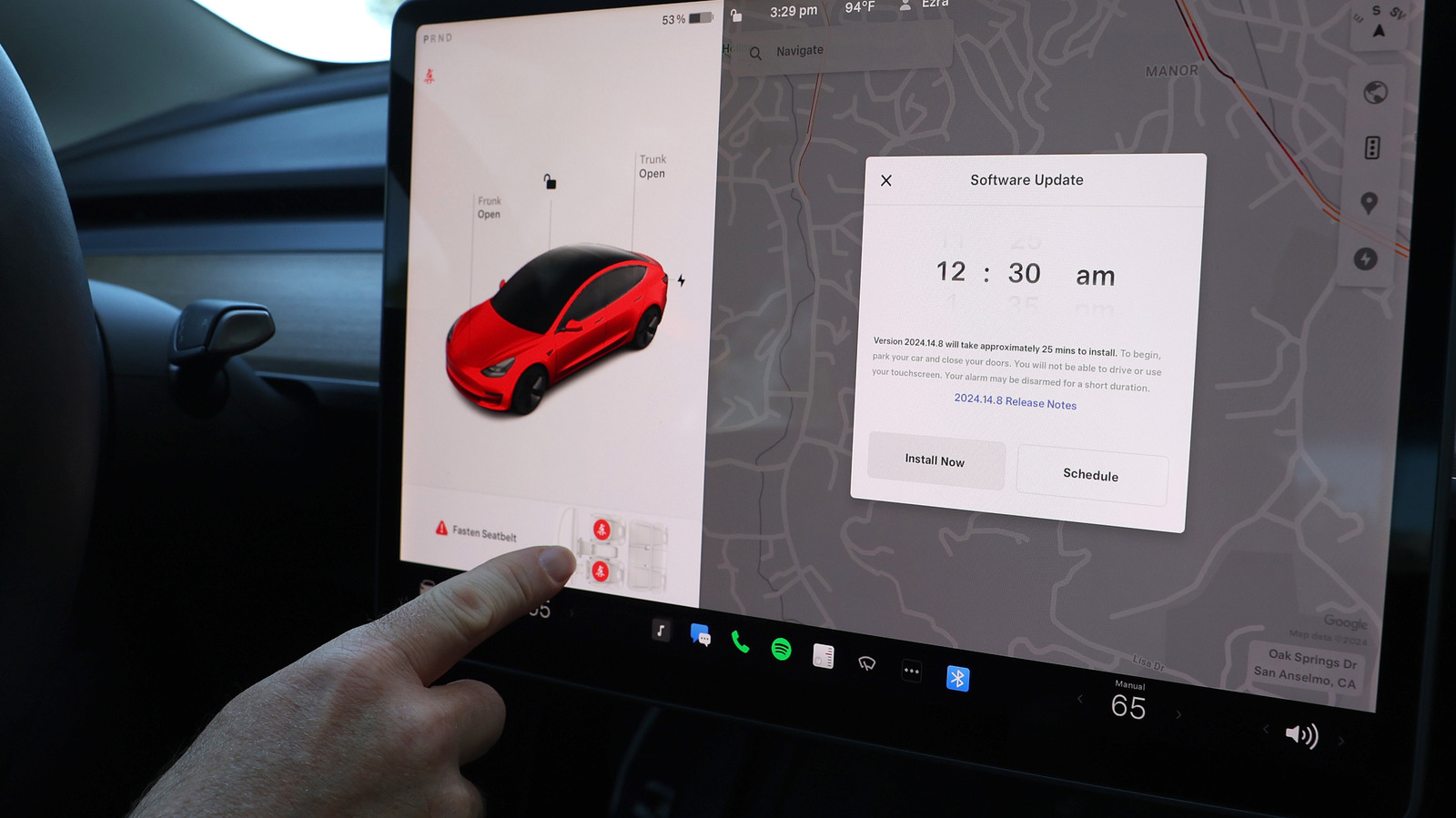
Your car isn't just metal and moving parts anymore. Modern cars are more like "smartphones on wheels," with dozens of electronic control units running everything from the infotainment screen to the engine and the driver-assistance systems. All of that runs on software, and software has bugs. On a phone, a bug means an app crashes. On the road, it can mean a backup camera that won't turn on when you shift into reverse, or even a car that brakes when it shouldn't. That's why you should probably stop pressing "Remind me later" every time your car asks to be updated.

A software update is a new version of the code that runs on your car's computers, and it can change a lot more than the look of the touchscreen. Updates might clear up glitches, false warnings, and trouble connecting to your phone. They may patch security holes that could let someone attack a connected car. They can adjust things like engine or battery management, and they can sometimes add features. Some even change how the car drives. After Consumer Reports found braking problems with the original Tesla Model 3 in 2018, for example, Tesla sent out an update that shortened its braking distances.


In brief

Hitting "remind me later" every time that pop-up appears may be keeping your car less secure. All of that runs on software, and software has bugs. That's why you should probably stop pressing "Remind me later" every time your car asks to be updated. Updates might clear up glitches, false warnings, and trouble connecting to your phone.

This is the opening of the story, shared with credit to Engadget. The rest of the report — with every detail — continues on the publisher’s website.

Continue reading at Engadget ↗

Cookie settings

Choose which cookies we may use. You can change this at any time from Cookie settings in the footer. Details of each cookie are in the Cookie Policy.

Strictly necessary

Needed for sign-in, security, payments and remembering these choices. Always on.

Preferences

Remember settings such as dark mode.

Analytics & performance

Help us count visits, understand which pages, devices and countries our readers use, and measure how well the site performs – anonymous and aggregated.

Advertising & marketing

Lets advertising partners show and personalise adverts, measure impressions, clicks and visits, prevent ad fraud and pay us – this is how the free site is funded.

🔔 News notifications

Get headlines from NewsHub on this device — even when the site is closed.

You can switch this off at any time. Works on Android, Windows, Mac and Linux browsers; on iPhone/iPad add the site to your Home Screen first.