📰 Newspapers

The risks of using alcohol wipes on your laptop screen

The risks of using alcohol wipes on your laptop screen

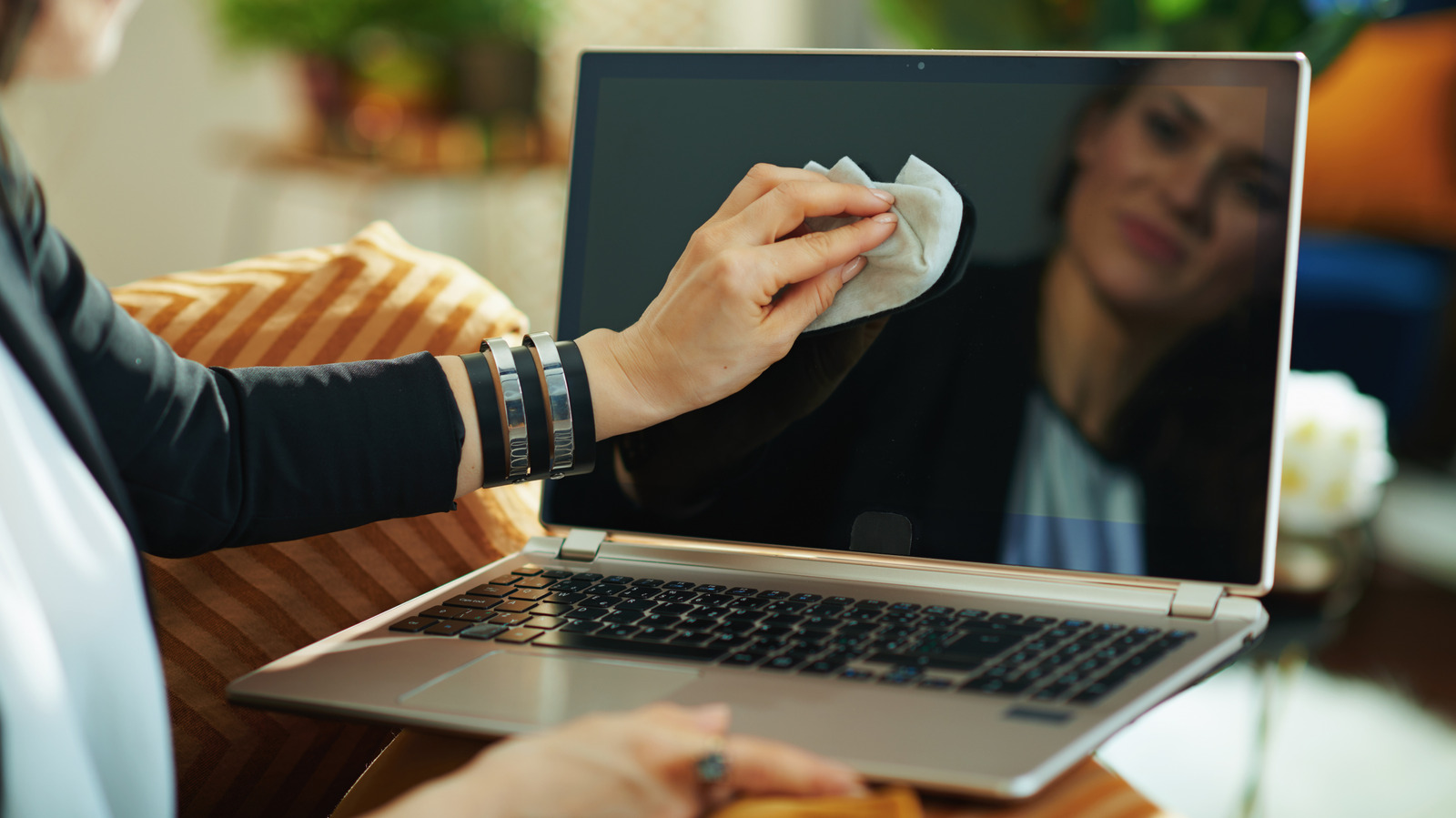
Fingerprints on your laptop screen are a pain to clean. Before you reach for an alcohol wipe, see what the top laptop makers recommend and what to avoid.

Your screen may look like it can handle a quick disinfecting swipe, but the manufacturers disagree.

What should you do when your laptop's screen gets covered in fingerprints? Most guides say to gently wipe it with a clean, dry microfiber cloth and go easy on liquids, since they can drip inside the display and damage it.

But what about alcohol wipes? Alcohol evaporates quickly, so it's less likely to seep in. Still, it's a harsh chemical, as anyone who's used it on a cut knows. We checked guidance from Apple, Microsoft, Dell, HP and Lenovo, along with our own cleaning guides, to see what's safe. So what do the manufacturers say about alcohol wipes? That depends on who you ask.

Apple is the most permissive. Its support page says you can gently wipe the display with a 70 percent isopropyl alcohol wipe, a 75 percent ethyl alcohol wipe or a Clorox Disinfecting Wipe. You can also use a cloth moistened with a 70 percent isopropyl alcohol (IPA) solution for hard-to-remove smudges. But for regular cleaning, it recommends dampening a soft, lint-free cloth with water only.

Microsoft is stricter about wipes. Its Surface page says to clean the screen with a screen-cleaning wipe or a soft, dry, lint-free cloth, and that you can dampen the cloth with water or an IPA…

In brief

Your screen may look like it can handle a quick disinfecting swipe, but the manufacturers disagree. But what about alcohol wipes? So what do the manufacturers say about alcohol wipes? Its support page says you can gently wipe the display with a 70 percent isopropyl alcohol wipe, a 75 percent ethyl alcohol wipe or a Clorox Disinfecting Wipe.

This is the opening of the story, shared with credit to Engadget. The rest of the report — with every detail — continues on the publisher’s website.

Continue reading at Engadget ↗

Cookie settings

Choose which cookies we may use. You can change this at any time from Cookie settings in the footer. Details of each cookie are in the Cookie Policy.

Strictly necessary

Needed for sign-in, security, payments and remembering these choices. Always on.

Preferences

Remember settings such as dark mode.

Analytics & performance

Help us count visits, understand which pages, devices and countries our readers use, and measure how well the site performs – anonymous and aggregated.

Advertising & marketing

Lets advertising partners show and personalise adverts, measure impressions, clicks and visits, prevent ad fraud and pay us – this is how the free site is funded.

🔔 News notifications

Get headlines from NewsHub on this device — even when the site is closed.

You can switch this off at any time. Works on Android, Windows, Mac and Linux browsers; on iPhone/iPad add the site to your Home Screen first.