These are the settings to look for in Google Maps and Waze.
Several US states and regions around the world have now adopted speed cameras to automatically enforce traffic rules and curb reckless driving. And while such systems alongside automated license plate reading cameras are intended to keep our roads safer, they're sometimes located on roads where you may accidentally drift over the limit. If you're driving in a new and unfamiliar area, a sudden drop in the speed limit can catch you off-guard, so it can be helpful to know about any potential speed cameras you may encounter.
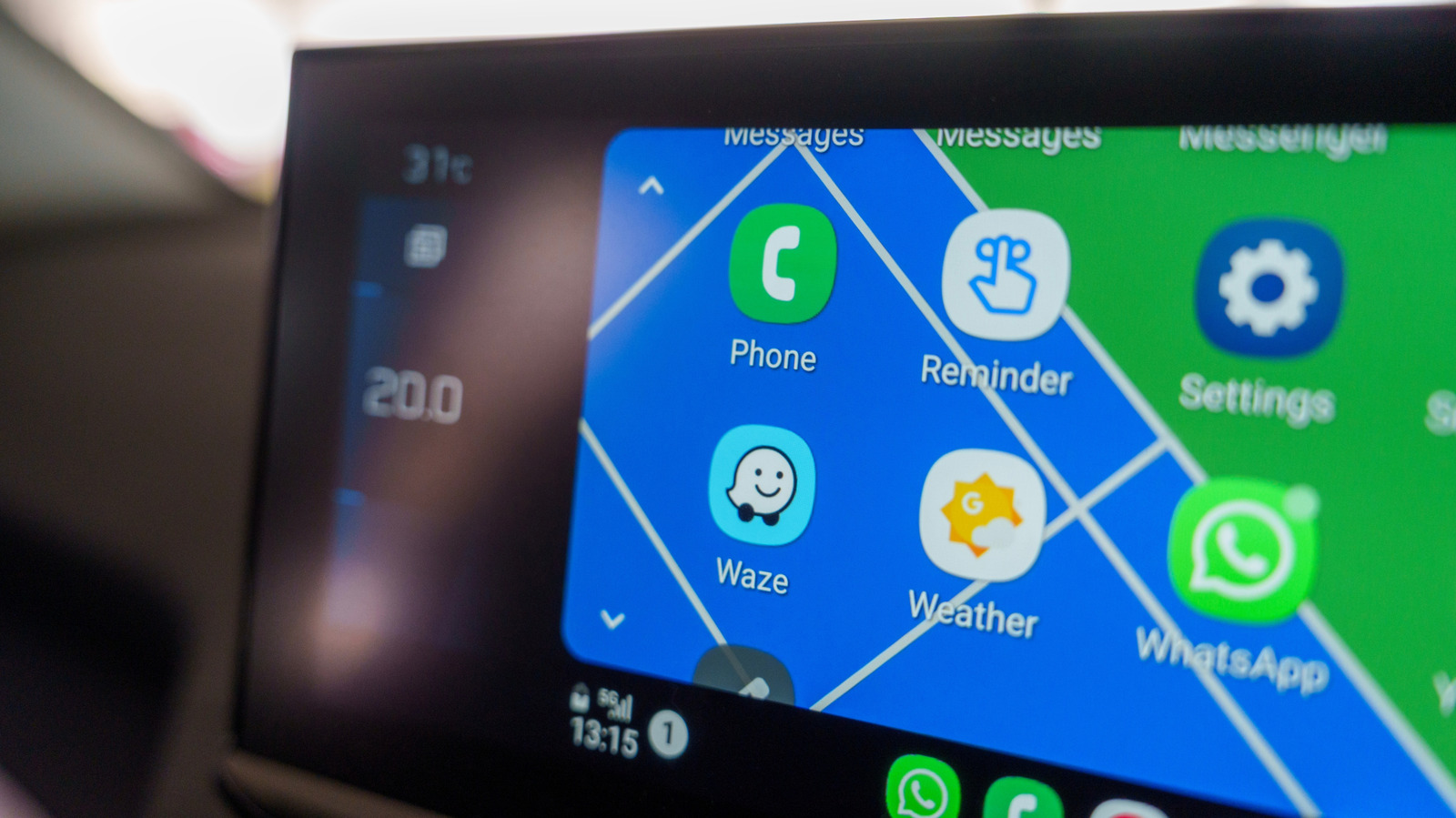
Luckily, you can use Android Auto on your car's infotainment system to stay informed about upcoming red light cameras, speed traps and even average speed enforcement areas. This data comes from other drivers who volunteer to report the cameras in apps like Google Maps and Waze while driving. While these apps cannot warn you about every single enforcement device on the road, they still serve as a useful early warning system. Best of all, you don't have to buy any extra hardware to enable speed camera alerts within Android Auto or install a radar detector, which isn't legal in some jurisdictions.
To get warnings about upcoming speed cameras on your route within Android Auto, you'll need to enable the setting within…