📰 Newspapers

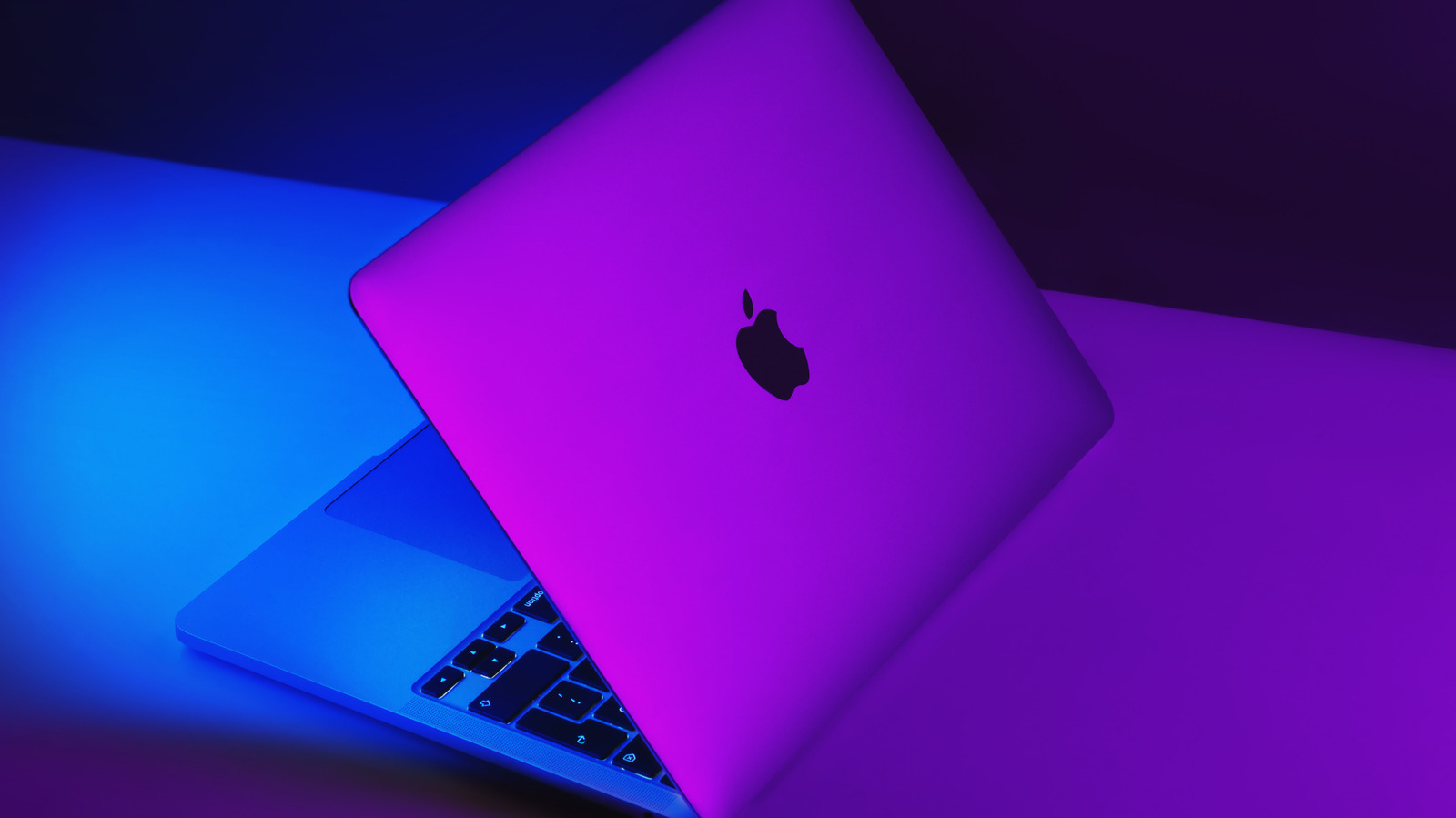
7 things you should do first when you buy a new MacBook Pro

7 things you should do first when you buy a new MacBook Pro

Before you dive headfirst into using your shiny new MacBook Pro, there are a few settings and features you should look at and get familiar with.

Get familiar with Spotlight and set up Time Machine.

Setting up a new Mac is always exciting, doubly so if you've splurged on the new touchscreen-equipped MacBook Pro with PROLED XDR Display. The setup process is generally quick and straightforward, but you may still have questions about what to do, especially if this is your first Mac or you're upgrading from a really old model. Essentials include setting up your Apple Account and configuring backups, but there's plenty more you should do, including familiarizing yourself with some macOS features and possibly even customizing its look and feel.

Apple devices rely heavily on an Apple Account. You can set them up without one, but you'll miss out on many features, such as iCloud and the App Store. After powering on your new MacBook Pro for the first time, the Setup Assistant will guide you through the essential steps to get your Mac up and running, including signing in to your Apple Account. If you already have an iPhone or iPad, this process is a lot easier because you likely already have an Apple Account. Signing in to it lets you enable iCloud, which syncs information like your contacts, notes and photos to your new laptop.

For those without an account, the Setup Assistant lets you create a free account right from…

In brief

Get familiar with Spotlight and set up Time Machine. Apple devices rely heavily on an Apple Account. After powering on your new MacBook Pro for the first time, the Setup Assistant will guide you through the essential steps to get your Mac up and running, including signing in to your Apple Account. For those without an account, the Setup Assistant lets you create a free account right from…

This is the opening of the story, shared with credit to Engadget. The rest of the report — with every detail — continues on the publisher’s website.

Continue reading at Engadget ↗

Cookie settings

Choose which cookies we may use. You can change this at any time from Cookie settings in the footer. Details of each cookie are in the Cookie Policy.

Strictly necessary

Needed for sign-in, security, payments and remembering these choices. Always on.

Preferences

Remember settings such as dark mode.

Analytics & performance

Help us count visits, understand which pages, devices and countries our readers use, and measure how well the site performs – anonymous and aggregated.

Advertising & marketing

Lets advertising partners show and personalise adverts, measure impressions, clicks and visits, prevent ad fraud and pay us – this is how the free site is funded.

🔔 News notifications

Get headlines from NewsHub on this device — even when the site is closed.

You can switch this off at any time. Works on Android, Windows, Mac and Linux browsers; on iPhone/iPad add the site to your Home Screen first.