📰 Newspapers

You don't have to let TSA scan your face — here's what happens if you refuse

You don't have to let TSA scan your face — here's what happens if you refuse

A facial scan at the airport might seem inevitable, but that's far from the case. You can opt out, almost certainly without any major repercussions.

Saying "no" can be intimidating, but it shouldn't cause you any problems.

When you're standing in an airport security line with serious-looking uniformed people barking orders at you and impatient travelers behind you, the natural response is to do whatever they say, including having your face scanned. But in this case, you don't have to: you have the right to opt out of a facial scan.

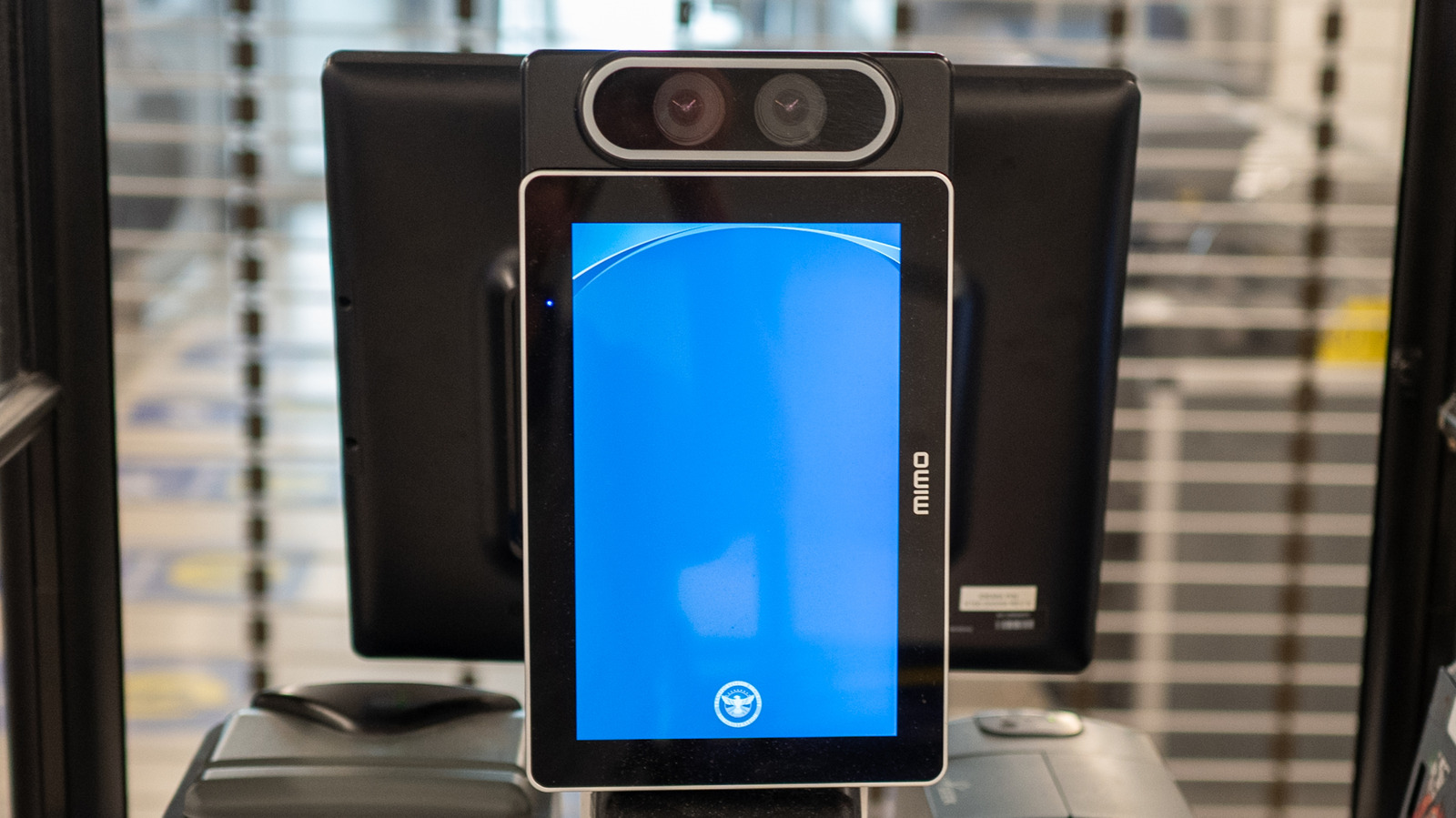
At the start of the security line, you'll see a webcam-like camera lens pointed right at your face, and the TSA officer sitting behind it will say something like "Stand right there to have your photo taken." What the officer likely won't say is that the face scan isn't mandatory and you can opt out. If you haven't noticed the signage informing you of that right, you're not alone. The signs can be printed in small lettering, stuck in places you're unlikely to notice or be missing entirely.

Even if you know you can opt out, you might allow the face scan anyway. You hear grumbling from the line behind you; the TSA officer looks ready to snap at anyone who gives them guff; your flight leaves in an hour, and you don't want to get pulled aside for "random" screenings and searches.

In brief

Saying "no" can be intimidating, but it shouldn't cause you any problems. At the start of the security line, you'll see a webcam-like camera lens pointed right at your face, and the TSA officer sitting behind it will say something like "Stand right there to have your photo taken. Even if you know you can opt out, you might allow the face scan anyway.

This is the opening of the story, shared with credit to Engadget. The rest of the report — with every detail — continues on the publisher’s website.

Continue reading at Engadget ↗

Cookie settings

Choose which cookies we may use. You can change this at any time from Cookie settings in the footer. Details of each cookie are in the Cookie Policy.

Strictly necessary

Needed for sign-in, security, payments and remembering these choices. Always on.

Preferences

Remember settings such as dark mode.

Analytics & performance

Help us count visits, understand which pages, devices and countries our readers use, and measure how well the site performs – anonymous and aggregated.

Advertising & marketing

Lets advertising partners show and personalise adverts, measure impressions, clicks and visits, prevent ad fraud and pay us – this is how the free site is funded.

🔔 News notifications

Get headlines from NewsHub on this device — even when the site is closed.

You can switch this off at any time. Works on Android, Windows, Mac and Linux browsers; on iPhone/iPad add the site to your Home Screen first.