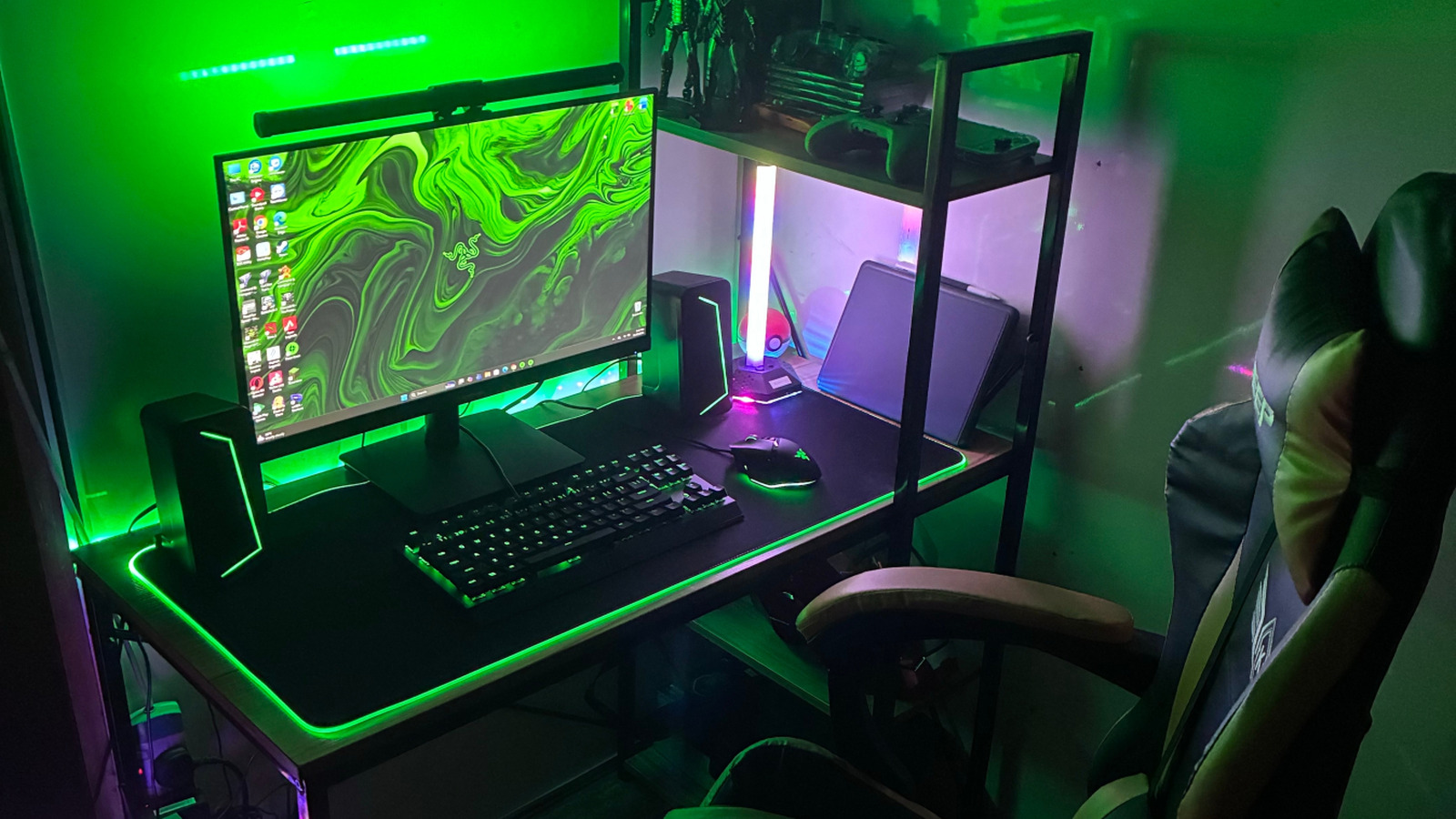
If your PC can't sleep through the night, you can help it get a better rest.
Windows PCs are full of odd behaviors and strange design decisions. For example, Microsoft thinks the Windows 11 lock screen is a great place to insert random widgets like Daily Wonder, even though most of us blitz through it with our passcode or facial recognition.
An odd problem I've had from time to time is my PC waking up at random. You'd assume that when you put a computer to sleep, it would stay that way until you intentionally woke it up. In reality, there are a variety of conditions that can wake up a PC, and they're far from random.
Sometimes, settings can allow third-party apps and peripherals to take control. In other cases, it could be that Windows is waking itself up for important tasks. Thankfully, there are easy fixes available, as well as diagnostic tools to dig deeper.
On my own machine, one of the most common causes of this issue is the mouse. Being a gaming mouse, it's sensitive enough that lightly jostling my desk can be enough to make Windows think I'm sitting down to play.
To control which USB devices can turn on your PC, you can unplug some when you aren't using them, but that's not practical.…