A faulty USB-C port can leave your device without power or a reliable connection, but the cause isn’t always physical.
Device ports used to be a lot more fragile. Older PCs, for example, had giant exposed serial and parallel ports, matched with connectors that featured all-too-bendable pins. In retrospect, it's amazing we put up with them for as long as we did.
USB-C still has flaws in this department, though, and the consequences can be just as severe, if not worse. Many devices rely on the format not just for data, but for power delivery. If a smartphone's charging port ends up broken and it doesn't support wireless charging, it's just a matter of time before its battery drains to zero. A broken port isn't the only concern, either, given the dangers of using old, damaged charging cables.
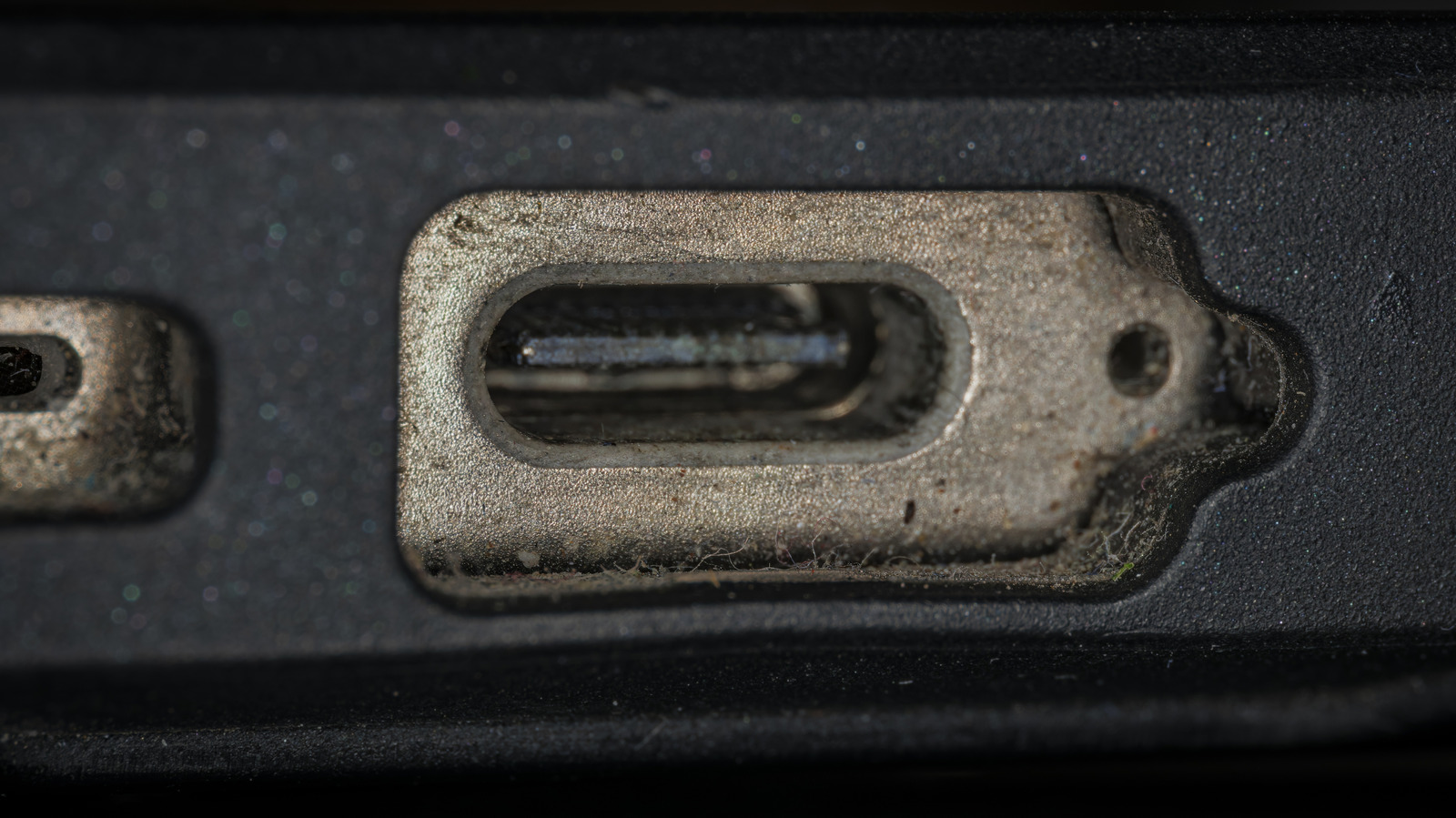
To tell if a USB-C port is damaged, look for bent or broken pins, discoloration or inconsistent charging and data transfers. These signs warrant a closer look, but debris, faulty cables and software issues can also cause problems without damage to the port itself.
Your first step should be to aim a flashlight at the port and search for any debris or, yes, bent or broken pins.