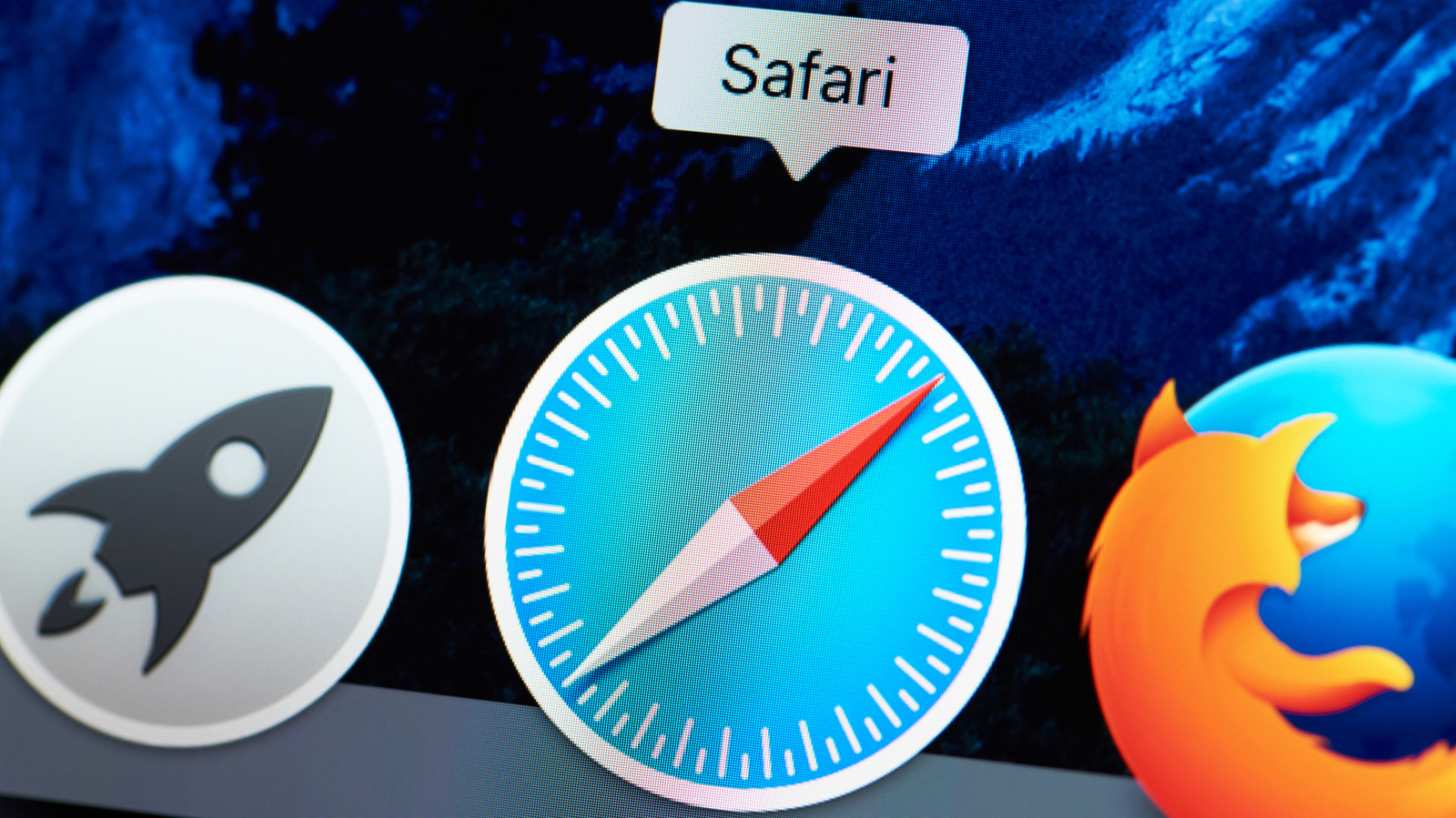
If your chosen browser isn't sticking, here are a few things you can try.
A web browser is arguably the most important application on your Mac. It allows you to access the internet, check emails and connect to various online services. While your Mac already comes with Safari as its default web browser, it may not be the best fit for your particular needs. You may prefer Google Chrome for its seamless integration with Google's services, Mozilla Firefox for enhanced privacy and security or Microsoft Edge for its productivity tools. You may also choose to use the same browser on your Mac and smartphone to sync history, bookmarks and passwords.
No matter which browser you prefer, macOS allows you to set it as your default browser. However, at times, you might notice web links opening in a browser other than the default one. This may occur if a software issue prevents the browser preferences file from saving correctly or when you accidentally confirm a browser prompt to set it as your default browser. Knowing how to change default browser on macOS can help you resolve browser-related conflicts and understand why certain web links may open in different browsers.
Changing the default browser in macOS is fairly straightforward.