📰 Newspapers

11 Googlebook settings you may want to change after setting it up

11 Googlebook settings you may want to change after setting it up

There are so many ways to make your new Googlebook yours and ease transition from other platforms. Start with these settings.

Take a look at these options on your new Google laptop.

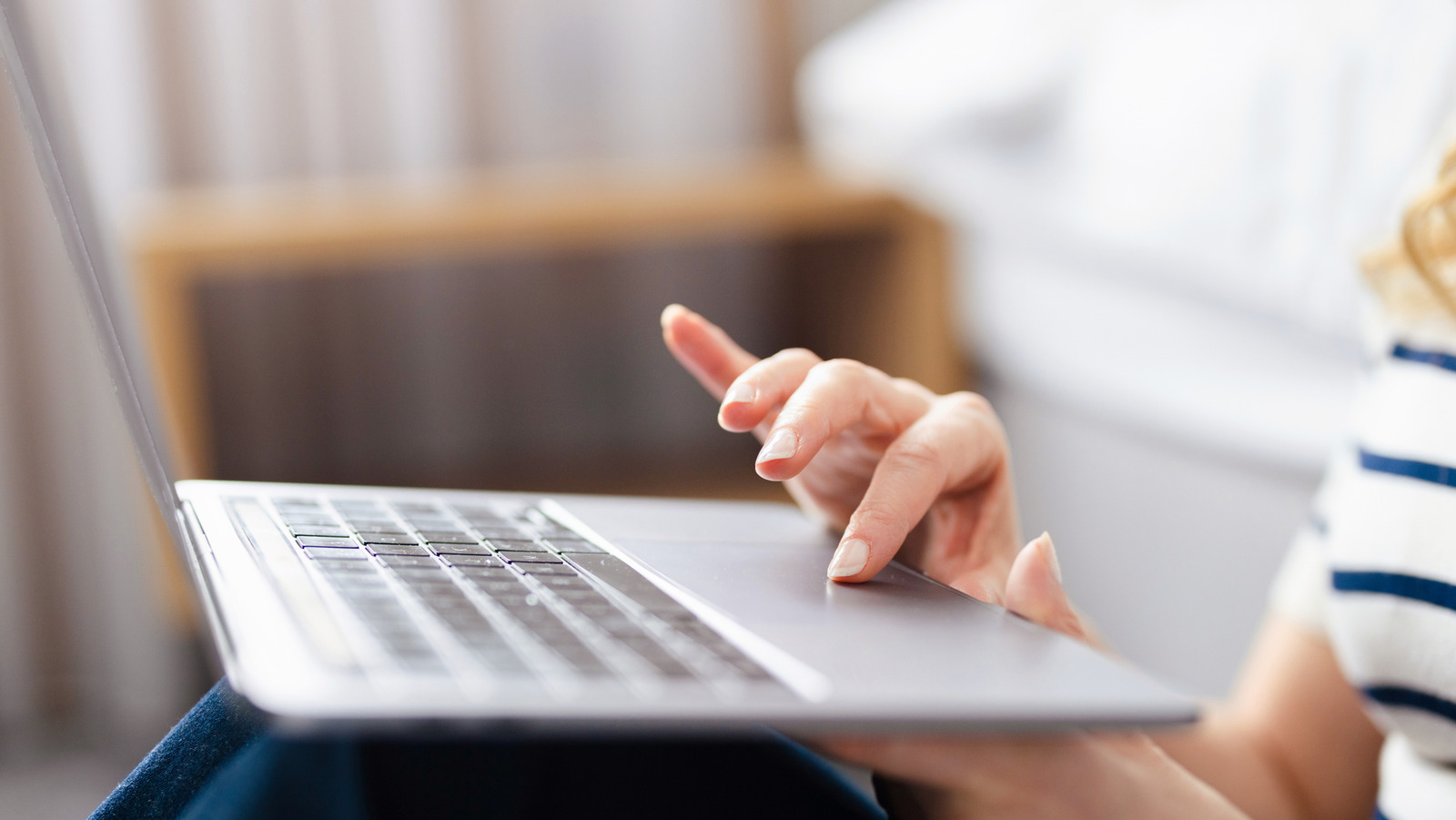
Setting up a Chromebook has always been generally painless, so it makes sense that Google's Googlebook laptops are similarly easy to setup and use (some rare instances notwithstanding). Just because the setup is easy doesn't necessarily mean that it's set up the way you want, however, so Google has given you a lot of ways to customize your Googlebook to your liking. Whether that means touchpad shortcuts, customizing your Quick Settings tiles or changing the size and color of your cursor, you have many ways to make your Googlebook your own.

That said, hunting down every setting takes time, and it might not be obvious at first glance what some settings do or how they could improve your experience. While there are far too many settings to go into here, there are 11 things to do in particular that any Googlebook user can benefit from and should be customized as soon as you finish the setup process. From tap-to-click and three-finger touchpad shortcuts to setting up your keyboard's modifier keys to accommodate the key positions you are used to on Windows and Mac keyboards, some might even be essential to your transition from other platforms.

In brief

Take a look at these options on your new Google laptop. Just because the setup is easy doesn't necessarily mean that it's set up the way you want, however, so Google has given you a lot of ways to customize your Googlebook to your liking. Whether that means touchpad shortcuts, customizing your Quick Settings tiles or changing the size and color of your cursor, you have many ways to make your Googlebook your own.

This is the opening of the story, shared with credit to Engadget. The rest of the report — with every detail — continues on the publisher’s website.

Continue reading at Engadget ↗

Cookie settings

Choose which cookies we may use. You can change this at any time from Cookie settings in the footer. Details of each cookie are in the Cookie Policy.

Strictly necessary

Needed for sign-in, security, payments and remembering these choices. Always on.

Preferences

Remember settings such as dark mode.

Analytics & performance

Help us count visits, understand which pages, devices and countries our readers use, and measure how well the site performs – anonymous and aggregated.

Advertising & marketing

Lets advertising partners show and personalise adverts, measure impressions, clicks and visits, prevent ad fraud and pay us – this is how the free site is funded.

🔔 News notifications

Get headlines from NewsHub on this device — even when the site is closed.

You can switch this off at any time. Works on Android, Windows, Mac and Linux browsers; on iPhone/iPad add the site to your Home Screen first.