📰 Newspapers

Why you probably shouldn't use your old Apple AirPort Express

Why you probably shouldn't use your old Apple AirPort Express

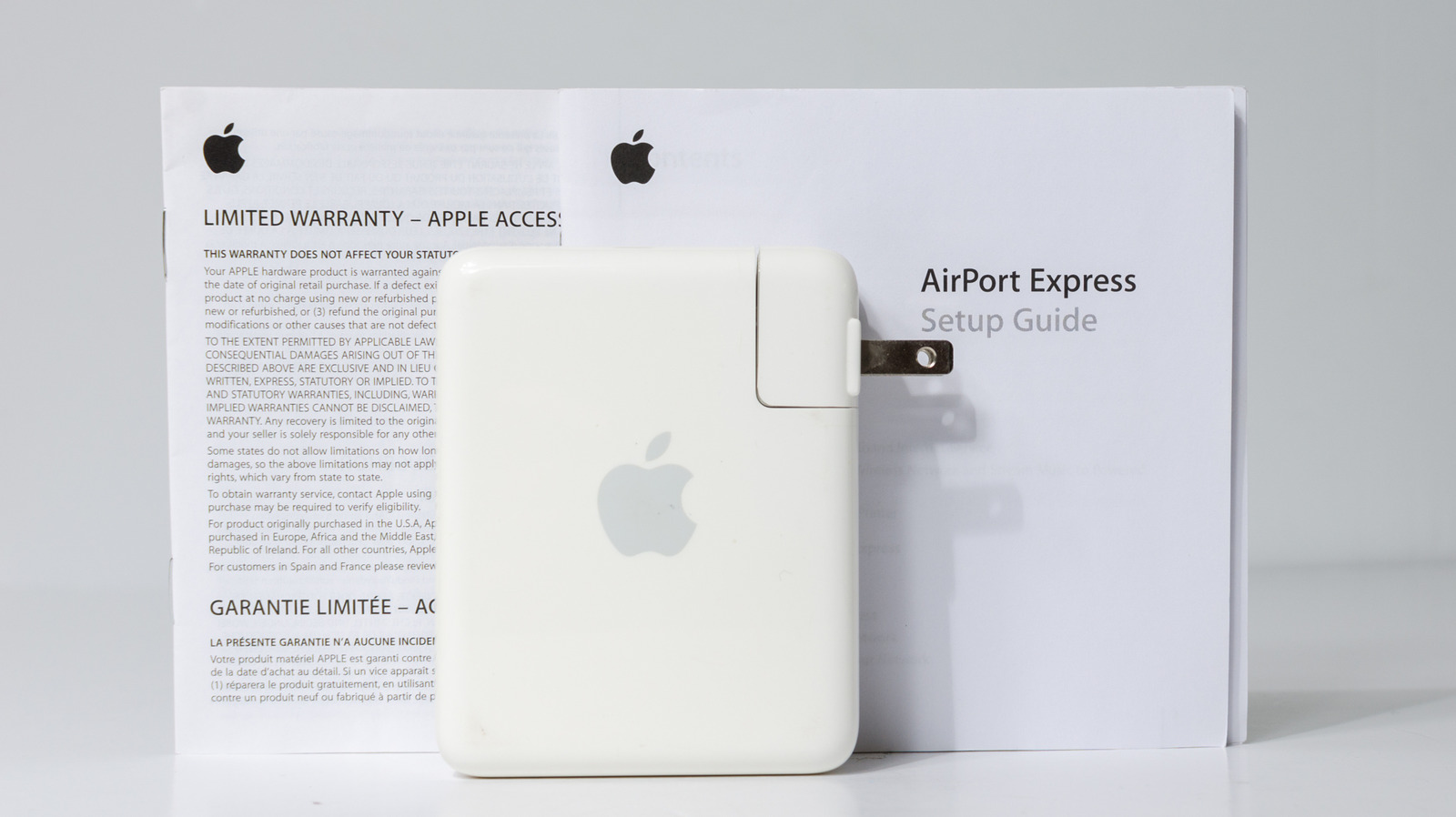
It's been almost a decade since Apple last sold one of these things.

Apple's AirPort Express generated over 80,000 pre-orders when it was introduced in 2004. Shoppers liked the design. They also liked that it combined iTunes music streaming, wireless printing and a portable router/extender into one small and simple white box. "This innovative Apple product will appeal to both notebook users who want wireless freedom in their hotel rooms and to music lovers who want to listen to their iTunes music library on a stereo located anywhere in their home," said former Apple CEO Steve Jobs in a press release back when it was introduced.

Mac users travelled with one to turn hotel Ethernet into a personal Wi-Fi hotspot. Music lovers streamed iTunes music to a stereo using its 3.5mm analog/optical jack at a fraction of the cost of rival systems and it let any home or small office share a printer.

Apple was one of the first to bring Wi-Fi to mainstream consumers with the iBook and AirPort base station (a predecessor of AirPort Express) in July 1999. By 2004 other manufacturers were starting to build-in Wi-Fi, but broadband providers had only just begun adding wireless to their routers. AirPort Express helped Apple's users get online during that transition.

In brief

It's been almost a decade since Apple last sold one of these things. Apple's AirPort Express generated over 80,000 pre-orders when it was introduced in 2004. "This innovative Apple product will appeal to both notebook users who want wireless freedom in their hotel rooms and to music lovers who want to listen to their iTunes music library on a stereo located anywhere in their home," said former Apple CEO Steve Jobs in a press release back when it was introduced. AirPort Express helped Apple's users get online during that transition.

This is the opening of the story, shared with credit to Engadget. The rest of the report — with every detail — continues on the publisher’s website.

Continue reading at Engadget ↗

Cookie settings

Choose which cookies we may use. You can change this at any time from Cookie settings in the footer. Details of each cookie are in the Cookie Policy.

Strictly necessary

Needed for sign-in, security, payments and remembering these choices. Always on.

Preferences

Remember settings such as dark mode.

Analytics & performance

Help us count visits, understand which pages, devices and countries our readers use, and measure how well the site performs – anonymous and aggregated.

Advertising & marketing

Lets advertising partners show and personalise adverts, measure impressions, clicks and visits, prevent ad fraud and pay us – this is how the free site is funded.

🔔 News notifications

Get headlines from NewsHub on this device — even when the site is closed.

You can switch this off at any time. Works on Android, Windows, Mac and Linux browsers; on iPhone/iPad add the site to your Home Screen first.