If you want to directly use the Gemini app, there are a few wrinkles.
Apple doesn't have a history of playing nice with others when it comes to allowing rivals on its platforms. Outside the European Union, for example, an iPhone or iPad developer can't offer its own in-app purchase system—it has to use the App Store, where Apple takes a large cut of each transaction. That's why apps like Spotify force you to use other devices to pay, circumventing Apple's own store and commission.
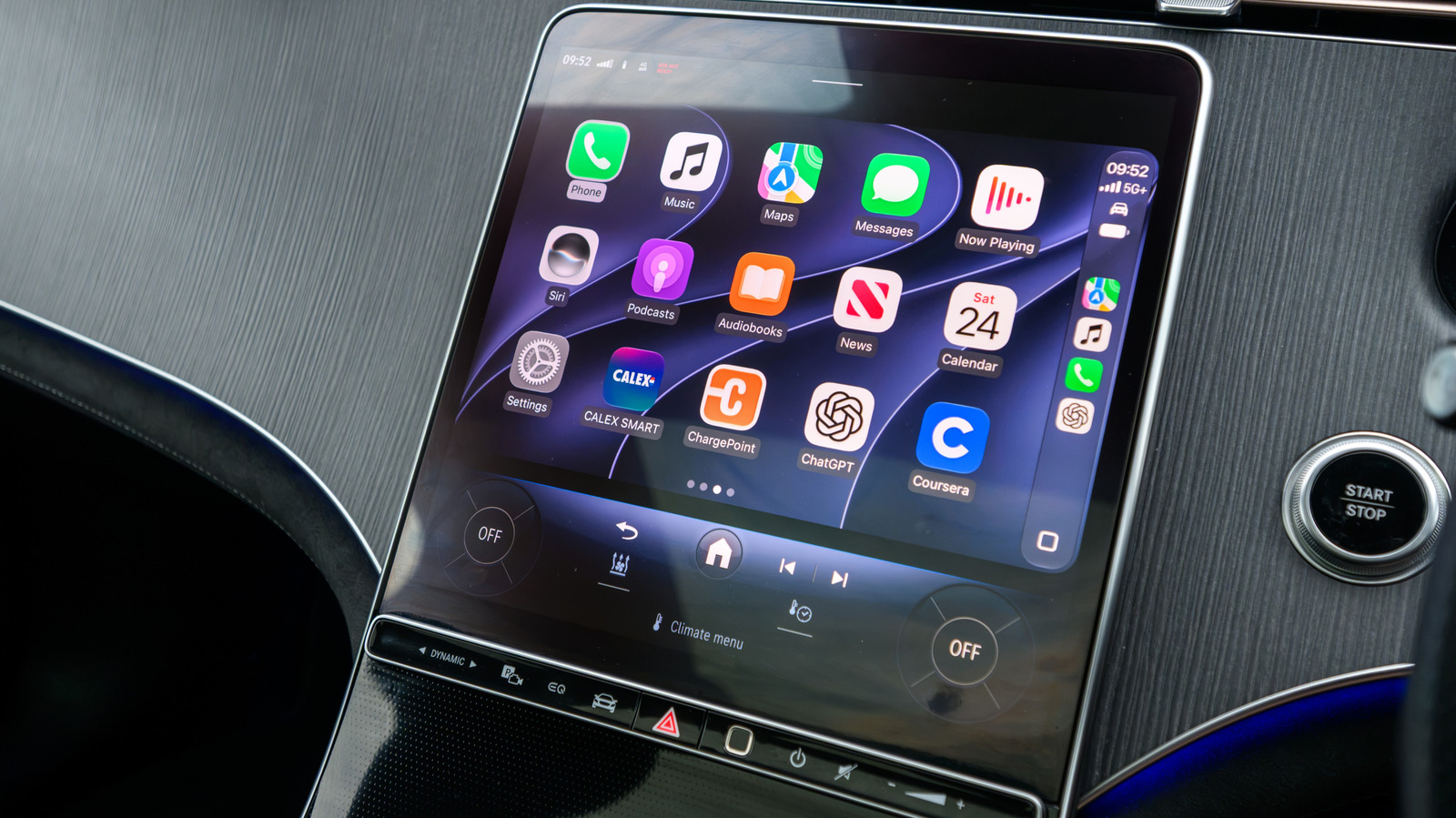
However, one area where the company has been relatively generous is AI on CarPlay. With the launch of iOS 27, it opened the gates to third-party AI apps like Claude, ChatGPT and yes, Google Gemini, even though they're in direct competition with its overhauled version of Siri. Apple's assistant does have an advantage in native integration, but that may not matter if you're not closely tied to Apple apps and services.
Using Gemini with CarPlay is relatively straightforward, and there are actually two ways to access it. There are a few catches, however, including a couple of hurdles to jump through if you want to use the dedicated Gemini app.
To get started, make sure CarPlay is already configured for your car, and that you've downloaded the Gemini app on your iPhone.