📰 Newspapers

Give your old iPad new purpose as a home video call station

Give your old iPad new purpose as a home video call station

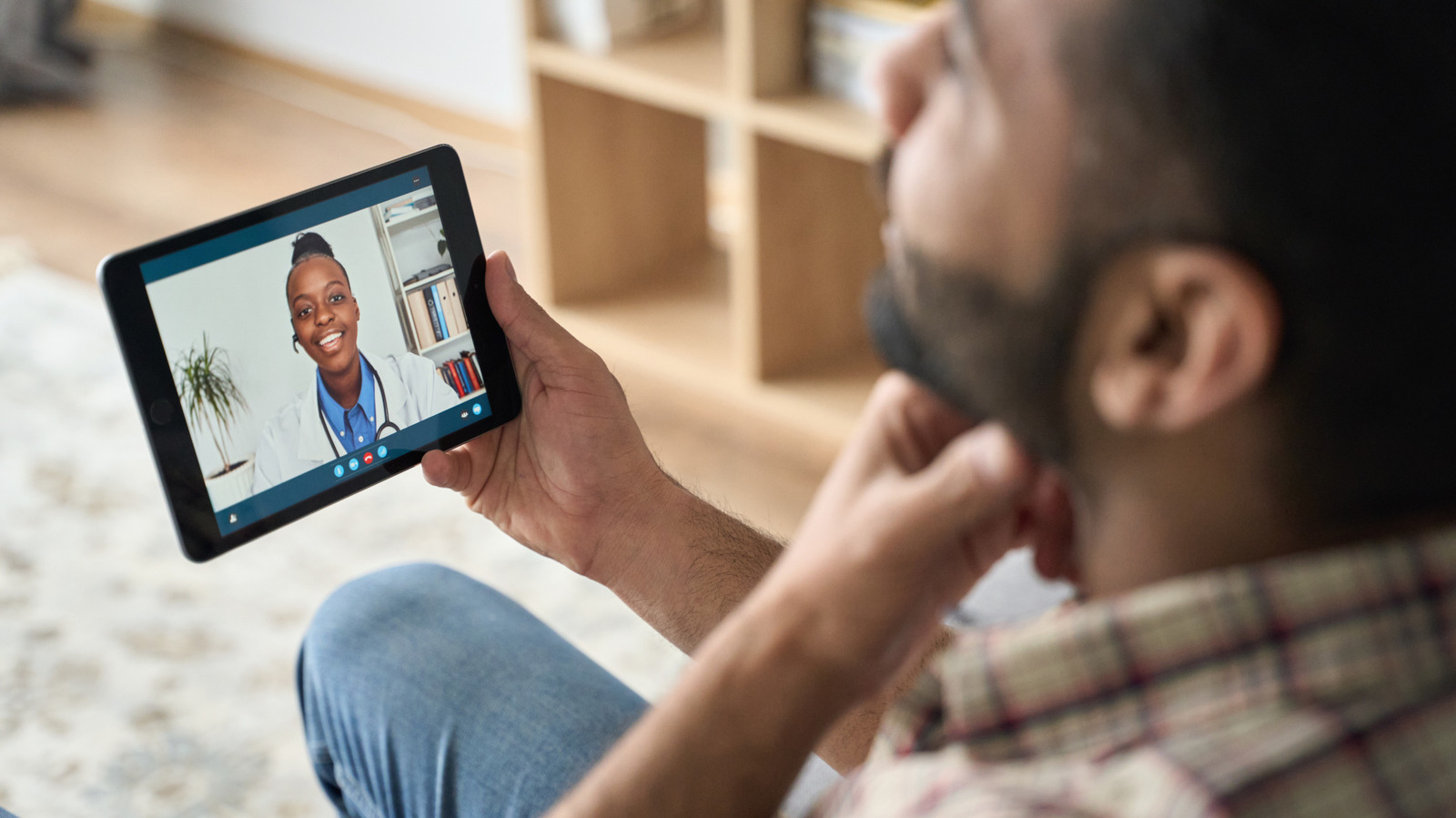
Put an older iPad back to work by setting it up as a dedicated home video call station or a big-screen Apple TV webcam for family chats.

Save your phone's battery and use your old iPad as a FaceTime machine instead.

There's a good chance you have an old iPad sitting in a drawer somewhere at home, especially if it no longer runs the latest version of iPadOS. The good news is, there's still plenty you can do with an old iPad, and one of those things is turning it into a video-calling device for you and your family. Depending on the model you have, it still runs FaceTime and other video-calling apps — not only that, but you can also use it as a webcam for your Apple TV. It's especially useful when you don't want to hold your phone while calling someone, or even if you don't want to drain your laptop's battery. All it takes is changing a few settings and maybe buying a good stand for your iPad.

The first thing to check is which apps your iPad can still run, because the version of iPadOS it's running determines just how useful an older iPad can be. For FaceTime, most iPad models still work since it comes built-in. You might not have access to some of the latest features, but it works for basic video calls — unless we're talking about a really old iPad, like an iPad 2.

In brief

Save your phone's battery and use your old iPad as a FaceTime machine instead. All it takes is changing a few settings and maybe buying a good stand for your iPad. The first thing to check is which apps your iPad can still run, because the version of iPadOS it's running determines just how useful an older iPad can be. For FaceTime, most iPad models still work since it comes built-in.

This is the opening of the story, shared with credit to Engadget. The rest of the report — with every detail — continues on the publisher’s website.

Continue reading at Engadget ↗

Cookie settings

Choose which cookies we may use. You can change this at any time from Cookie settings in the footer. Details of each cookie are in the Cookie Policy.

Strictly necessary

Needed for sign-in, security, payments and remembering these choices. Always on.

Preferences

Remember settings such as dark mode.

Analytics & performance

Help us count visits, understand which pages, devices and countries our readers use, and measure how well the site performs – anonymous and aggregated.

Advertising & marketing

Lets advertising partners show and personalise adverts, measure impressions, clicks and visits, prevent ad fraud and pay us – this is how the free site is funded.

🔔 News notifications

Get headlines from NewsHub on this device — even when the site is closed.

You can switch this off at any time. Works on Android, Windows, Mac and Linux browsers; on iPhone/iPad add the site to your Home Screen first.