📰 Newspapers

Why does the iPhone Duo have two battery health values in Settings?

Why does the iPhone Duo have two battery health values in Settings?

Two battery health values on your iPhone Duo might look like a glitch. Here's what they actually tell you and when you should start paying attention.

The iPhone Duo splits its 4,883mAh battery across two cells, so Settings reports the health of each.

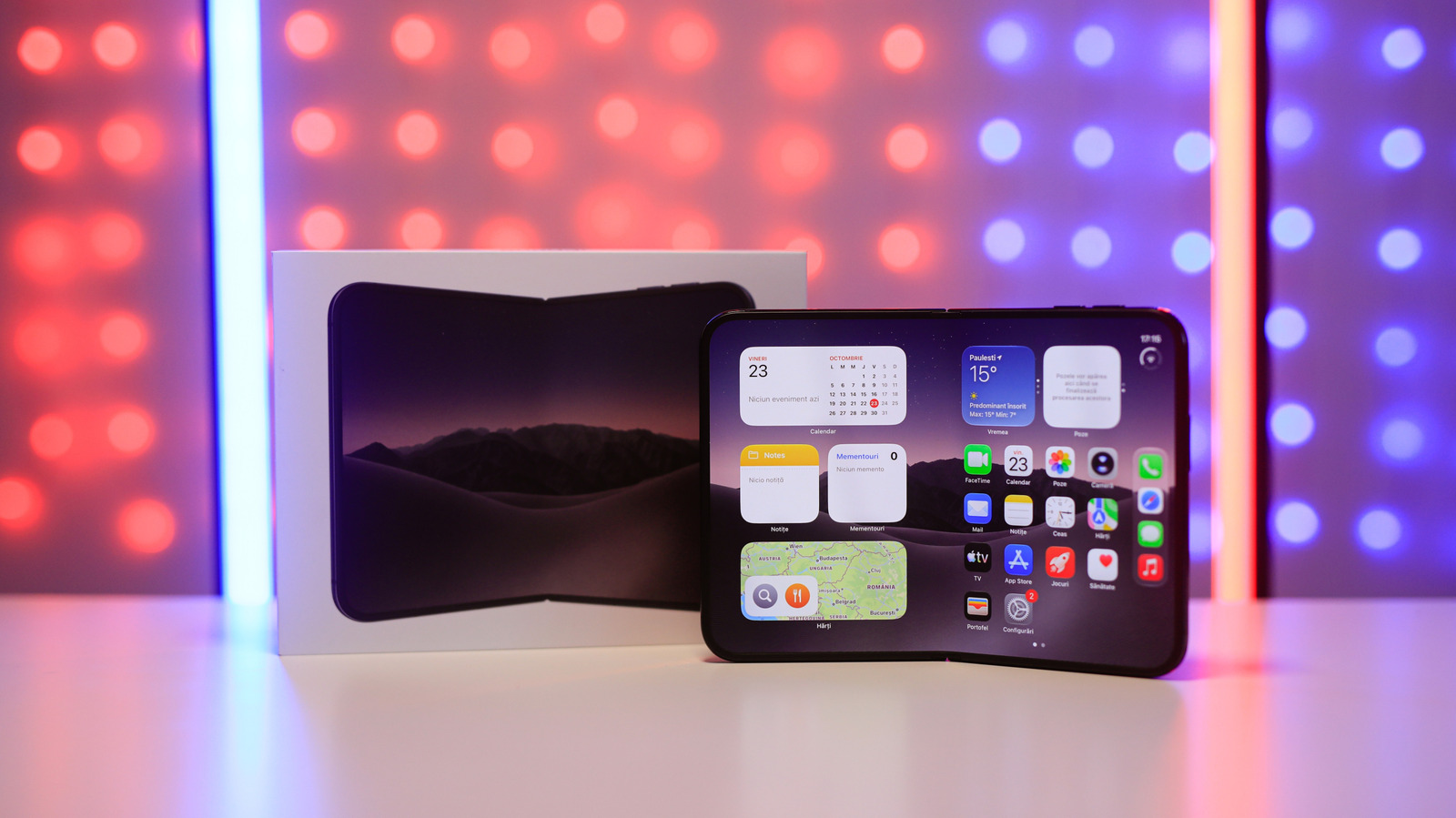
The iPhone Duo differs from standard iPhones in many ways, and not just because it has a foldable screen. Going to the Battery settings on the Duo reveals another surprise: where you'd normally see your iPhone's battery health, there are now two separate values listed. There's nothing wrong with your phone or the Settings app — the iPhone Duo really does have two separate batteries inside.

Each side of the phone has its own high-energy battery, allowing the phone to pack in more capacity than a conventional battery would. Teardowns have already confirmed the capacity of each side: the larger cell has 2,962mAh (11.56Wh) and the smaller one has 1,921mAh (7.5Wh), for a total of 4,883mAh. For everyday use, this doesn't matter much, since the phone manages both cells as a single battery. But it does mean two sets of battery information to check and two batteries to replace when the time comes.

Finding battery health information on the iPhone Duo works the same as on any other iPhone. Open the Settings app and go to the Battery menu, then tap Battery Health. The difference is that you'll now see two separate sections, one labeled Battery 1 and the other Battery 2.

In brief

The iPhone Duo splits its 4,883mAh battery across two cells, so Settings reports the health of each. Going to the Battery settings on the Duo reveals another surprise: where you'd normally see your iPhone's battery health, there are now two separate values listed. Finding battery health information on the iPhone Duo works the same as on any other iPhone. Open the Settings app and go to the Battery menu, then tap Battery Health.

This is the opening of the story, shared with credit to Engadget. The rest of the report — with every detail — continues on the publisher’s website.

Continue reading at Engadget ↗

Cookie settings

Choose which cookies we may use. You can change this at any time from Cookie settings in the footer. Details of each cookie are in the Cookie Policy.

Strictly necessary

Needed for sign-in, security, payments and remembering these choices. Always on.

Preferences

Remember settings such as dark mode.

Analytics & performance

Help us count visits, understand which pages, devices and countries our readers use, and measure how well the site performs – anonymous and aggregated.

Advertising & marketing

Lets advertising partners show and personalise adverts, measure impressions, clicks and visits, prevent ad fraud and pay us – this is how the free site is funded.

🔔 News notifications

Get headlines from NewsHub on this device — even when the site is closed.

You can switch this off at any time. Works on Android, Windows, Mac and Linux browsers; on iPhone/iPad add the site to your Home Screen first.