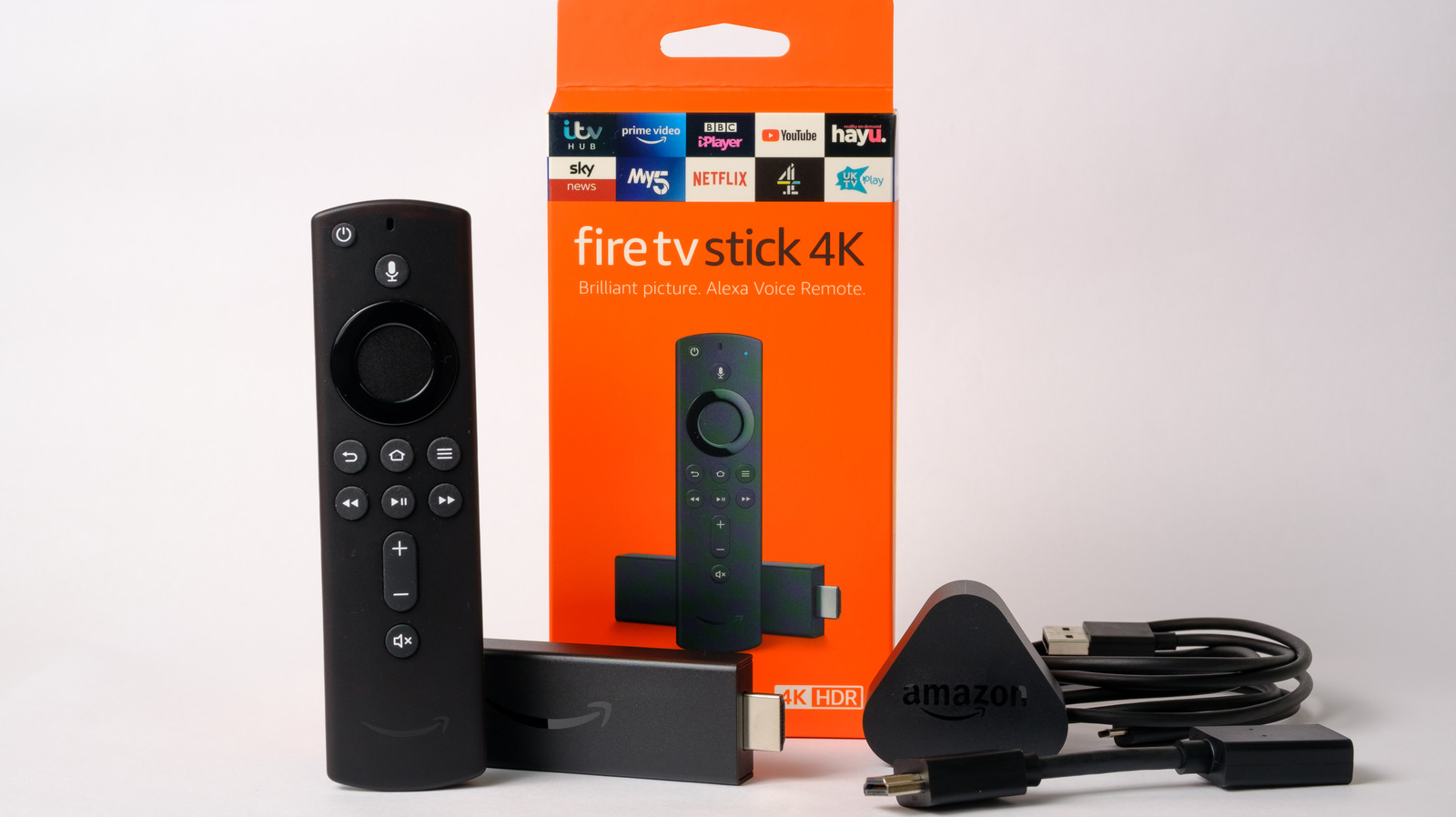
Amazon doesn't make it easy to know which Fire TV Stick is best for you.
Living in the streaming age of media means that your options to consume the content that you want have the potential to feel overwhelming. In addition to the actual streaming services themselves, you also have to deal with how to actually access them. If you have decided to upgrade an older TV or perhaps supplement your smart TV with an Amazon Fire TV Stick, you may have some pressing questions and concerns about what that actually looks like.
There are a few things to consider, like if your TV actually needs one, and what you should look for when buying one. You may also wonder about compatibility, as not every TV has the ability to support an Amazon Fire TV Stick. We've put together some information for you to check out and help you determine if it's the right choice for you.
Before buying an Amazon Fire TV Stick, your first order of business is to figure out if your TV can actually make use of the unit. The Fire Stick works by being plugged into an empty HDMI port, then changing the input of the TV to that display.