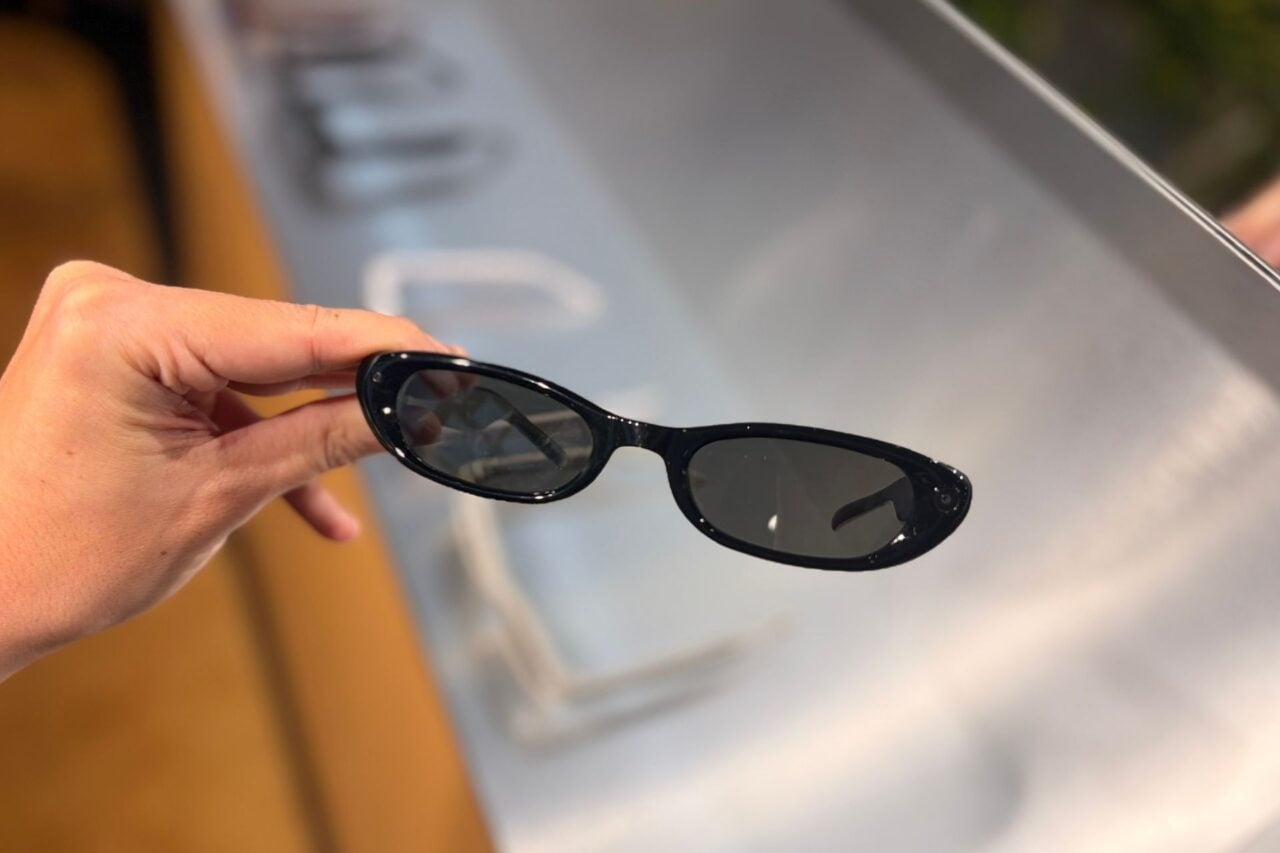
Your Pixel Watch or Galaxy Watch Can Control Samsung and Google’s New Smart Glasses

Your Pixel Watch or Galaxy Watch Can Control Samsung and Google’s New Smart Glasses

Gesture controls will allow existing wearable owners to manipulate the company's 'intelligent eyewear' without touching them or using their voice.

Google’s new smart glasses let you use voice controls and a built-in touchpad to interact with Gemini and take photos and videos, but the Intelligent Eyewear collection will also be integrated with existing wearables. Google has confirmed to Gizmodo that Pixel Watches, Galaxy Watches, and eventually, the Fitbit Air, will be able to control the company’s smart glasses with gestures, letting wearers control their music and interact with AI without using their voice or touching the frames.

Like the existing gestures Google already supports on the Pixel Watch and similar gesture controls available on the Apple Watch, the company’s smart glasses can be manipulated with pinches and wrist turns. According to Google, you can use a double pinch to play or pause audio playback, a wrist turn to close an “experience” on the smart glasses, and a double pinch with your palm facing up to start talking to Gemini if you’re using a Pixel Watch.

Gestures make your smartwatch easier to use with one hand, but they’re even more meaningful as a control method for smart glasses. Depending on the situation, saying “Hey Gemini” or tapping a touchpad on your temple can look a little weird or be downright rude. A double pinch or a wrist turn is much more unobtrusive in comparison.

In brief

Google’s new smart glasses let you use voice controls and a built-in touchpad to interact with Gemini and take photos and videos, but the Intelligent Eyewear collection will also be integrated with existing wearables. Like the existing gestures Google already supports on the Pixel Watch and similar gesture controls available on the Apple Watch, the company’s smart glasses can be manipulated with pinches and wrist turns.

This is the opening of the story, shared with credit to Gizmodo. The rest of the report — with every detail — continues on the publisher’s website.

Continue reading at Gizmodo ↗

Cookie settings

Choose which cookies we may use. You can change this at any time from Cookie settings in the footer. Details of each cookie are in the Cookie Policy.

Strictly necessary

Needed for sign-in, security, payments and remembering these choices. Always on.

Preferences

Remember settings such as dark mode.

Analytics & performance

Help us count visits, understand which pages, devices and countries our readers use, and measure how well the site performs – anonymous and aggregated.

Advertising & marketing

Lets advertising partners show and personalise adverts, measure impressions, clicks and visits, prevent ad fraud and pay us – this is how the free site is funded.

🔔 News notifications

Get headlines from NewsHub on this device — even when the site is closed.

You can switch this off at any time. Works on Android, Windows, Mac and Linux browsers; on iPhone/iPad add the site to your Home Screen first.