📰 Newspapers

Your iPhone has a built-in barometer — Here's how to use it

Your iPhone has a built-in barometer — Here's how to use it

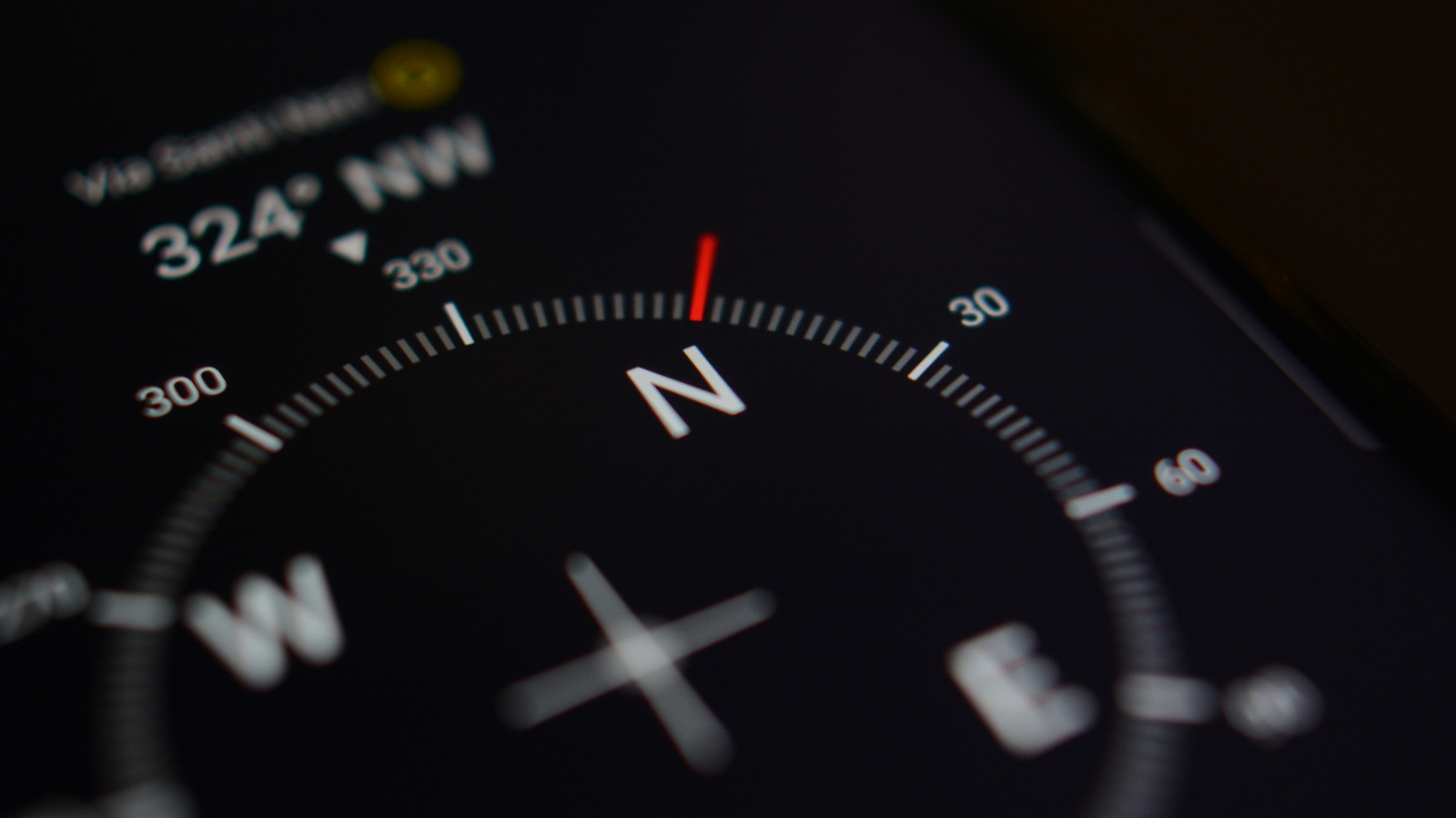
The iPhone's barometer is easy to overlook, but it's one of several sensors working behind the scenes every day, collecting data most users haven't seen.

Feeling a little under pressure? Your iPhone can measure that.

Since Apple introduced the iPhone 6 and 6 Plus in 2014, most iPhones have included a built-in barometer. The first-generation iPhone SE didn't get the memo, apparently, and is an exception. Apple explained its inclusion as a means of determining relative elevation changes. Without diving too deeply into atmospheric science, iPhones with barometers detect your elevation based on current barometric pressure. The higher up you travel, the lower the pressure, which your iPhone translates into an approximate elevation reading.

Barometric pressure is essentially the force exerted by the air above you. Air molecules have mass, and the more air above you, the more pressure is exerted on you. It's useful information for determining elevation, but to be clear, barometric pressure also changes with the weather. By itself, the sensor can't tell if falling pressure means you're scrambling up a mountain or if storm clouds are rolling in. Apps have to depend on more information, like GPS altitude and local weather station data.

While your phone has all that data to play with, it's not immediately clear how you, as the owner, can take advantage of it.

A standalone app was never the purpose of including the barometer in the first place, nor is that the case today.
In brief

Feeling a little under pressure? Your iPhone can measure that. Without diving too deeply into atmospheric science, iPhones with barometers detect your elevation based on current barometric pressure. The higher up you travel, the lower the pressure, which your iPhone translates into an approximate elevation reading.

This is the opening of the story, shared with credit to Engadget. The rest of the report — with every detail — continues on the publisher’s website.

Continue reading at Engadget ↗

Cookie settings

Choose which cookies we may use. You can change this at any time from Cookie settings in the footer. Details of each cookie are in the Cookie Policy.

Strictly necessary

Needed for sign-in, security, payments and remembering these choices. Always on.

Preferences

Remember settings such as dark mode.

Analytics & performance

Help us count visits, understand which pages, devices and countries our readers use, and measure how well the site performs – anonymous and aggregated.

Advertising & marketing

Lets advertising partners show and personalise adverts, measure impressions, clicks and visits, prevent ad fraud and pay us – this is how the free site is funded.

🔔 News notifications

Get headlines from NewsHub on this device — even when the site is closed.

You can switch this off at any time. Works on Android, Windows, Mac and Linux browsers; on iPhone/iPad add the site to your Home Screen first.