It's an annoying problem but one that can be easily fixed
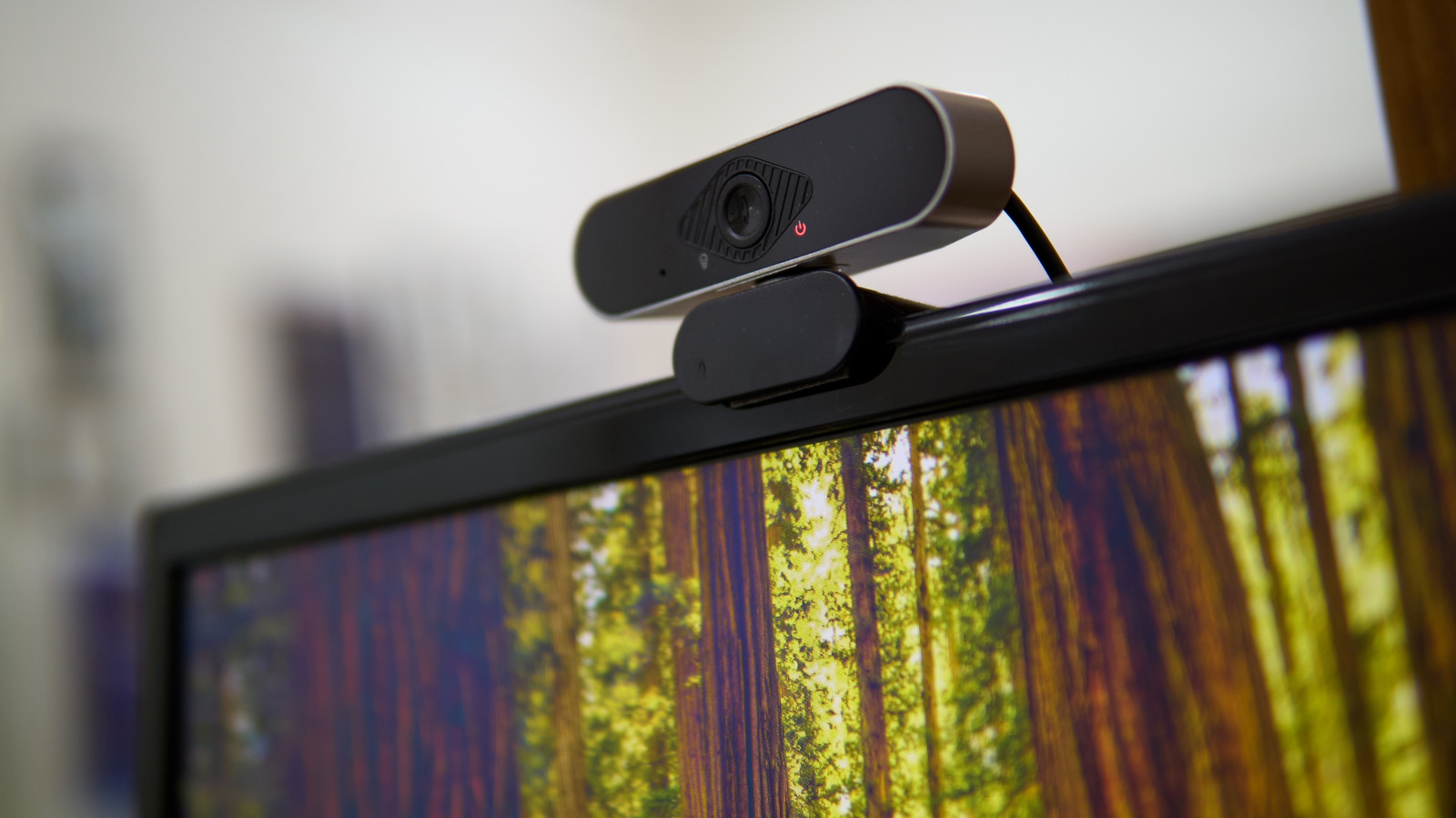
The webcams on our PCs are essential pieces of equipment. There's a chance you conducted an interview for your most recent job with one, and even major news outlets regularly talk to experts or pundits this way instead of inviting them down to the studio. It helps that cams have gone from choppy and muffled feeds to something closer to broadcast quality, and of course professionals often use dedicated equipment.
Everyone runs into problems, though, and we're here to tackle them as efficiently as possible. Often the fixes are simple, maybe even simpler than you'd expect. But there can be more complicated issues at play, for instance requiring driver updates.
If you're on the verge of an important call or meeting, we can probably get you back on track in a matter of minutes. But whenever possible, we'd recommend testing and adjusting gear during downtime, because the goal is to get audio and video just right, rather than merely working.
This might almost feel insulting, but your first step should be to verify that your equipment isn't physically disabled. Some computers have lens blinds and/or mute switches, and it's easy to forget about them if you don't take that many calls.