📰 Newspapers

The reasons why your TV soundbar has an audio delay

The reasons why your TV soundbar has an audio delay

Audio delays are really irritating, especially when watching sports and live events. We've got several possible causes and what you can do about them.

One of the more frustrating experiences you can have while watching TV comes when the audio is out of sync with the video. You've probably noticed it while viewing a show or a movie where the characters' mouth movements don't match the dialogue. Or when you're watching a sporting event and the play-by-play announcer calls a game-winning basket, touchdown or home run before you even see it.

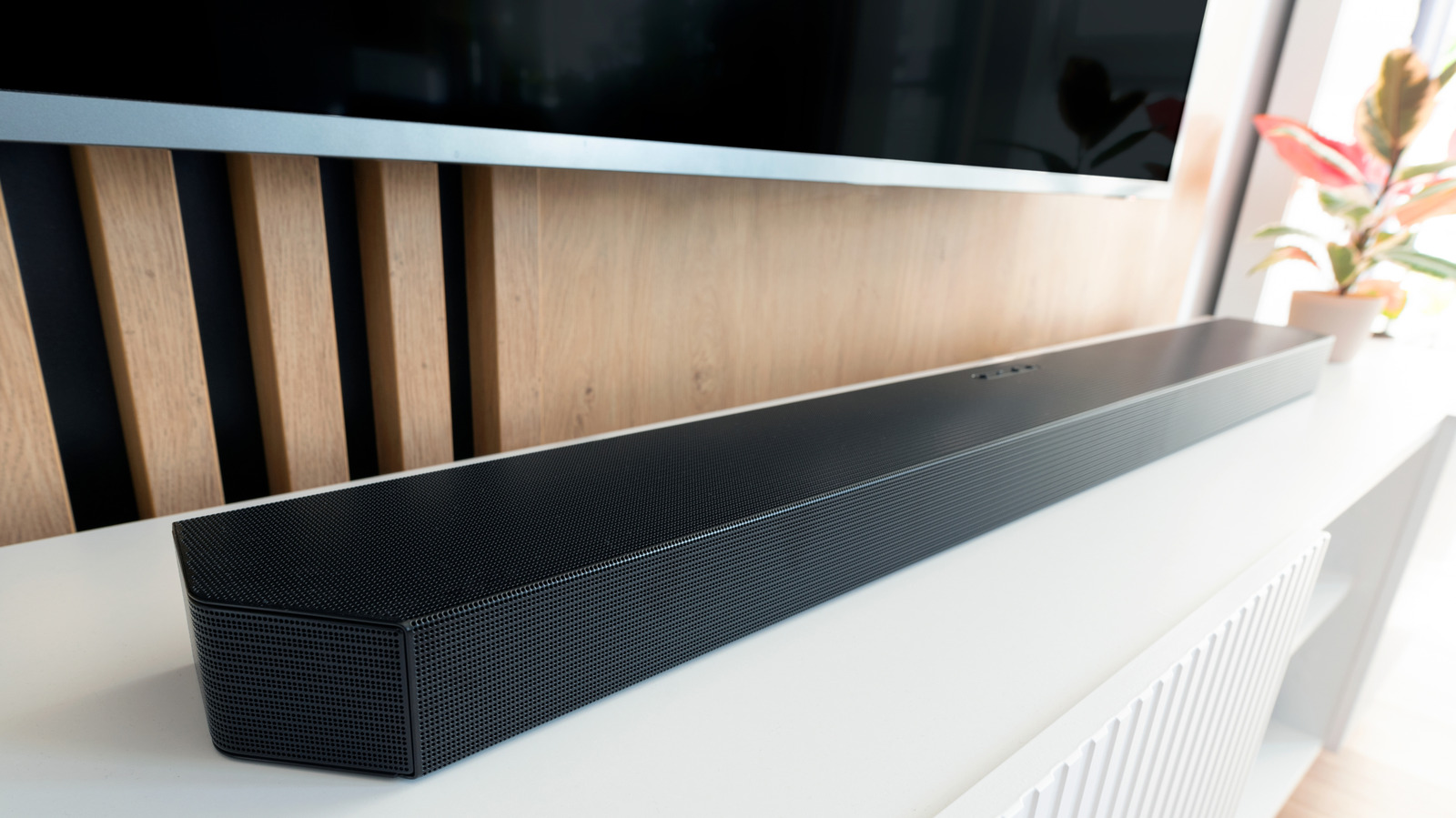
Audio delay is a fairly common occurrence with soundbars connected to TVs, and there are a few reasons why this happens. Fortunately, audio delays can often be fixed pretty easily by simply adjusting some settings on your smart TV.

Understanding the source of the audio delay between your smart TV and soundbar can help you determine how to fix it. For example, if you notice the audio delay while watching TV through your cable or a streaming service, try watching something from another source, like a Blu-ray player. If the audio from the Blu-ray syncs just fine, the issue could be with the actual cable broadcast or streaming service.

But if the audio delay occurs regardless of what you're watching, then the culprit is likely either your TV or soundbar, or a combination of both. First, check the connection between your TV and soundbar.
In brief

One of the more frustrating experiences you can have while watching TV comes when the audio is out of sync with the video. For example, if you notice the audio delay while watching TV through your cable or a streaming service, try watching something from another source, like a Blu-ray player. First, check the connection between your TV and soundbar.

This is the opening of the story, shared with credit to Engadget. The rest of the report — with every detail — continues on the publisher’s website.

Continue reading at Engadget ↗

Cookie settings

Choose which cookies we may use. You can change this at any time from Cookie settings in the footer. Details of each cookie are in the Cookie Policy.

Strictly necessary

Needed for sign-in, security, payments and remembering these choices. Always on.

Preferences

Remember settings such as dark mode.

Analytics & performance

Help us count visits, understand which pages, devices and countries our readers use, and measure how well the site performs – anonymous and aggregated.

Advertising & marketing

Lets advertising partners show and personalise adverts, measure impressions, clicks and visits, prevent ad fraud and pay us – this is how the free site is funded.

🔔 News notifications

Get headlines from NewsHub on this device — even when the site is closed.

You can switch this off at any time. Works on Android, Windows, Mac and Linux browsers; on iPhone/iPad add the site to your Home Screen first.