📰 Newspapers

Why your SD card won't let you transfer files bigger than 4GB, and how to fix it

Why your SD card won't let you transfer files bigger than 4GB, and how to fix it

Some SD cards just won't accept files larger than 4GB, no matter the total capacity or how much free storage there is. But don't worry, it's not hard to fix.

Your SD card's file system might be stopping you from transferring large files, but there's an easy fix for that.

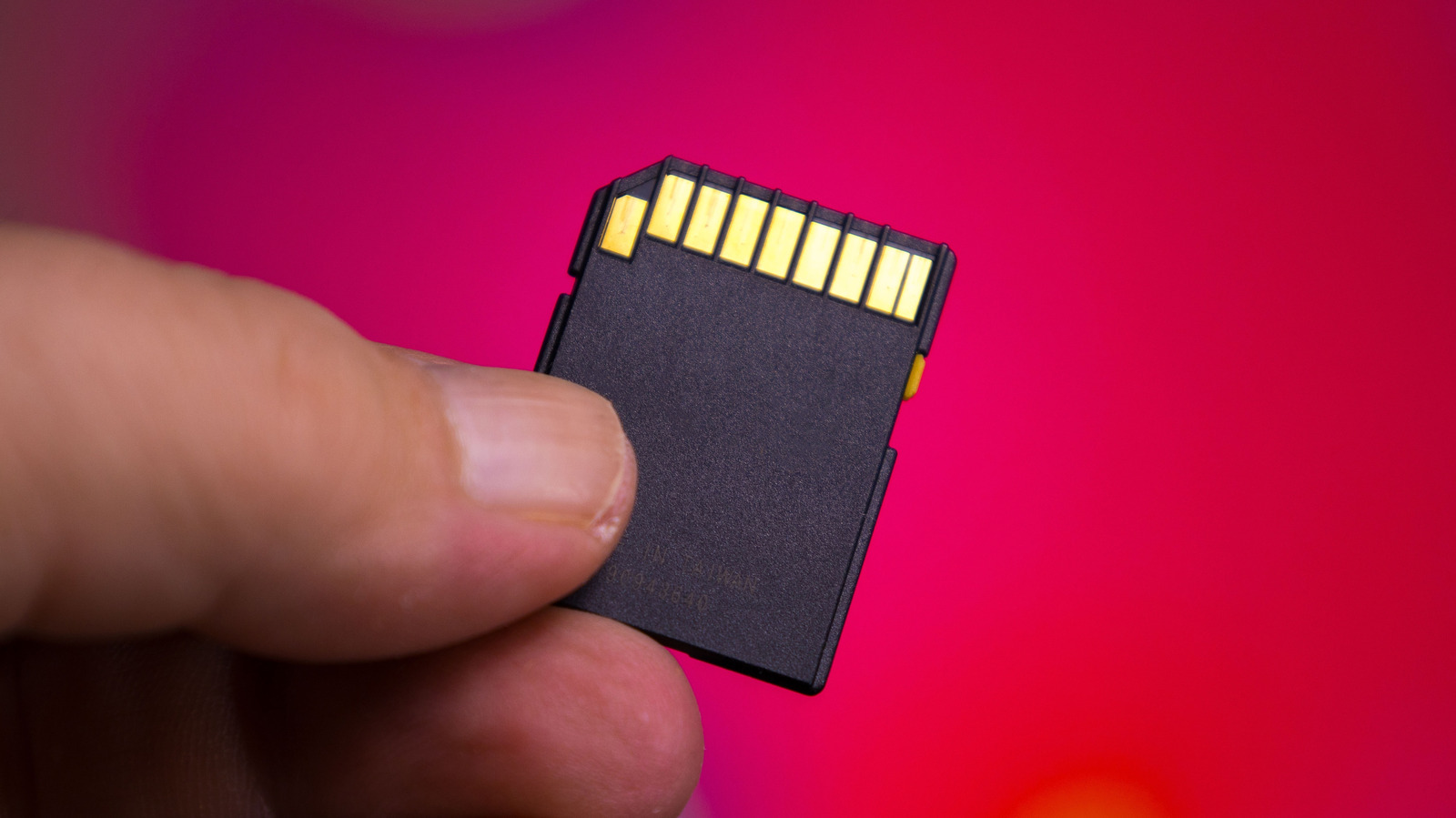
SD card capacities have grown by leaps and bounds since hitting the market in the early 2000s, and the best microSD cards now come in capacities from 128GB up to a massive 1TB. No matter how capacious your SD card, though, you may run into an unexpected limitation: it won't accept files larger than 4GB, even when there's enough space left.

While it may seem worrying, the good news is that the SD card itself is almost certainly fine. Instead, the problem lies in the file format it's currently using. More specifically, it's FAT32, a file system that dates back to Windows 95 and is still commonly used today. Although it's widely compatible and can be read by almost any device, it has a major downside: no single file can be larger than 4GB.

FAT32's 4GB-per-file limit comes down to how it records file sizes using a 32-bit number. In computing, the largest value that fits within this limit is 4,294,967,295 bytes, or nearly 4GB. The SD card can physically hold files over 4GB, but the file system prevents it.

In brief

Your SD card's file system might be stopping you from transferring large files, but there's an easy fix for that. Instead, the problem lies in the file format it's currently using. FAT32's 4GB-per-file limit comes down to how it records file sizes using a 32-bit number. The SD card can physically hold files over 4GB, but the file system prevents it.
This is the opening of the story, shared with credit to Engadget. The rest of the report — with every detail — continues on the publisher’s website.

Continue reading at Engadget ↗

Cookie settings

Choose which cookies we may use. You can change this at any time from Cookie settings in the footer. Details of each cookie are in the Cookie Policy.

Strictly necessary

Needed for sign-in, security, payments and remembering these choices. Always on.

Preferences

Remember settings such as dark mode.

Analytics & performance

Help us count visits, understand which pages, devices and countries our readers use, and measure how well the site performs – anonymous and aggregated.

Advertising & marketing

Lets advertising partners show and personalise adverts, measure impressions, clicks and visits, prevent ad fraud and pay us – this is how the free site is funded.

🔔 News notifications

Get headlines from NewsHub on this device — even when the site is closed.

You can switch this off at any time. Works on Android, Windows, Mac and Linux browsers; on iPhone/iPad add the site to your Home Screen first.