📰 Newspapers

The hidden features every Apple Maps user should know about

The hidden features every Apple Maps user should know about

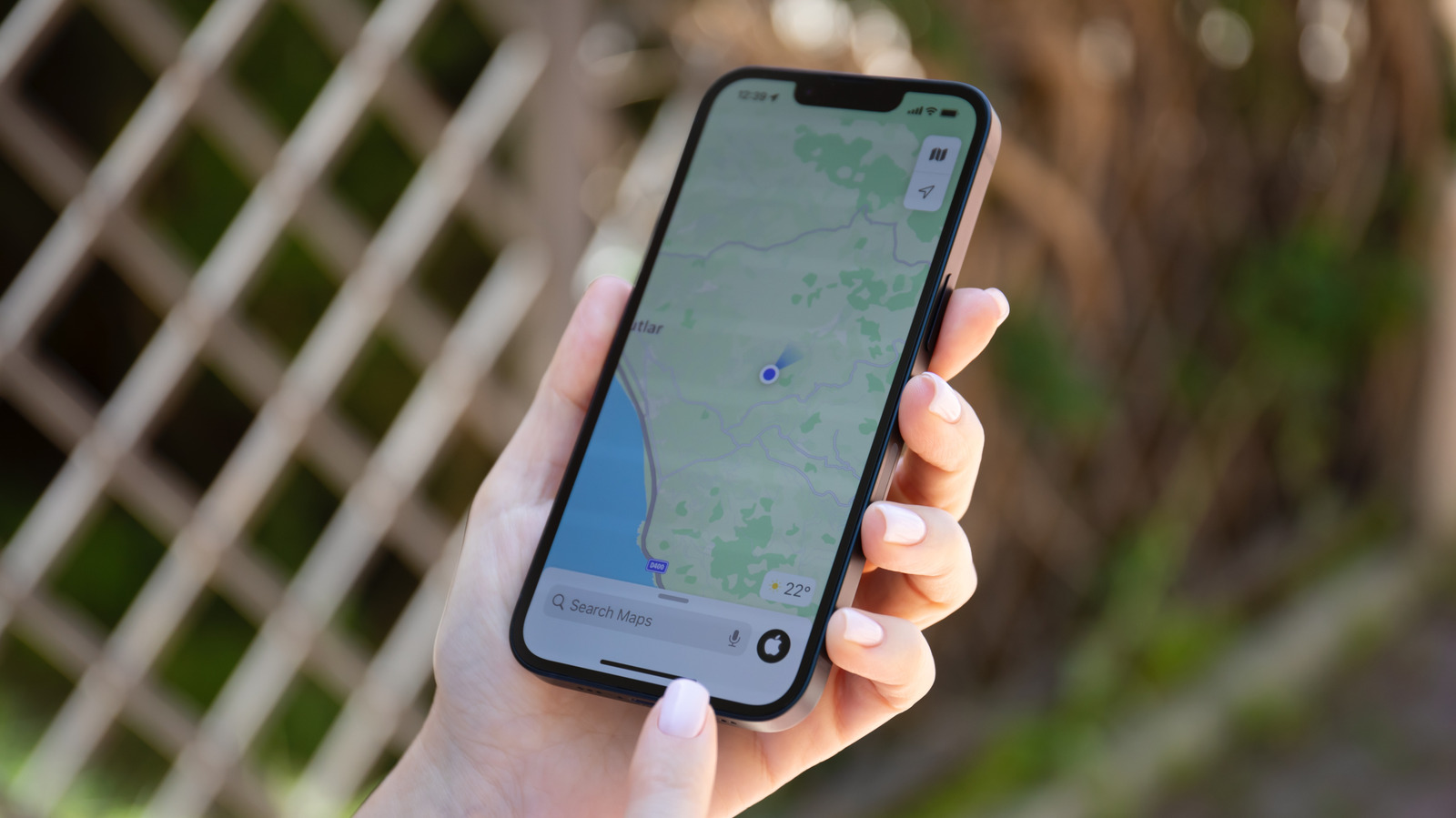
Apple Maps isn't just about the big-ticket features; it has a range of lesser-known features that are just as useful. Here are some of the most notable.

Apple Maps can warn you about traffic before you leave and remember where you parked.

Apple Maps didn't have a particularly auspicious start, with a notoriously rocky launch in 2012 that put it at an initial disadvantage against Google Maps. But Apple has rebuilt its map data since then and added many useful features such as detailed 3D buildings, cycling routes, curated guides and even a web version. With iOS 27, Apple Maps gained even more features, including AI-enhanced Flyover and Local Lists.

But there's more to Apple Maps than those headline features. Whether you're an Apple Maps fan looking to get even more out of the navigation app or need a few more reasons to give it another chance, there are a few lesser-known features you should know about. Now, whether it's better than Google Maps overall will depend on where you live and how you travel, and many drivers still prefer other navigation apps on CarPlay, but these at least show that Apple Maps has a lot to offer beyond basic navigation.

Frequent travelers often end up in areas without Wi-Fi or cell service, which makes navigation trickier. The good news is that Apple Maps lets you download entire regions for offline use, and it's super easy.

In brief

Apple Maps can warn you about traffic before you leave and remember where you parked. Apple Maps didn't have a particularly auspicious start, with a notoriously rocky launch in 2012 that put it at an initial disadvantage against Google Maps. With iOS 27, Apple Maps gained even more features, including AI-enhanced Flyover and Local Lists. But there's more to Apple Maps than those headline features.

This is the opening of the story, shared with credit to Engadget. The rest of the report — with every detail — continues on the publisher’s website.

Continue reading at Engadget ↗

Cookie settings

Choose which cookies we may use. You can change this at any time from Cookie settings in the footer. Details of each cookie are in the Cookie Policy.

Strictly necessary

Needed for sign-in, security, payments and remembering these choices. Always on.

Preferences

Remember settings such as dark mode.

Analytics & performance

Help us count visits, understand which pages, devices and countries our readers use, and measure how well the site performs – anonymous and aggregated.

Advertising & marketing

Lets advertising partners show and personalise adverts, measure impressions, clicks and visits, prevent ad fraud and pay us – this is how the free site is funded.

🔔 News notifications

Get headlines from NewsHub on this device — even when the site is closed.

You can switch this off at any time. Works on Android, Windows, Mac and Linux browsers; on iPhone/iPad add the site to your Home Screen first.