📰 Newspapers

Can you use your Android phone as a computer speaker?

Can you use your Android phone as a computer speaker?

If you've got an old Android phone lying around, it may be possible to give the device new life as a computer speaker.

Turns out you can in just a few simple steps.

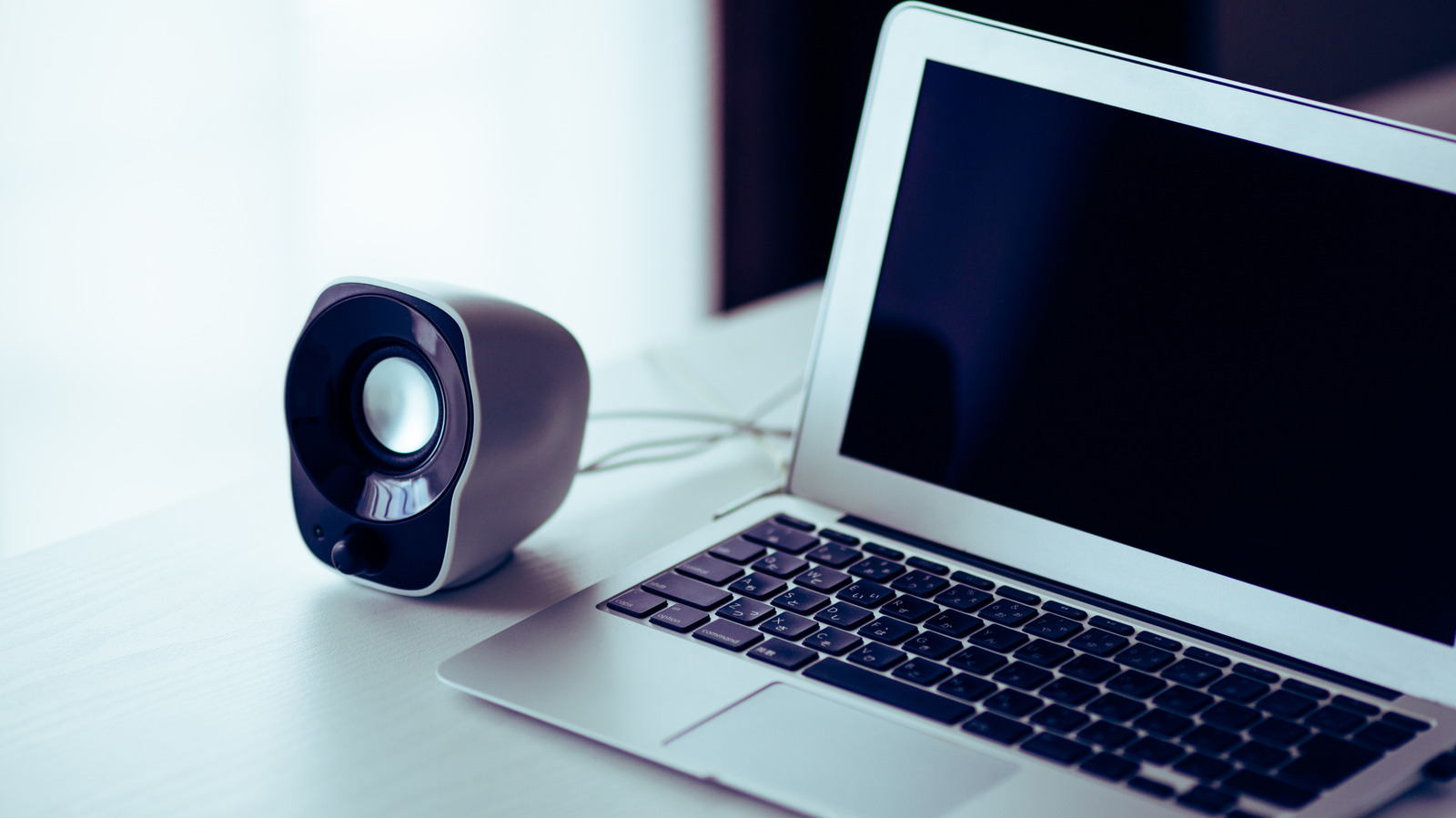
Yes, you can use your Android phone as a speaker for your computer, even a cheap phone. At this point the real question should be what can't you do on your Android phone, but that's beside the point. Using your Android phone as a computer speaker is probably easier than you think, but you'll have to install an app on both your PC and your phone. It's a good temporary fix if your computer's speakers developed an issue, and it's one of several ways to reuse your old Android phone instead of forgetting it in a drawer.

For this guide, we'll use the AudioRelay app (though there are other apps available), which works by streaming the audio from your PC to your Android phone over your Wi-Fi network, not Bluetooth. AudioRelay works on Windows, Mac and Linux. If you're wondering why regular Bluetooth pairing doesn't work, it basically comes down to how even the best Android phones are mostly set up to act as the source of a Bluetooth connection, not the receiver.

First, install the AudioRelay app on your computer and your Android phone. Depending on your computer's OS, you might have to take a few extra steps to run AudioRelay.

In brief

Turns out you can in just a few simple steps. Yes, you can use your Android phone as a speaker for your computer, even a cheap phone. Using your Android phone as a computer speaker is probably easier than you think, but you'll have to install an app on both your PC and your phone. First, install the AudioRelay app on your computer and your Android phone.

This is the opening of the story, shared with credit to Engadget. The rest of the report — with every detail — continues on the publisher’s website.

Continue reading at Engadget ↗

Cookie settings

Choose which cookies we may use. You can change this at any time from Cookie settings in the footer. Details of each cookie are in the Cookie Policy.

Strictly necessary

Needed for sign-in, security, payments and remembering these choices. Always on.

Preferences

Remember settings such as dark mode.

Analytics & performance

Help us count visits, understand which pages, devices and countries our readers use, and measure how well the site performs – anonymous and aggregated.

Advertising & marketing

Lets advertising partners show and personalise adverts, measure impressions, clicks and visits, prevent ad fraud and pay us – this is how the free site is funded.

🔔 News notifications

Get headlines from NewsHub on this device — even when the site is closed.

You can switch this off at any time. Works on Android, Windows, Mac and Linux browsers; on iPhone/iPad add the site to your Home Screen first.