📰 Newspapers

Don't throw away your old TV - Here's what to do instead

Don't throw away your old TV - Here's what to do instead

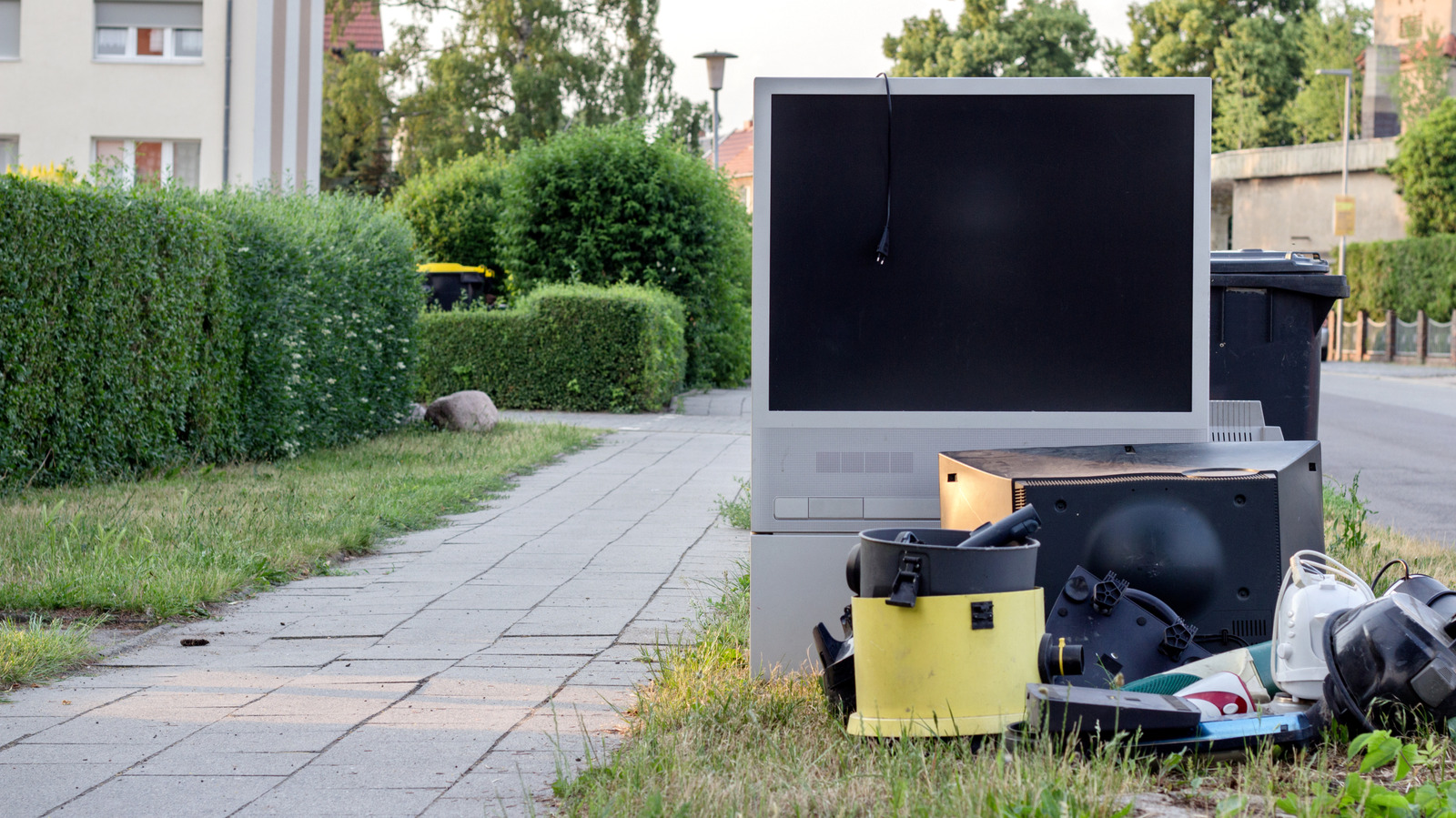
Your used TV could be well-qualified for a new job, and if it is time to retire the ol' telly, you'll want to make sure you do so the right way.

Why retire your old TV when you can give it a new job or help someone out?

The average TV sits in an entertainment center or hangs on the wall for somewhere between 6 and 8 years. In many cases, it's perfectly fine, but it ends up on the chopping block in favor of more screen real estate or a nice resolution upgrade. But what happens to the old TV now that its usefulness on family movie night has run its course?

The simple answer is to move it to another room or, even better, donate it or give it to someone who is going through a hard time right now. You could turn it into a DIY repair project, though that usually takes a steady and patient hand. Most smart TVs today stop receiving firmware updates around 4 to 7 years, but don't forget that a new Fire Stick or Apple TV 4K could fix that without dropping even more cash on a replacement.

If this article caught your eye post-purchase, it's not too late. As long as your old TV is working, it will make a nice computer monitor, or it can become your dedicated display for a game console. The point isn't to persuade you to keep a TV if you don't want it.


In brief

Why retire your old TV when you can give it a new job or help someone out? The simple answer is to move it to another room or, even better, donate it or give it to someone who is going through a hard time right now. If this article caught your eye post-purchase, it's not too late. As long as your old TV is working, it will make a nice computer monitor, or it can become your dedicated display for a game console.

This is the opening of the story, shared with credit to Engadget. The rest of the report — with every detail — continues on the publisher’s website.

Continue reading at Engadget ↗

Cookie settings

Choose which cookies we may use. You can change this at any time from Cookie settings in the footer. Details of each cookie are in the Cookie Policy.

Strictly necessary

Needed for sign-in, security, payments and remembering these choices. Always on.

Preferences

Remember settings such as dark mode.

Analytics & performance

Help us count visits, understand which pages, devices and countries our readers use, and measure how well the site performs – anonymous and aggregated.

Advertising & marketing

Lets advertising partners show and personalise adverts, measure impressions, clicks and visits, prevent ad fraud and pay us – this is how the free site is funded.

🔔 News notifications

Get headlines from NewsHub on this device — even when the site is closed.

You can switch this off at any time. Works on Android, Windows, Mac and Linux browsers; on iPhone/iPad add the site to your Home Screen first.