📰 Newspapers

10 things your iPhone's Notes app can do other than taking notes

10 things your iPhone's Notes app can do other than taking notes

Apple Notes can be much more than a place for random scraps of information once you learn everything it's capable of.

Apple Notes has a lot of tricks you might not have properly explored.

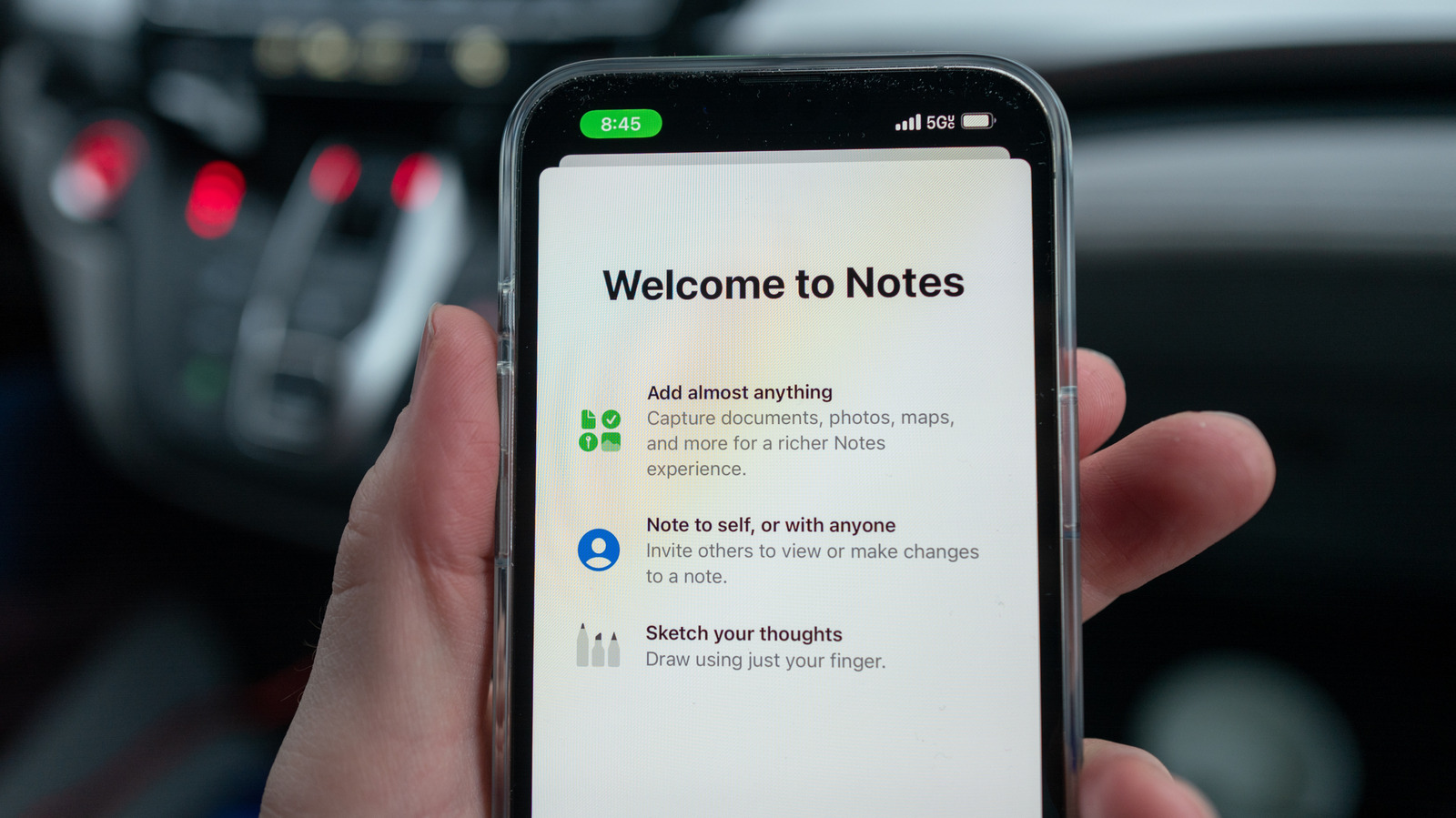
For most people, the Notes app is where grocery lists, stray thoughts and various codes go to live. If you've only used it for basic text, you've probably missed how Apple has added new features to the mix that can solve complex equations, draw graphs, transcribe audio and turn your doodles into images. iOS 27 brought even more, including smarter Siri integration and divider lines, so the app is more capable than ever.

A few of the features below rely on Apple Intelligence, requiring newer hardware to work as intended. On the iPhone, that means the iPhone 15 Pro, iPhone 15 Pro Max and any iPhone 16 model or later. Those features are flagged along the way, along with anything that requires a specific version of iOS.

The Notes app has a calculator hiding inside it, with the math happening while you're typing. Since iOS 18, when you type an equation and add an equals sign, Math Notes fills in the answer on the spot. It also works with variables, so if you write "dinner = $42" and change that value later, every result that uses it updates automatically. That makes it a surprisingly easy way to split the bill or plan a monthly budget.

In brief

Apple Notes has a lot of tricks you might not have properly explored. For most people, the Notes app is where grocery lists, stray thoughts and various codes go to live. On the iPhone, that means the iPhone 15 Pro, iPhone 15 Pro Max and any iPhone 16 model or later. The Notes app has a calculator hiding inside it, with the math happening while you're typing.

This is the opening of the story, shared with credit to Engadget. The rest of the report — with every detail — continues on the publisher’s website.

Continue reading at Engadget ↗

Cookie settings

Choose which cookies we may use. You can change this at any time from Cookie settings in the footer. Details of each cookie are in the Cookie Policy.

Strictly necessary

Needed for sign-in, security, payments and remembering these choices. Always on.

Preferences

Remember settings such as dark mode.

Analytics & performance

Help us count visits, understand which pages, devices and countries our readers use, and measure how well the site performs – anonymous and aggregated.

Advertising & marketing

Lets advertising partners show and personalise adverts, measure impressions, clicks and visits, prevent ad fraud and pay us – this is how the free site is funded.

🔔 News notifications

Get headlines from NewsHub on this device — even when the site is closed.

You can switch this off at any time. Works on Android, Windows, Mac and Linux browsers; on iPhone/iPad add the site to your Home Screen first.