📰 Newspapers

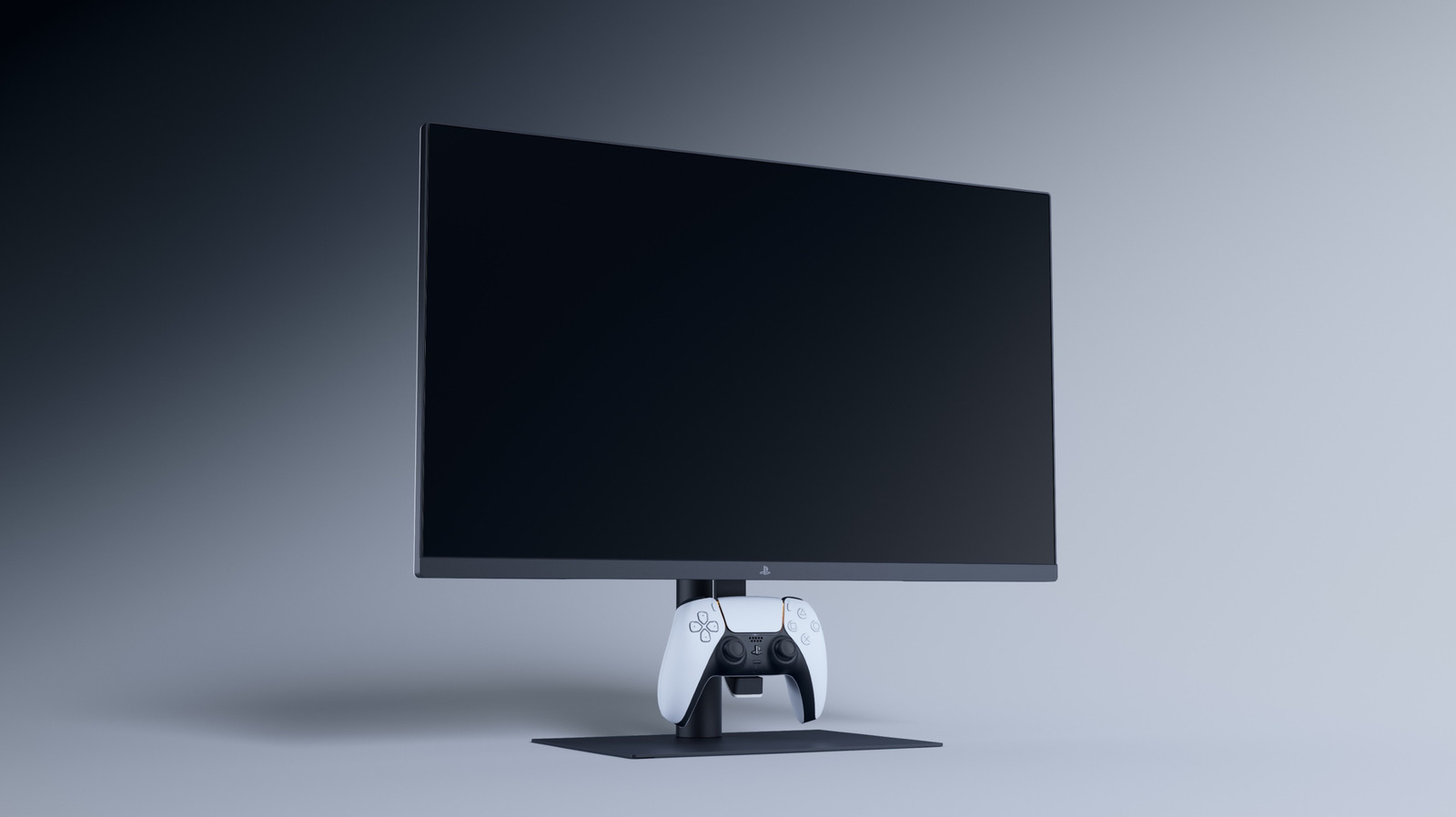
Sony 27-inch Gaming Monitor with DualSense Charging Hook review: A piece of PC history

Sony 27-inch Gaming Monitor with DualSense Charging Hook review: A piece of PC history

Sony's 27-inch gaming monitor is a perfectly adequate display with one unique hook.

It’s a perfectly adequate display with one unique hook.

It's an odd time for Sony to launch a PlayStation-branded gaming monitor, but hey, we'll take it. News broke in March that Sony would no longer bring its first-party games to PC, reversing course after a six-year run on desktops and teeing up a summer of heartbreak in the video game world. On the heels of this decision, Sony debuted the 27-inch Gaming Monitor with DualSense Charging Hook, advertising it as a desktop-geared peripheral that's compatible with PC, PS5 and a lineup of PlayStation accessories. It's sleek, it's sturdy, it has a crisp QHD display that supports VRR and HDR, and it features a buttery screen that handles glare well.

At $349, the 27-inch Gaming Monitor with DualSense Charging Hook is a reasonably hot gaming accessory. But more than anything, it feels like a vestigial remnant of Sony's abandoned plans to infiltrate the PC space.

The DualSense monitor has a 27-inch IPS display with QHD (2,560 x 1,440 pixels) resolution and a 240Hz refresh rate that supports VRR. Here we have the first sign that this thing was originally designed for PC play: The PS5 and PS5 Pro max out at 120Hz, and the monitor's 240Hz cap was included with PC play in mind.

In brief

It’s a perfectly adequate display with one unique hook. On the heels of this decision, Sony debuted the 27-inch Gaming Monitor with DualSense Charging Hook, advertising it as a desktop-geared peripheral that's compatible with PC, PS5 and a lineup of PlayStation accessories. At $349, the 27-inch Gaming Monitor with DualSense Charging Hook is a reasonably hot gaming accessory.

This is the opening of the story, shared with credit to Engadget. The rest of the report — with every detail — continues on the publisher’s website.

Continue reading at Engadget ↗

Cookie settings

Choose which cookies we may use. You can change this at any time from Cookie settings in the footer. Details of each cookie are in the Cookie Policy.

Strictly necessary

Needed for sign-in, security, payments and remembering these choices. Always on.

Preferences

Remember settings such as dark mode.

Analytics & performance

Help us count visits, understand which pages, devices and countries our readers use, and measure how well the site performs – anonymous and aggregated.

Advertising & marketing

Lets advertising partners show and personalise adverts, measure impressions, clicks and visits, prevent ad fraud and pay us – this is how the free site is funded.

🔔 News notifications

Get headlines from NewsHub on this device — even when the site is closed.

You can switch this off at any time. Works on Android, Windows, Mac and Linux browsers; on iPhone/iPad add the site to your Home Screen first.