📰 Newspapers

Improve your Amazon Kindle experience by doing these simple things

Improve your Amazon Kindle experience by doing these simple things

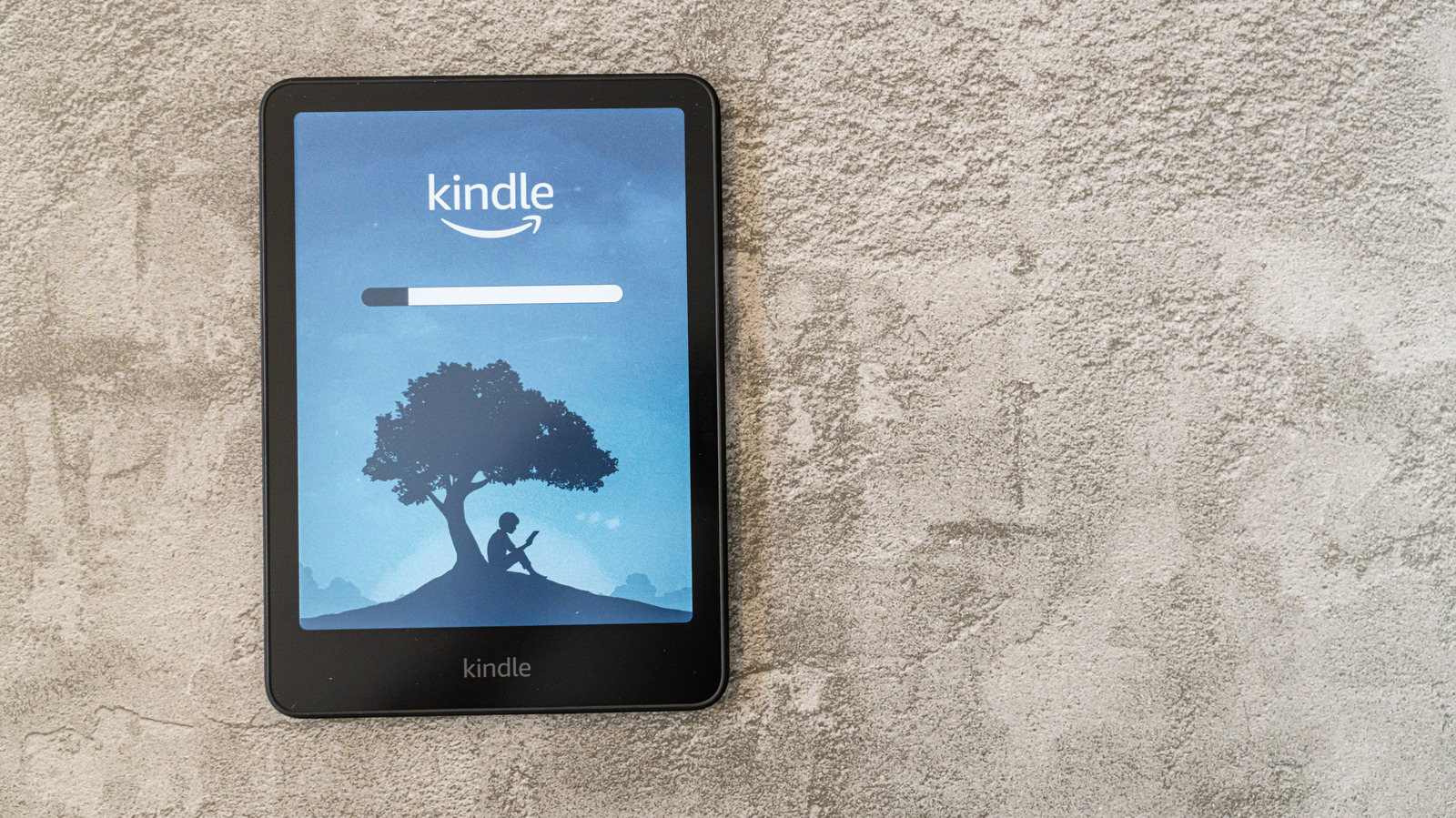
If you love the convenience of a Kindle but miss the feel of having a physical book in your hands, we have some tips for you.

Changing a few settings can make your Kindle feel more book-like.

As ebook and ereader technologies continue to evolve, the actual process of reading a book on a device has also begun to take on some rather fascinating changes. Though there are always going to be detractors who prefer the act of holding a physical book, products like the Amazon Kindle have done their part in making the hobby more accessible than ever before.

Sometimes, though, you may come to the realization that the sterile, almost inhuman feeling of reading a book on a Kindle can harsh your cozy vibe. It's something that has plagued the digital book market for years, but thanks to a few handy little upgrades and modifications, you can make reading a Kindle book feel like something far more compelling.

The ebook scene is one that's got its fair share of competitors, but if you are reading a lot of digital books, it's likely that you have one of Amazon's range of Kindle models. To help spiff up your days catching up on reading, we've put together a comprehensive look at how you can make that experience even more enjoyable.

If you already have a Kindle, or have plans to get one, you may want to know which models can do certain things from within the…

In brief

Changing a few settings can make your Kindle feel more book-like. Sometimes, though, you may come to the realization that the sterile, almost inhuman feeling of reading a book on a Kindle can harsh your cozy vibe. It's something that has plagued the digital book market for years, but thanks to a few handy little upgrades and modifications, you can make reading a Kindle book feel like something far more compelling.

This is the opening of the story, shared with credit to Engadget. The rest of the report — with every detail — continues on the publisher’s website.

Continue reading at Engadget ↗

Cookie settings

Choose which cookies we may use. You can change this at any time from Cookie settings in the footer. Details of each cookie are in the Cookie Policy.

Strictly necessary

Needed for sign-in, security, payments and remembering these choices. Always on.

Preferences

Remember settings such as dark mode.

Analytics & performance

Help us count visits, understand which pages, devices and countries our readers use, and measure how well the site performs – anonymous and aggregated.

Advertising & marketing

Lets advertising partners show and personalise adverts, measure impressions, clicks and visits, prevent ad fraud and pay us – this is how the free site is funded.

🔔 News notifications

Get headlines from NewsHub on this device — even when the site is closed.

You can switch this off at any time. Works on Android, Windows, Mac and Linux browsers; on iPhone/iPad add the site to your Home Screen first.