📰 Newspapers

There's a chance your Xbox Series X is plugged into the wrong HDMI port

There's a chance your Xbox Series X is plugged into the wrong HDMI port

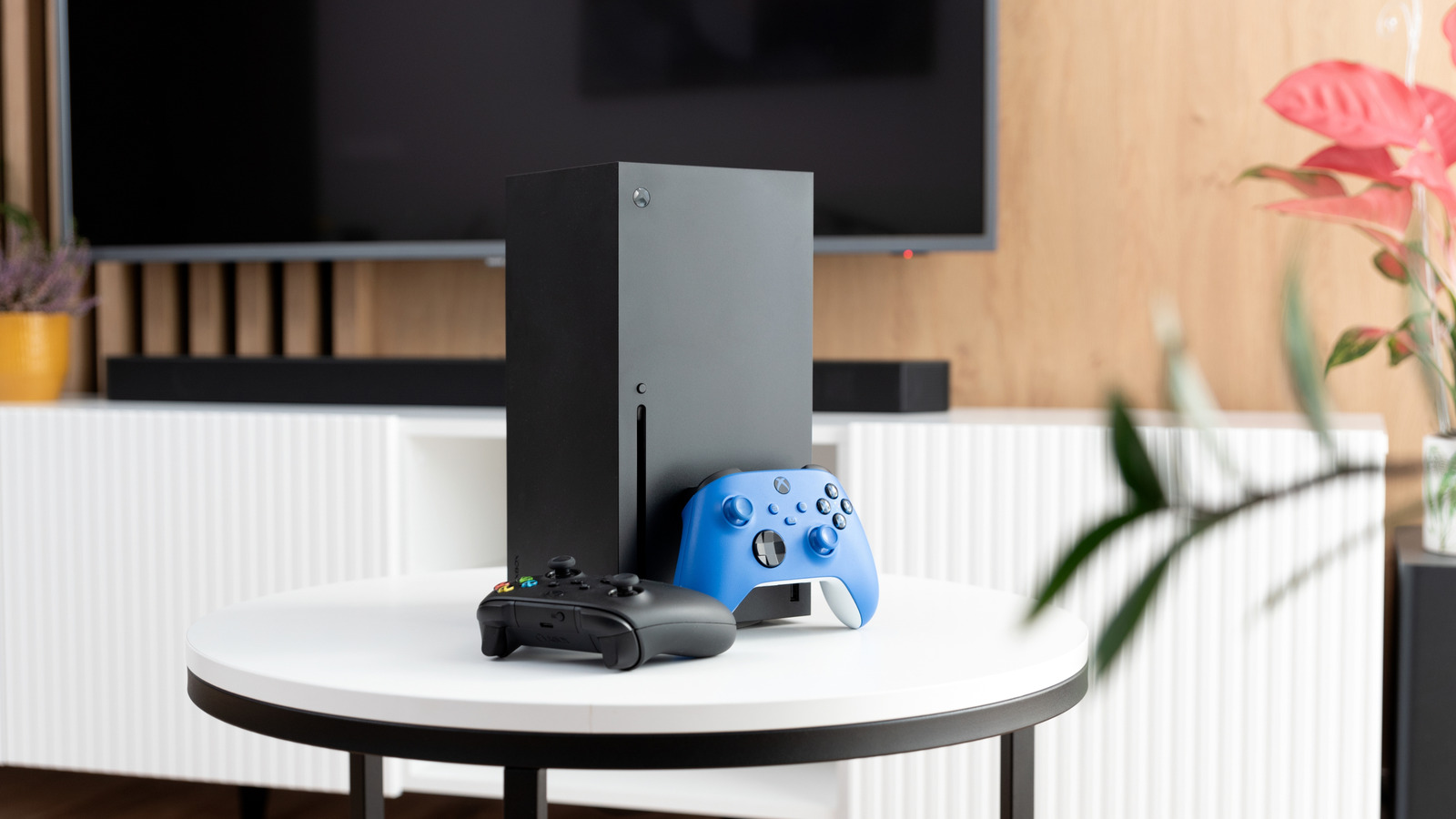
Make sure you're getting the most out of your Xbox Series X.

This sounds like an idiotic suggestion at first, right? Surely all you need to do is plug the HDMI cable that came with your Series X into your television, and you'll be ready to enjoy the best Xbox games, no? It's not always that simple.

Though your current TV may support HDMI 2.1, the input that ensures the Series X can display its maximum resolution and framerate, that doesn't mean all of your TV's ports are 2.1 compliant. This latest high-def standard really matters, as without it, cutting-edge visual features like Variable Refresh Rate are off the table.

It's important to know the specifics of your current TV. For instance, if it's an aging model that only supports HDMI 2.0, you can stop reading this article now, and content yourself with a top output of 1440p/120 fps or 4K/60 fps from your Series X. However, if you own a semi-modern budget flatscreen, there's a good chance only one or two of its ports will be compatible with HDMI 2.1, enabling 4K/120 fps and framerate-smoothing VRR from the Xbox.

Let's get to know your TV's HDMI sockets a little better, discuss whether you should upgrade the cable that came in the box with your Series X, and go over…

In brief

Make sure you're getting the most out of your Xbox Series X. Surely all you need to do is plug the HDMI cable that came with your Series X into your television, and you'll be ready to enjoy the best Xbox games, no? It's important to know the specifics of your current TV. Let's get to know your TV's HDMI sockets a little better, discuss whether you should upgrade the cable that came in the box with your Series X, and go over…

This is the opening of the story, shared with credit to Engadget. The rest of the report — with every detail — continues on the publisher’s website.

Continue reading at Engadget ↗

Cookie settings

Choose which cookies we may use. You can change this at any time from Cookie settings in the footer. Details of each cookie are in the Cookie Policy.

Strictly necessary

Needed for sign-in, security, payments and remembering these choices. Always on.

Preferences

Remember settings such as dark mode.

Analytics & performance

Help us count visits, understand which pages, devices and countries our readers use, and measure how well the site performs – anonymous and aggregated.

Advertising & marketing

Lets advertising partners show and personalise adverts, measure impressions, clicks and visits, prevent ad fraud and pay us – this is how the free site is funded.

🔔 News notifications

Get headlines from NewsHub on this device — even when the site is closed.

You can switch this off at any time. Works on Android, Windows, Mac and Linux browsers; on iPhone/iPad add the site to your Home Screen first.