📰 Newspapers

How to set up EV routing on CarPlay and Android Auto

How to set up EV routing on CarPlay and Android Auto

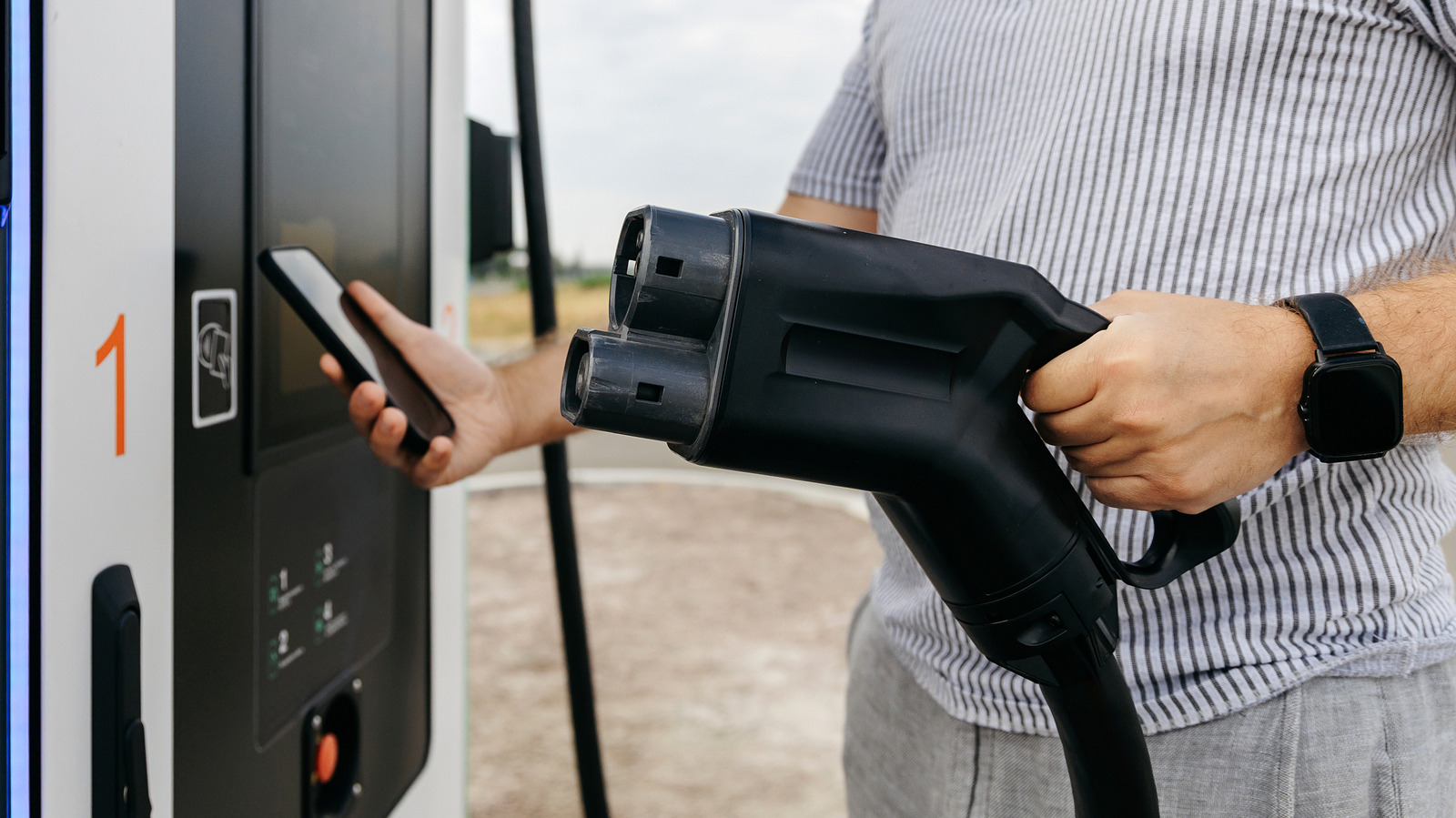
Tired of hunting for chargers on road trips? See how EV routing works on CarPlay and Android Auto and what to check in your car before you go.

Whether EV routing works depends on your car, your phone and the navigation app you use.

Owning an electric car means you need to adapt your driving to your surroundings. You're not worrying about where to fill up your gas tank anymore, but about where to find the nearest charging station. Long trips mean you're likely to need to top off your EV's battery; otherwise you're going to reach an abrupt end.

You could find charging stations yourself and add them as stops on your trip, but that's not ideal. EV routing can take some of the hassle out of planning. It'll plan stops around your route with an idea of when you're arriving and how much charge you'll have left. Google Maps and Apple Maps both feature EV routing on CarPlay and Android Auto, but there are some differences, and it isn't universal. You'll need to know what your car supports and how to use your navigation app.

Before you grab your keys, check that your car supports the EV routing features you need. Just having CarPlay or Android Auto doesn't guarantee support, unfortunately. Some cars will also work directly with EV features through CarPlay, while others might need an extra app to link the car to Apple Maps.


In brief

Whether EV routing works depends on your car, your phone and the navigation app you use. Owning an electric car means you need to adapt your driving to your surroundings. You'll need to know what your car supports and how to use your navigation app. Before you grab your keys, check that your car supports the EV routing features you need.

This is the opening of the story, shared with credit to Engadget. The rest of the report — with every detail — continues on the publisher’s website.

Continue reading at Engadget ↗

Cookie settings

Choose which cookies we may use. You can change this at any time from Cookie settings in the footer. Details of each cookie are in the Cookie Policy.

Strictly necessary

Needed for sign-in, security, payments and remembering these choices. Always on.

Preferences

Remember settings such as dark mode.

Analytics & performance

Help us count visits, understand which pages, devices and countries our readers use, and measure how well the site performs – anonymous and aggregated.

Advertising & marketing

Lets advertising partners show and personalise adverts, measure impressions, clicks and visits, prevent ad fraud and pay us – this is how the free site is funded.

🔔 News notifications

Get headlines from NewsHub on this device — even when the site is closed.

You can switch this off at any time. Works on Android, Windows, Mac and Linux browsers; on iPhone/iPad add the site to your Home Screen first.