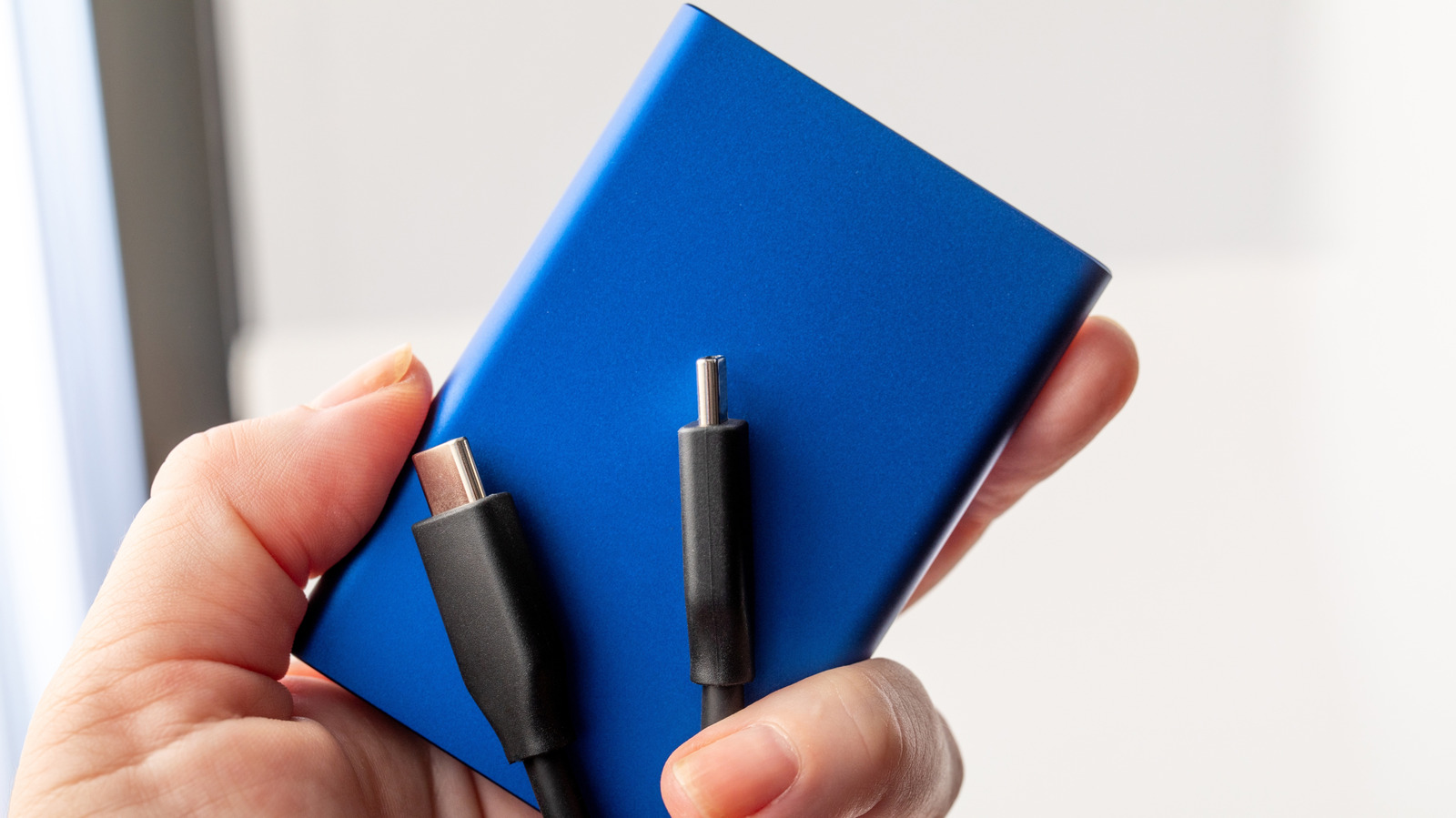
Bring a dead external drive back to life with these troubleshooting steps, including Disk Utility and swapping cables.
Finding the best portable SSD is almost a must in the modern tech landscape. Although you can get by with internal storage and cloud backup, an external drive makes it far easier to move media and document libraries between machines. It can also be a safeguard against worst-case scenarios by starting to use fail safes such as the 3-2-1 rule, which means keeping three copies of your data stored on two types of media with one copy kept in a safe location at home or away from the workplace.
As with any local storage, though, there's a possibility that a drive will suddenly stop working, or fail to run in the first place. If these things happen, don't panic, at least not yet. There may be troubleshooting steps you can take to get back on track.
A few of these should be relatively intuitive, like testing different hardware combinations. Less so are the ones that involve software, since they involve tools you're probably not using on a regular basis, unless perhaps you're an IT professional. Mercifully, if a software fix is possible, you probably won't have to spend any money.