📰 Newspapers

Sonos’ New Voice Assistant Is Fine for Music but Bad at Spelling (and More)

Sonos’ New Voice Assistant Is Fine for Music but Bad at Spelling (and More)

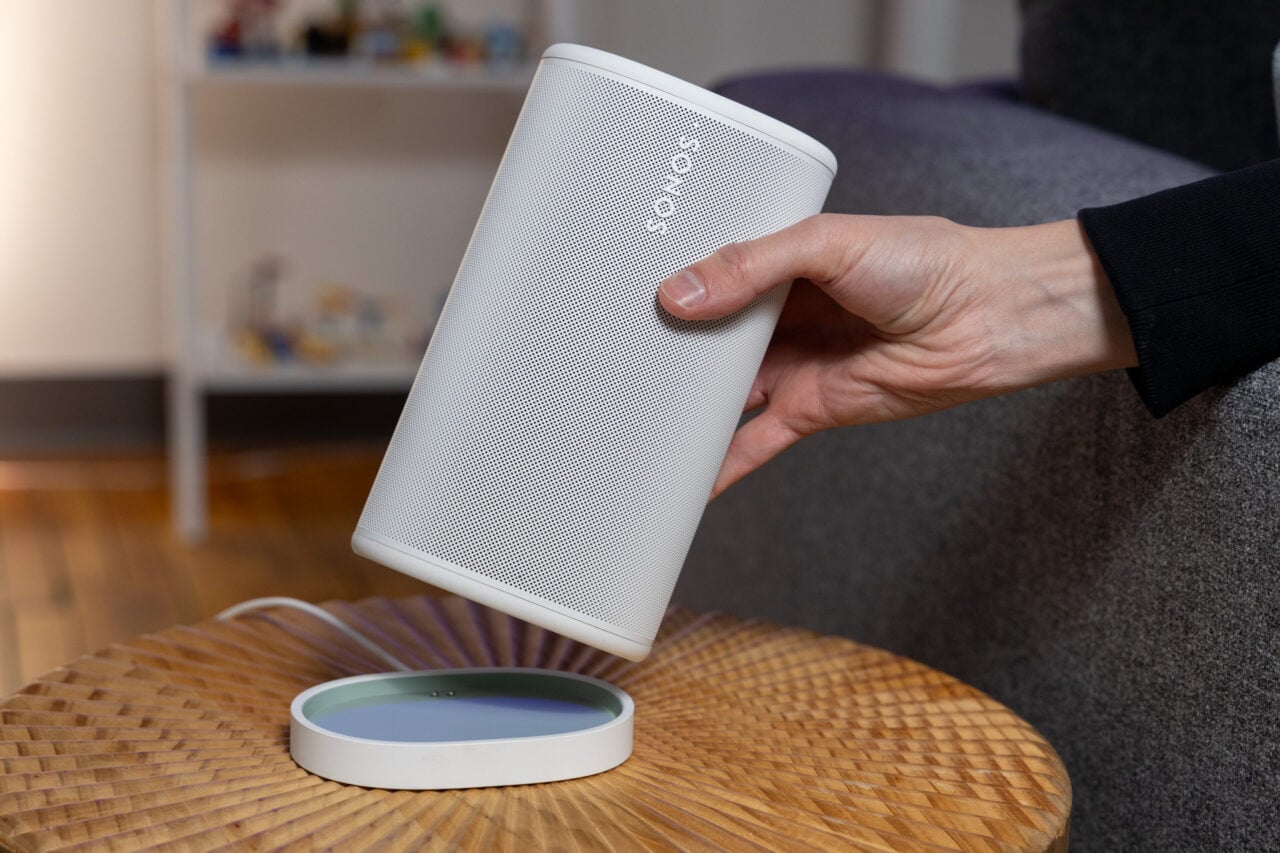
Sonos 27voice can group and ungroup speakers and find music by album cover descriptions, but it's not great for recommendations or knowing how many times the letter "r" appears in "stawberry."

Sonos, like just about every tech company on the planet, wants to see where AI can bring its ecosystem of audio products, and it’s carrying out that exploratory mission in a few ways. One of the biggest testbeds is Sonos 27voice, which is the company’s regular voice assistant, now imbued with more AI.

Sonos 27voice is what Alexa+ is to Amazon and Gemini for Home is for Google—it promises to make the Sonos voice assistant experience smarter, more refined, and useful for more things. While it’s not rolled out to the general public, I’ve had the chance to try it at home in early access, and just like those other voice assistants I mentioned, it’s got some quirks.

Sonos is pitching its new AI voice assistant in a few ways. Here’s how it describes the assistant:

“Sonos 27voice can start music, move it around your house, group and ungroup speakers, and help manage your library on supported music services. It can also handle non-music related queries such as setting timers, getting the weather forecast, controlling supported smart home products, and answering general knowledge questions.”

One of the main differences here between the new Sonos voice assistant and the old one is that Sonos 27voice can understand more context.


In brief

Sonos, like just about every tech company on the planet, wants to see where AI can bring its ecosystem of audio products, and it’s carrying out that exploratory mission in a few ways. Sonos is pitching its new AI voice assistant in a few ways. One of the main differences here between the new Sonos voice assistant and the old one is that Sonos 27voice can understand more context.

This is the opening of the story, shared with credit to Gizmodo. The rest of the report — with every detail — continues on the publisher’s website.

Continue reading at Gizmodo ↗

Cookie settings

Choose which cookies we may use. You can change this at any time from Cookie settings in the footer. Details of each cookie are in the Cookie Policy.

Strictly necessary

Needed for sign-in, security, payments and remembering these choices. Always on.

Preferences

Remember settings such as dark mode.

Analytics & performance

Help us count visits, understand which pages, devices and countries our readers use, and measure how well the site performs – anonymous and aggregated.

Advertising & marketing

Lets advertising partners show and personalise adverts, measure impressions, clicks and visits, prevent ad fraud and pay us – this is how the free site is funded.

🔔 News notifications

Get headlines from NewsHub on this device — even when the site is closed.

You can switch this off at any time. Works on Android, Windows, Mac and Linux browsers; on iPhone/iPad add the site to your Home Screen first.