📰 Newspapers

Canva adds an AI ‘off’ button

Canva adds an AI ‘off’ button

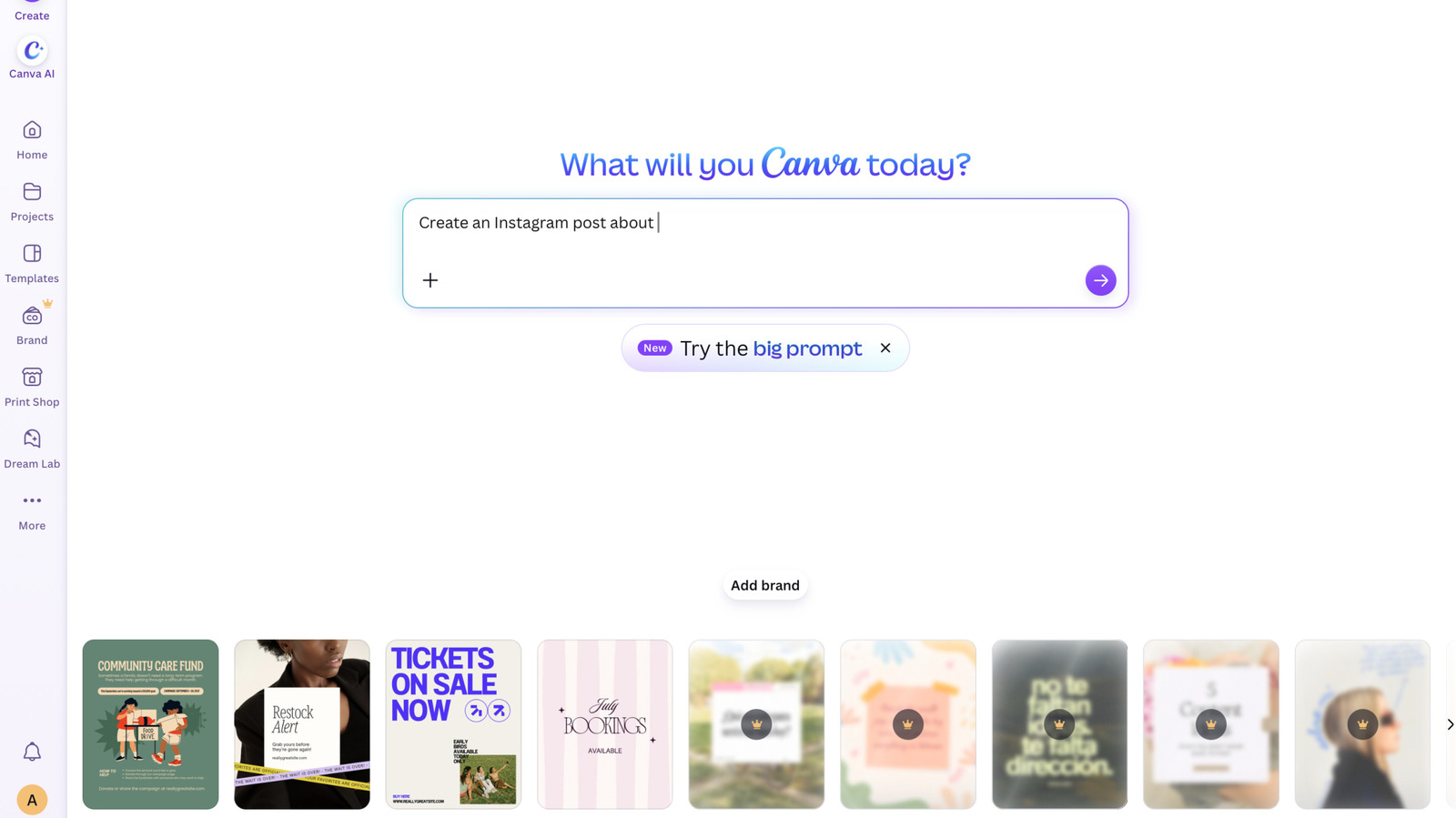
Canva will now allow you to turn off its generative AI features. With this change, you can disable the graphic design platform's array of AI tools, such as its AI photo-extending Magic Expand feature, as well as turn off the ability to generate images with its Canva chatbot.

This toggle doesn't turn off every AI-powered feature on Canva, however. That includes Canva's background remover and its Magic Grab tool, which lets you select an object in an image and move it somewhere else. "Both remain available when the generative AI switch is off, because they work only with what's already in a design," Canva says.

The toggle still turns off ma …

Read the full story at The Verge.
In brief

Canva will now allow you to turn off its generative AI features. This toggle doesn't turn off every AI-powered feature on Canva, however. That includes Canva's background remover and its Magic Grab tool, which lets you select an object in an image and move it somewhere else. "Both remain available when the generative AI switch is off, because they work only with what's already in a design," Canva says.

This is the opening of the story, shared with credit to The Verge. The rest of the report — with every detail — continues on the publisher’s website.

Continue reading at The Verge ↗

Cookie settings

Choose which cookies we may use. You can change this at any time from Cookie settings in the footer. Details of each cookie are in the Cookie Policy.

Strictly necessary

Needed for sign-in, security, payments and remembering these choices. Always on.

Preferences

Remember settings such as dark mode.

Analytics & performance

Help us count visits, understand which pages, devices and countries our readers use, and measure how well the site performs – anonymous and aggregated.

Advertising & marketing

Lets advertising partners show and personalise adverts, measure impressions, clicks and visits, prevent ad fraud and pay us – this is how the free site is funded.

🔔 News notifications

Get headlines from NewsHub on this device — even when the site is closed.

You can switch this off at any time. Works on Android, Windows, Mac and Linux browsers; on iPhone/iPad add the site to your Home Screen first.