📰 Newspapers

Google's latest home page redesign makes Gemini even more prominent

Google's latest home page redesign makes Gemini even more prominent

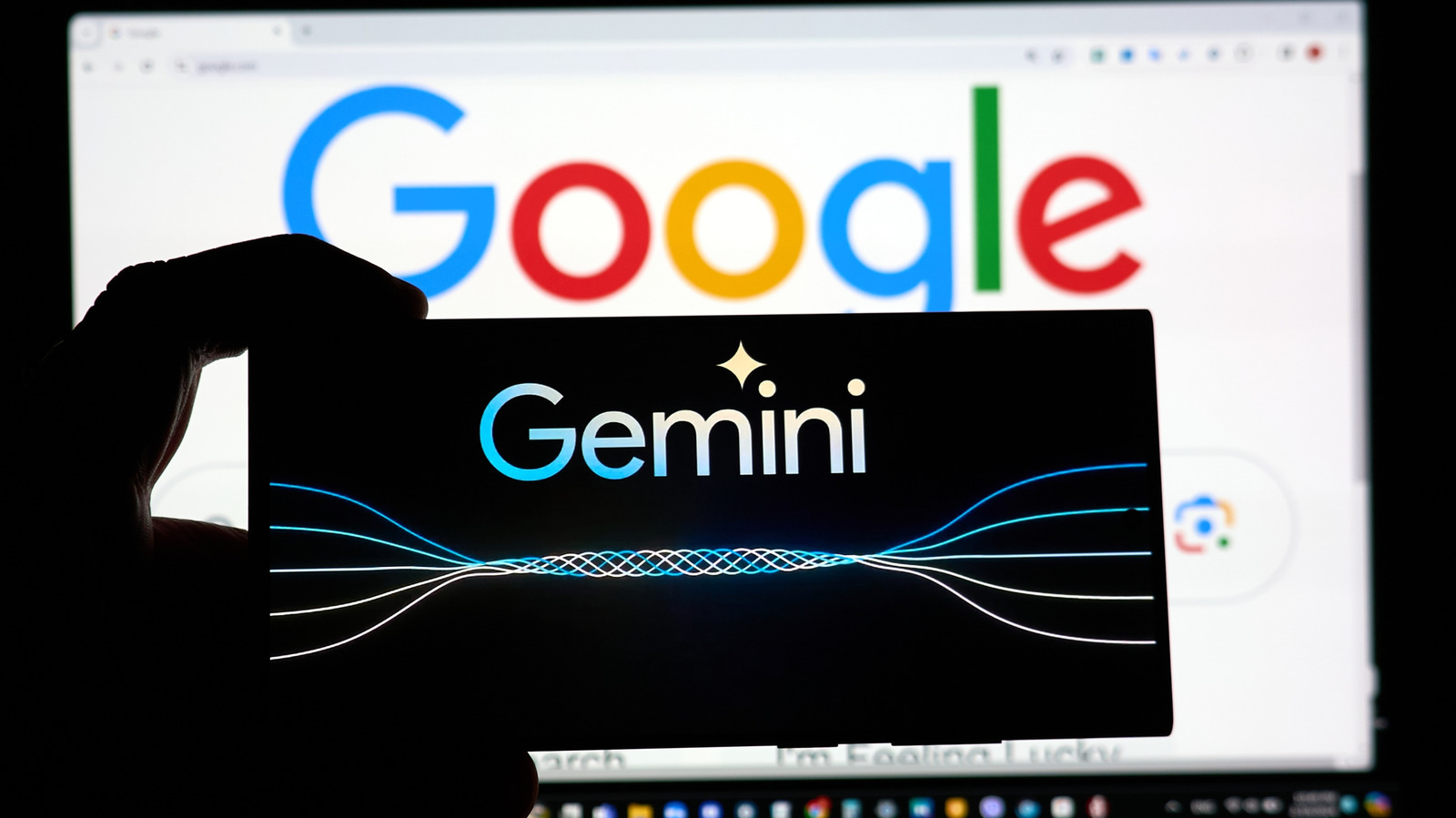
Google is doubling down on Gemini AI in its desktop search, despite complaints from users and employees alike.

A new collapsible sidebar in AI mode shows your most recent searches.

Google is doubling down on Gemini AI in its desktop search, despite protestations from users and employees alike. The latest feature is a collapsible sidebar in AI mode that shows your most recent searches, in case you want to jump back to a previous query. "In testing, this sidebar made a big difference for making progress and continuing to explore the web," wrote VP of search Robby Stein on X.

The new sidebar is only available in Google Search's AI mode. Clicking anywhere on the left of the AI search window opens up the sidebar, showing all recent searches, both AI and organic. Then, selecting any of the sidebar descriptions opens up an AI mode search window on the subject. You can close the AI search sidebar at any time by clicking on the "close sidebar" icon at the top right.

New on the Google desktop homepage globally: we're rolling out a collapsible sidebar to easily find & jump back into your recent AI searches.

People are coming to Search with more questions that aren't just one and done – and in testing, this sidebar made a big difference for... pic.twitter.com/mKHz295tzK

If you're like me and never use Google's dedicated AI Search mode, you won't see the new…

In brief

A new collapsible sidebar in AI mode shows your most recent searches. The new sidebar is only available in Google Search's AI mode. Then, selecting any of the sidebar descriptions opens up an AI mode search window on the subject. You can close the AI search sidebar at any time by clicking on the "close sidebar" icon at the top right.

This is the opening of the story, shared with credit to Engadget. The rest of the report — with every detail — continues on the publisher’s website.

Continue reading at Engadget ↗

Cookie settings

Choose which cookies we may use. You can change this at any time from Cookie settings in the footer. Details of each cookie are in the Cookie Policy.

Strictly necessary

Needed for sign-in, security, payments and remembering these choices. Always on.

Preferences

Remember settings such as dark mode.

Analytics & performance

Help us count visits, understand which pages, devices and countries our readers use, and measure how well the site performs – anonymous and aggregated.

Advertising & marketing

Lets advertising partners show and personalise adverts, measure impressions, clicks and visits, prevent ad fraud and pay us – this is how the free site is funded.

🔔 News notifications

Get headlines from NewsHub on this device — even when the site is closed.

You can switch this off at any time. Works on Android, Windows, Mac and Linux browsers; on iPhone/iPad add the site to your Home Screen first.