📰 Newspapers

Google boosts Gemini's ability to do 'repetitive tasks' on its Mac app

Google boosts Gemini's ability to do 'repetitive tasks' on its Mac app

Google's Gemini app for Mac can now use your computer to list items on eBay, speed up creative tasks and fill out forms for you.

The feature can list multiple items on e-commerce platforms for you, among other things.

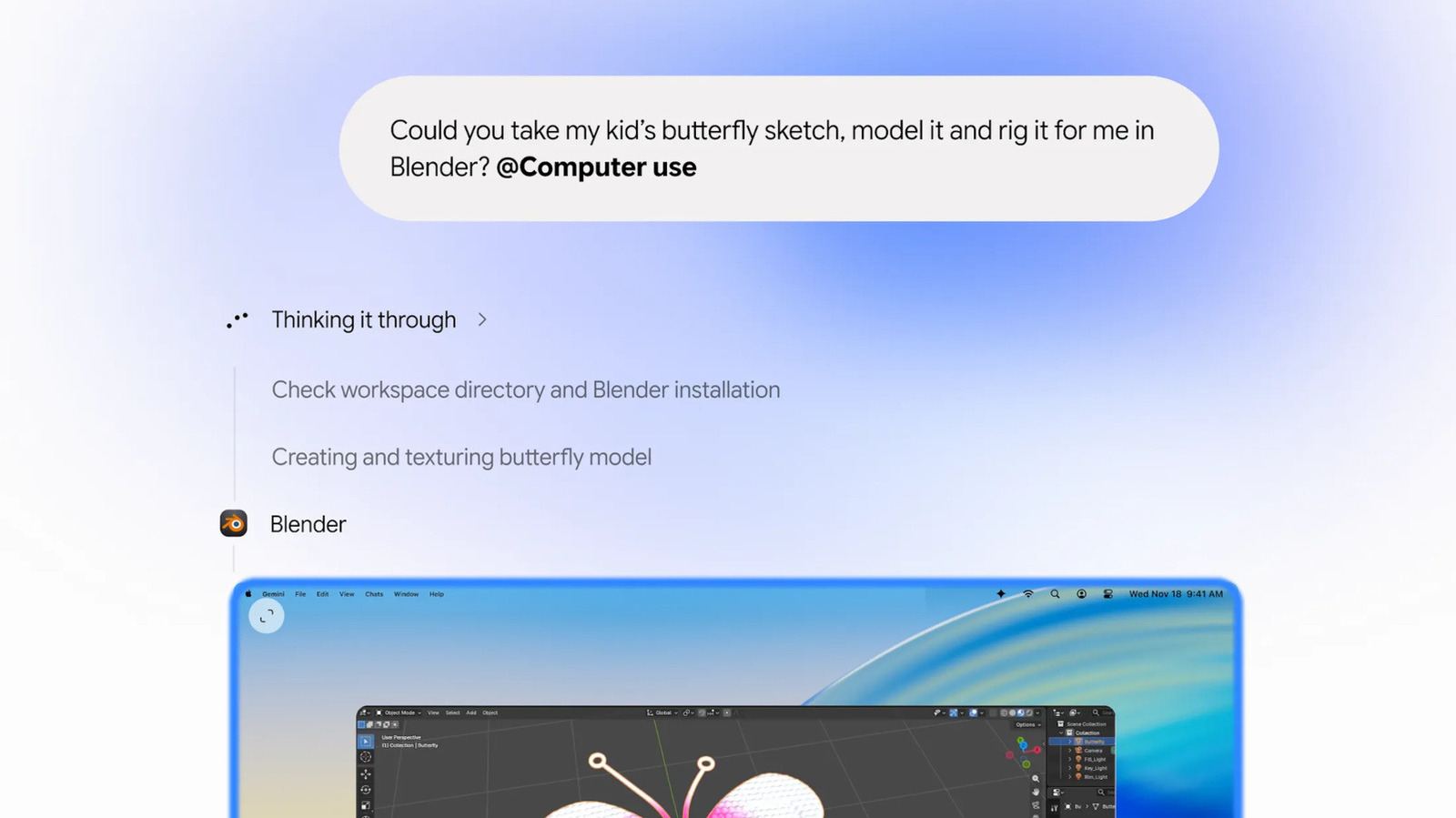
Google's Gemini app for Mac now has the ability to do repetitive tasks on its own. The feature has been available to PC users for a while, but now the Mac app can also access Gemini's "Computer Use" capability. That means it can now see what's on your screen via screenshots, as well as click, type, scroll and navigate programs and websites for you. You can use the capability to automate tasks that would usually take several steps across programs and devices, as long as you tell Gemini what to do in natural language.

The AI app will work on your tasks in a background window and will just give you a live preview in your chat. It will not be taking control of your screen or your cursor, so you can use your Mac computer like you always do. Of course, Gemini will only be able to use the apps and programs you've given it access to, and it will ask for your approval for key actions.

In Google's announcement, it gave several examples for how you can use the new capability. You can use it to list items for sale on platforms like eBay in batches.


In brief

The feature can list multiple items on e-commerce platforms for you, among other things. Google's Gemini app for Mac now has the ability to do repetitive tasks on its own. The AI app will work on your tasks in a background window and will just give you a live preview in your chat. It will not be taking control of your screen or your cursor, so you can use your Mac computer like you always do.

This is the opening of the story, shared with credit to Engadget. The rest of the report — with every detail — continues on the publisher’s website.

Continue reading at Engadget ↗

Cookie settings

Choose which cookies we may use. You can change this at any time from Cookie settings in the footer. Details of each cookie are in the Cookie Policy.

Strictly necessary

Needed for sign-in, security, payments and remembering these choices. Always on.

Preferences

Remember settings such as dark mode.

Analytics & performance

Help us count visits, understand which pages, devices and countries our readers use, and measure how well the site performs – anonymous and aggregated.

Advertising & marketing

Lets advertising partners show and personalise adverts, measure impressions, clicks and visits, prevent ad fraud and pay us – this is how the free site is funded.

🔔 News notifications

Get headlines from NewsHub on this device — even when the site is closed.

You can switch this off at any time. Works on Android, Windows, Mac and Linux browsers; on iPhone/iPad add the site to your Home Screen first.