📰 Newspapers

Ways you can help your Fitbit's battery last longer

Ways you can help your Fitbit's battery last longer

Fitbits don't last forever, but there's a couple easy ways you can get more years of step counts and heart-rate monitoring from your favorite wearable

Easy ways to get longer charges from your Fitbit and longer device life, period.

Every Fitbit has a rated battery life, usually anywhere from four to 10 days. The latest Fitbit Edge (see our Fitbit Edge review) and Fitbit Air (see our Fitbit Air review) are rated to last up to seven days per charge. To ensure the battery lasts as long as possible, always use the charging cable that came with the device. Though they're proprietary chargers, you can find third-party replacements for some models. But as a rule, buy a replacement directly from Google or Amazon if you lose the original.

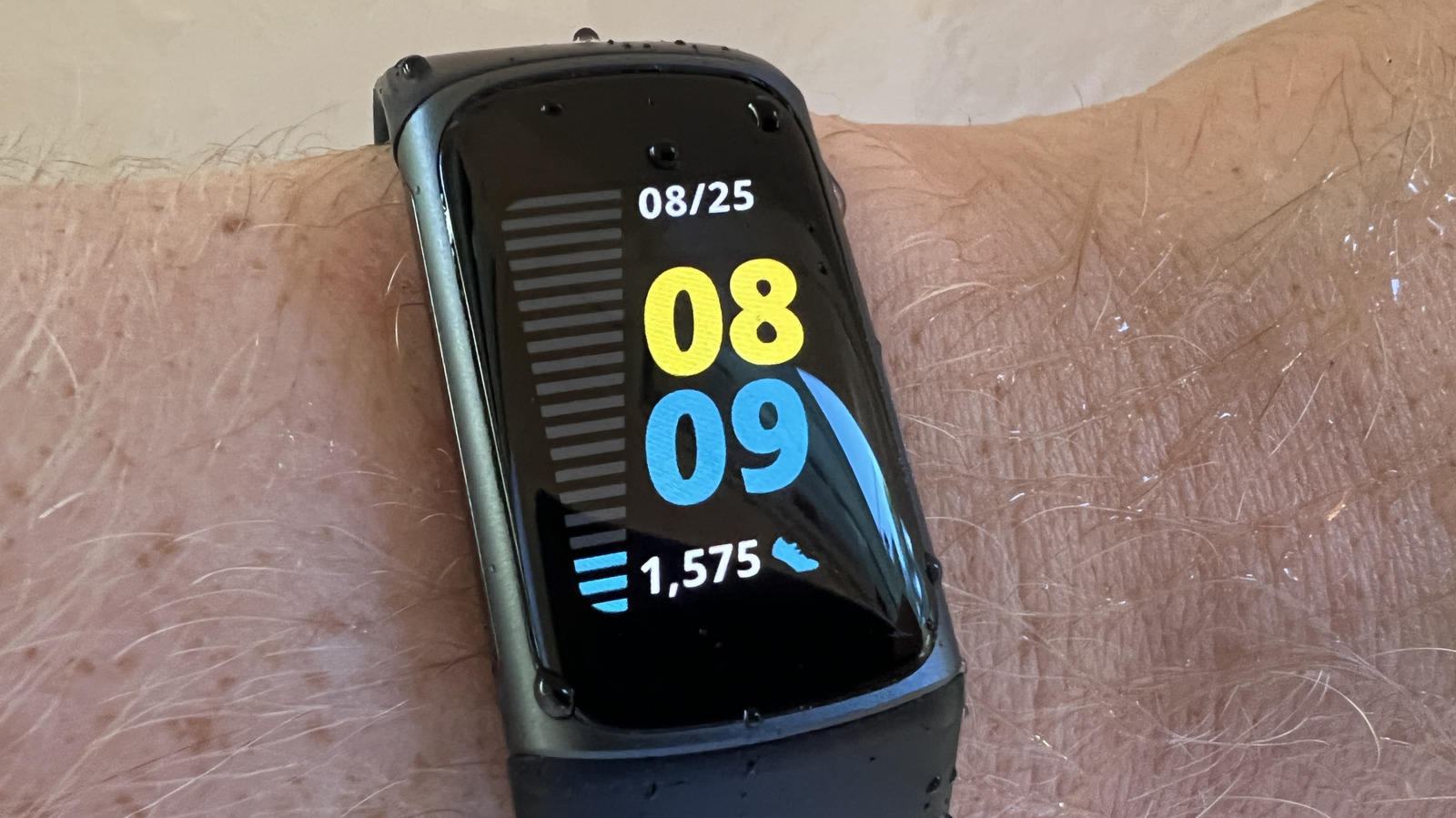
Turning off the always-on display helps battery life. With the Charge 5 and 6, Inspire 3, Sense 2, and Versa 2 and 4, the always-on display drastically reduces battery life to just three days per charge. For the Edge, it can take it down to just two days. You should also dim the screen's brightness when indoors, choose a shorter screen timeout duration if the device has one and refrain from using animated clock faces that require more battery power.

Additionally, limit your use of built-in GPS on models that support it, since it also drains the battery quickly.

In brief

Easy ways to get longer charges from your Fitbit and longer device life, period. Every Fitbit has a rated battery life, usually anywhere from four to 10 days. The latest Fitbit Edge (see our Fitbit Edge review) and Fitbit Air (see our Fitbit Air review) are rated to last up to seven days per charge. Turning off the always-on display helps battery life.

This is the opening of the story, shared with credit to Engadget. The rest of the report — with every detail — continues on the publisher’s website.

Continue reading at Engadget ↗

Cookie settings

Choose which cookies we may use. You can change this at any time from Cookie settings in the footer. Details of each cookie are in the Cookie Policy.

Strictly necessary

Needed for sign-in, security, payments and remembering these choices. Always on.

Preferences

Remember settings such as dark mode.

Analytics & performance

Help us count visits, understand which pages, devices and countries our readers use, and measure how well the site performs – anonymous and aggregated.

Advertising & marketing

Lets advertising partners show and personalise adverts, measure impressions, clicks and visits, prevent ad fraud and pay us – this is how the free site is funded.

🔔 News notifications

Get headlines from NewsHub on this device — even when the site is closed.

You can switch this off at any time. Works on Android, Windows, Mac and Linux browsers; on iPhone/iPad add the site to your Home Screen first.