📰 Newspapers

Setting up an Apple HomeView is ridiculously easy thanks to your iPhone

Setting up an Apple HomeView is ridiculously easy thanks to your iPhone

Here's how to set up an Apple HomeView and how to add other users.

You can also easily add other users to your HomeView display.

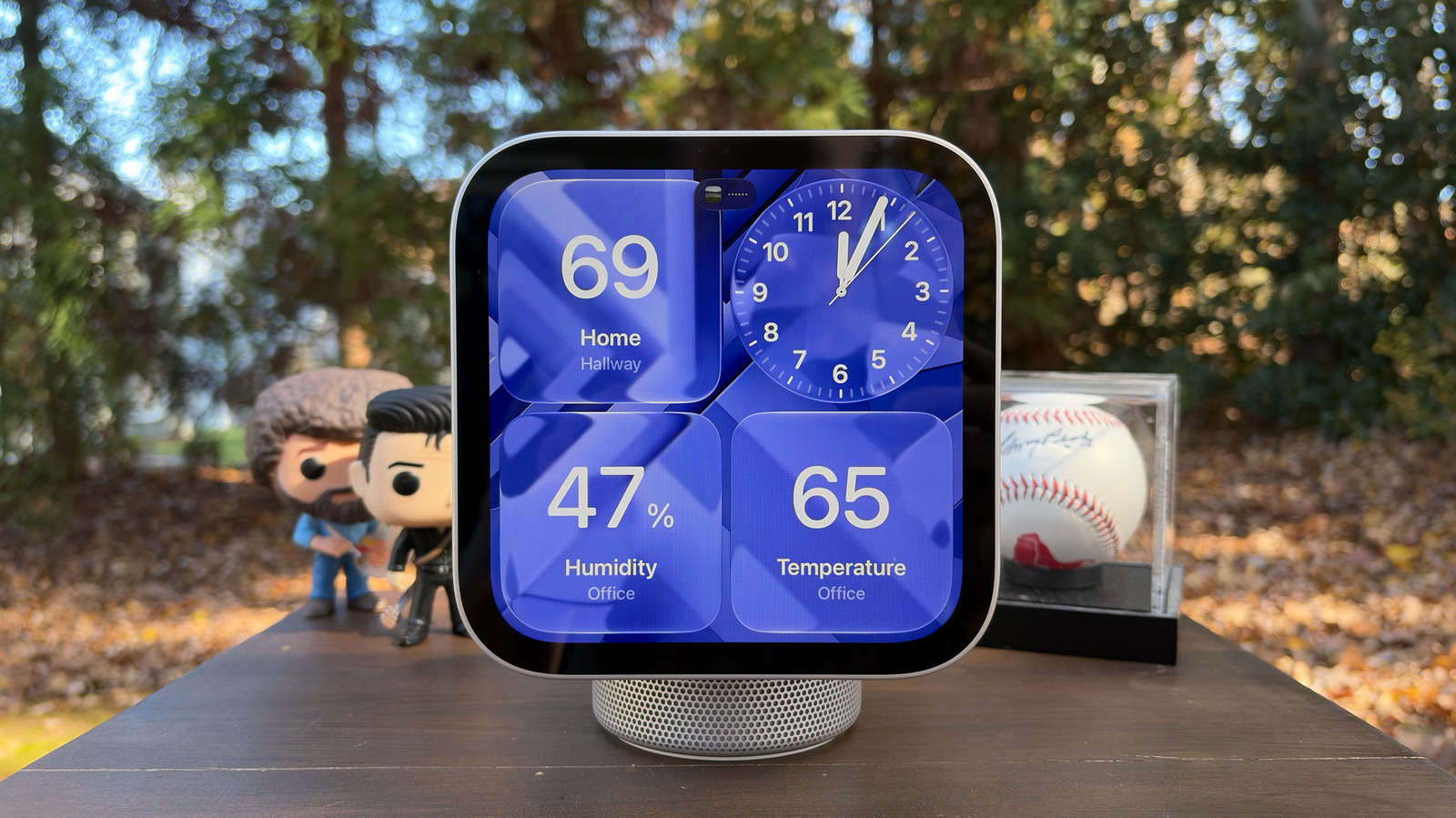
Apple HomeView has arrived, and to set up the smart display, you'll have to use your iPhone or iPad. Unlike other companies' smart displays, the HomeView doesn't run its own apps; it merely mirrors the compatible ones you have on your phone or tablet. It's similar to CarPlay in that regard.

Some of those apps are part of Apple's own core suite, including Calendar, Messages, Reminders and Weather. However, the HomeView will not actually host or have access to your personal information. It will only show things like texts and calendar reminders if it can verify your identity through your face and if your paired iPhone or iPad is nearby. The idea is for all members of your household to be able to use the HomeView without compromising anybody's privacy.

The good news is that pairing it with an iPhone or an iPad is fairly easy. To start with, your iPhone must be running the recently released iOS 27.2, while your iPad must be running iPadOS 27.2. In addition, to be able to make the most of HomeView, you'll have to be comfortable running Apple Intelligence.
In brief

You can also easily add other users to your HomeView display. It will only show things like texts and calendar reminders if it can verify your identity through your face and if your paired iPhone or iPad is nearby. To start with, your iPhone must be running the recently released iOS 27.2, while your iPad must be running iPadOS 27.2.

This is the opening of the story, shared with credit to Engadget. The rest of the report — with every detail — continues on the publisher’s website.

Continue reading at Engadget ↗

Cookie settings

Choose which cookies we may use. You can change this at any time from Cookie settings in the footer. Details of each cookie are in the Cookie Policy.

Strictly necessary

Needed for sign-in, security, payments and remembering these choices. Always on.

Preferences

Remember settings such as dark mode.

Analytics & performance

Help us count visits, understand which pages, devices and countries our readers use, and measure how well the site performs – anonymous and aggregated.

Advertising & marketing

Lets advertising partners show and personalise adverts, measure impressions, clicks and visits, prevent ad fraud and pay us – this is how the free site is funded.

🔔 News notifications

Get headlines from NewsHub on this device — even when the site is closed.

You can switch this off at any time. Works on Android, Windows, Mac and Linux browsers; on iPhone/iPad add the site to your Home Screen first.