📰 Newspapers

How to easily factory reset your Fitbit

How to easily factory reset your Fitbit

There's a difference between restarting and factory resetting your Fitbit.

It can help fix a serious issue or prep your wearable for a new owner.

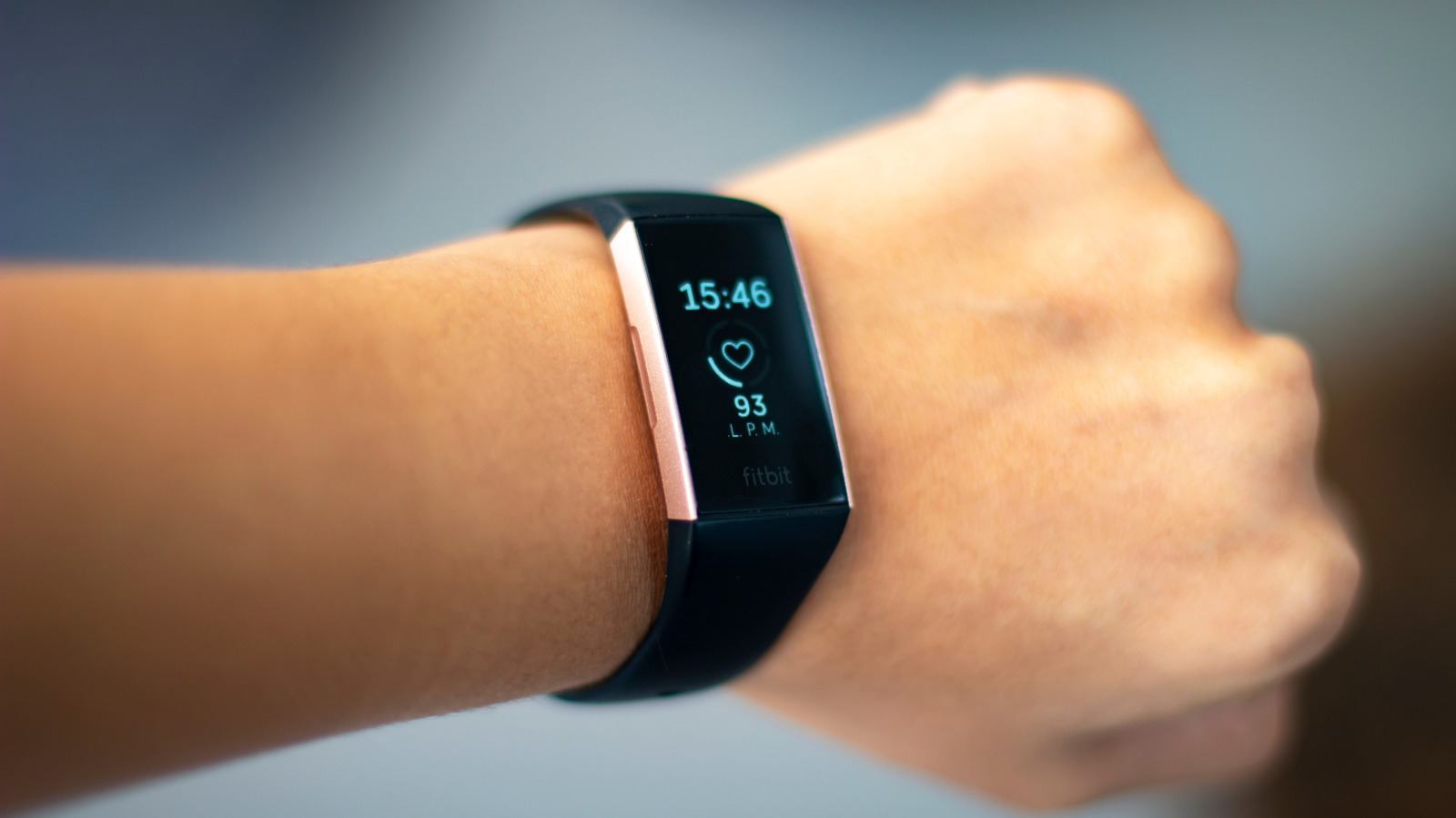
If your Fitbit is acting up, you'll want to restart it, but this is a very different process from a factory reset. You may want to restart your Fitbit if it won't sync with the Google Health app or isn't registering data. However, if the screen is unresponsive to taps or swipes, or it's frozen on a specific screen, you can force a hard restart, which typically involves pressing and holding a button (or buttons) for a specific period of time until the screen resets. How to restart your Fitbit device varies by model. It's a refresh, like turning something off and on again. A factory reset, on the other hand, removes all unsynced settings and data from the device and brings the wearable back to its original state when it was first purchased.

There are only a few times you'll want to factory reset a Fitbit. Do this if you're giving it to someone else or selling it. It's also worth doing for data privacy, if the device is no longer functioning properly and you're dropping it off for safe recycling. Finally, it's a last-ditch effort if a restart isn't fixing a major issue.

In brief

It can help fix a serious issue or prep your wearable for a new owner. If your Fitbit is acting up, you'll want to restart it, but this is a very different process from a factory reset. How to restart your Fitbit device varies by model. There are only a few times you'll want to factory reset a Fitbit.

This is the opening of the story, shared with credit to Engadget. The rest of the report — with every detail — continues on the publisher’s website.

Continue reading at Engadget ↗

Cookie settings

Choose which cookies we may use. You can change this at any time from Cookie settings in the footer. Details of each cookie are in the Cookie Policy.

Strictly necessary

Needed for sign-in, security, payments and remembering these choices. Always on.

Preferences

Remember settings such as dark mode.

Analytics & performance

Help us count visits, understand which pages, devices and countries our readers use, and measure how well the site performs – anonymous and aggregated.

Advertising & marketing

Lets advertising partners show and personalise adverts, measure impressions, clicks and visits, prevent ad fraud and pay us – this is how the free site is funded.

🔔 News notifications

Get headlines from NewsHub on this device — even when the site is closed.

You can switch this off at any time. Works on Android, Windows, Mac and Linux browsers; on iPhone/iPad add the site to your Home Screen first.