Avoid forwarding ports by using this handy tool.
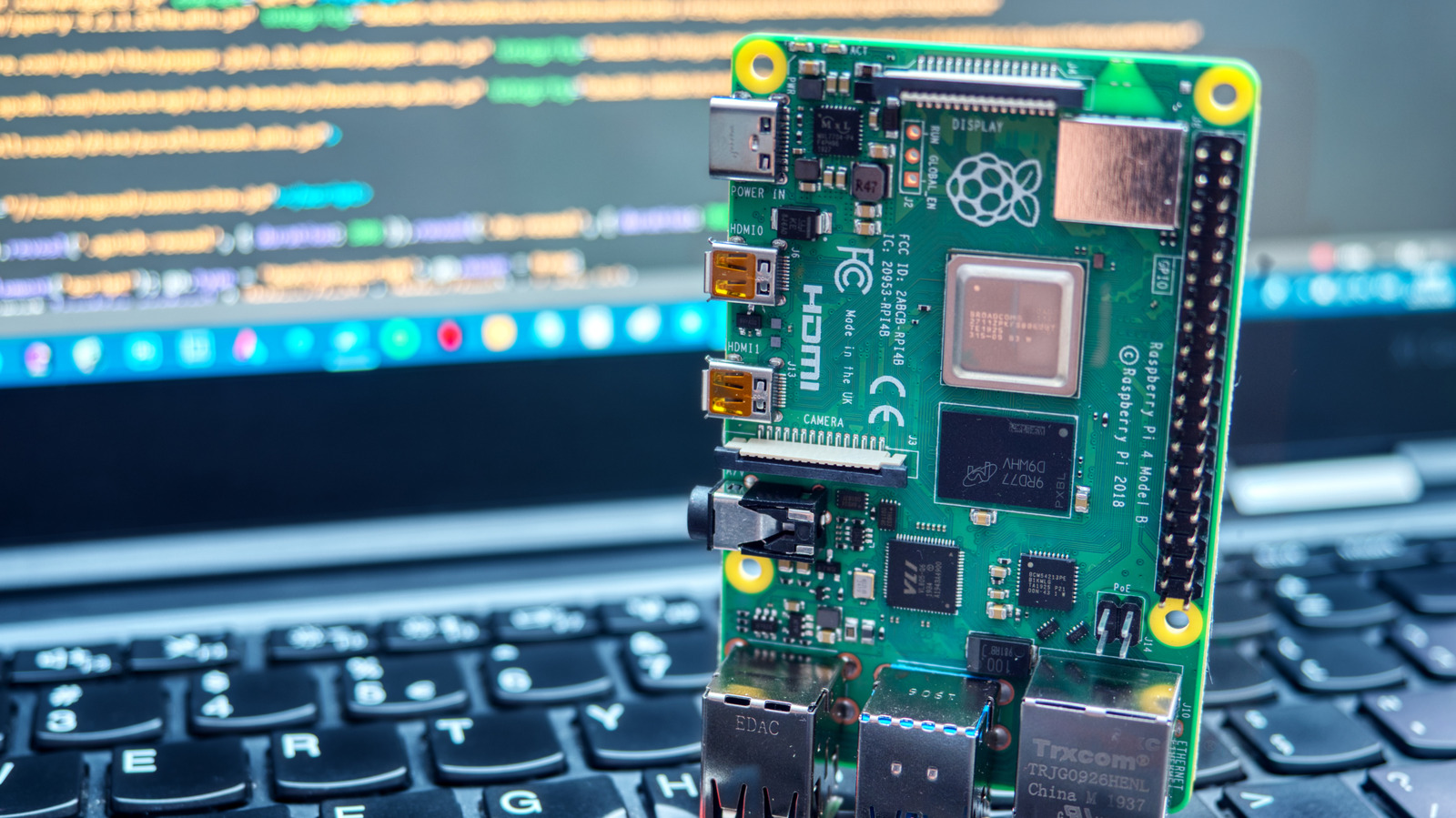
Remote access to a Raspberry Pi is invaluable for home projects when you can't access your device directly. In the past, logging into your Pi meant setting up a VNC service or SSH tunneling, both of which require port forwarding. It can be a hassle for beginners and a potential security risk for certain projects. Thankfully, there's a better way to access your Raspberry Pi remotely without wrangling ports.
Raspberry Pi Connect is a program created by Raspberry Pi that lets you communicate with your Pi unit over the internet from outside your network. It's convenient, doesn't require port forwarding and lets you access your Pi when you're outside your network. The best part is that Connect works automatically with your device if it's running Bookworm or later. Older devices have limited options with Connect, but as long as you're running Pi OS or its Lite variant, you can set it up as quickly as running a few commands in an SSH terminal.
Raspberry Pi Connect leverages WebRTC, a peer-to-peer connection between two web browsers that runs through a secure tunnel. It doesn't require any third-party software on your Pi unit, and its secure nature lets it bypass strict firewalls and restricted NATs.