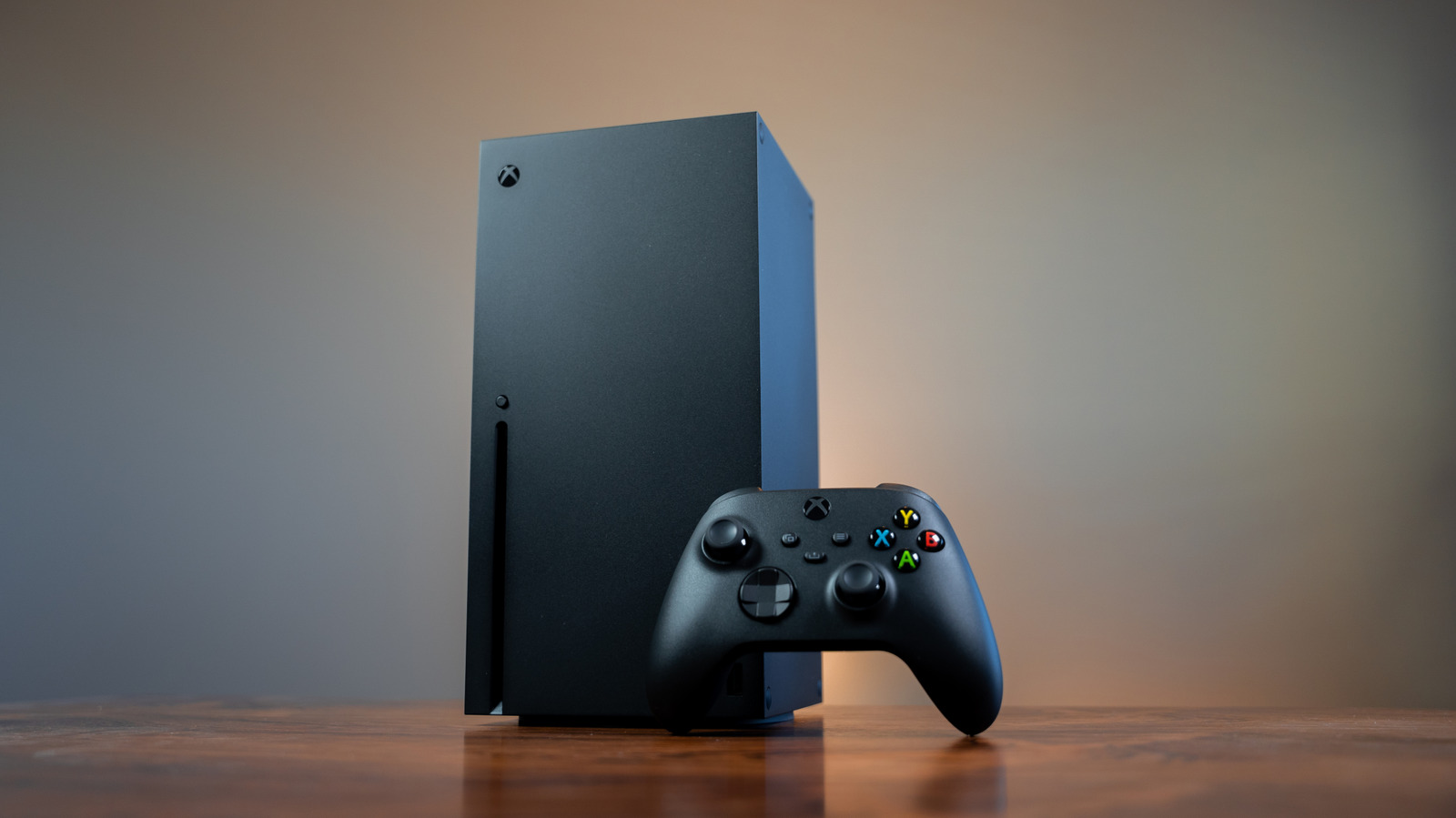
The Xbox Series X never fully turns off, leaving you with two power options.
Modern consoles can gobble up a lot of electricity during gaming sessions, and even when they're turned off, they draw a trickle of power. There is a way to help curb that energy consumption, though, and on the Xbox Series X, it's as easy as toggling a menu option. Xbox Series X consoles have two power modes, and while there's a significant difference in how much electricity each one uses, they both offer unique functionalities that can make your gaming life more seamless.
When you hold the Xbox button on a connected gamepad to power off your Series X, you'll see an option labeled Turn off console. However, you can actually set whether that totally shuts the Xbox down or simply puts it to sleep. From the console's main screen, pop open the guide by pressing the gamepad's Xbox button, click into Settings under Profile & System, and then navigate to Power options. Here, you can choose between Shutdown or Sleep to determine what happens when you power down your console.
Shutdown is the Xbox Series X's energy-saving option, and it's also the console's default power mode. With Shutdown selected, Microsoft says your console will consume 20 times less power than when it's in Sleep.